Legible
Legible
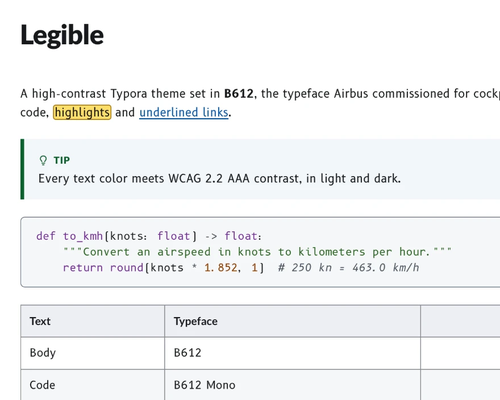
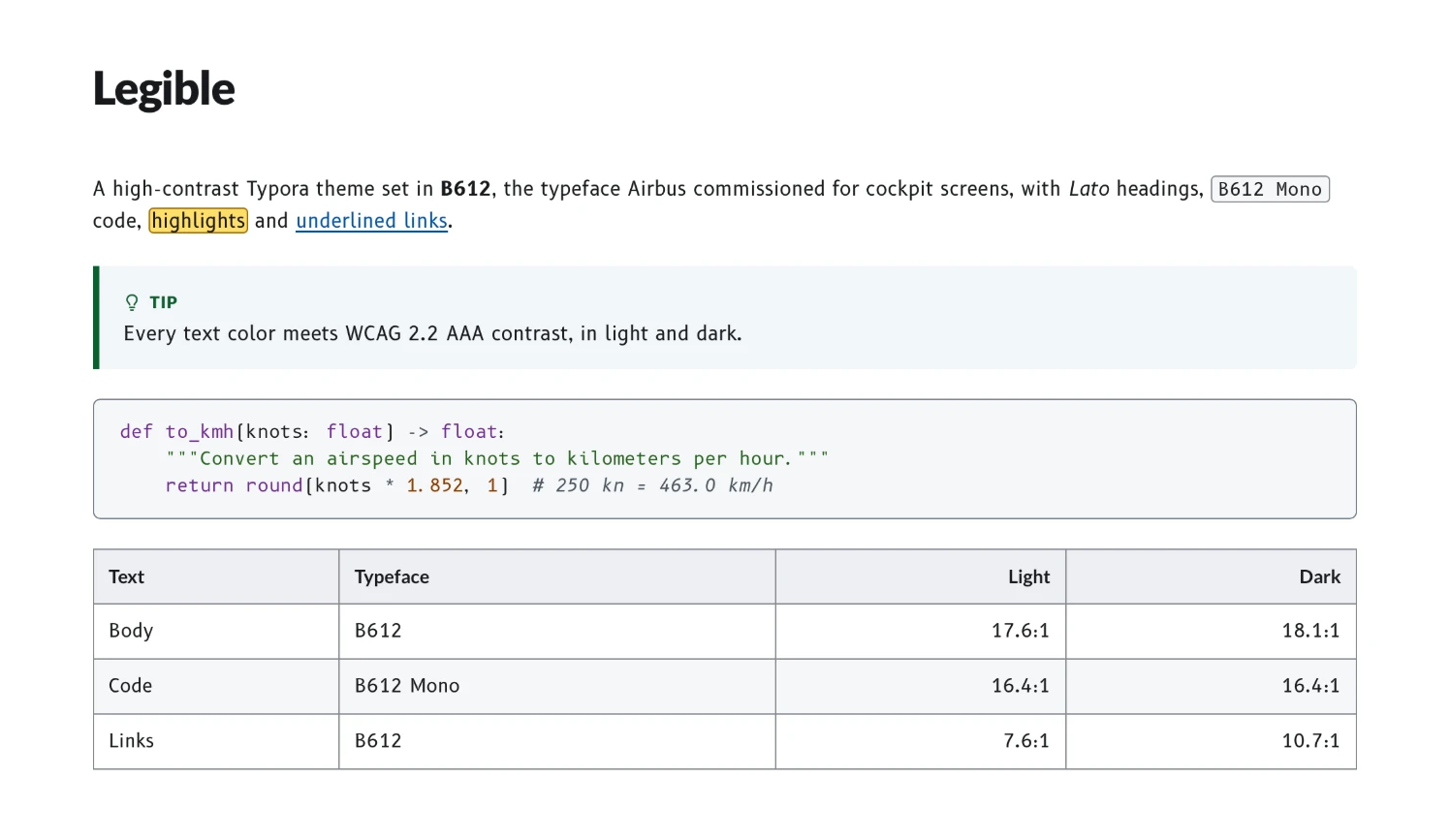
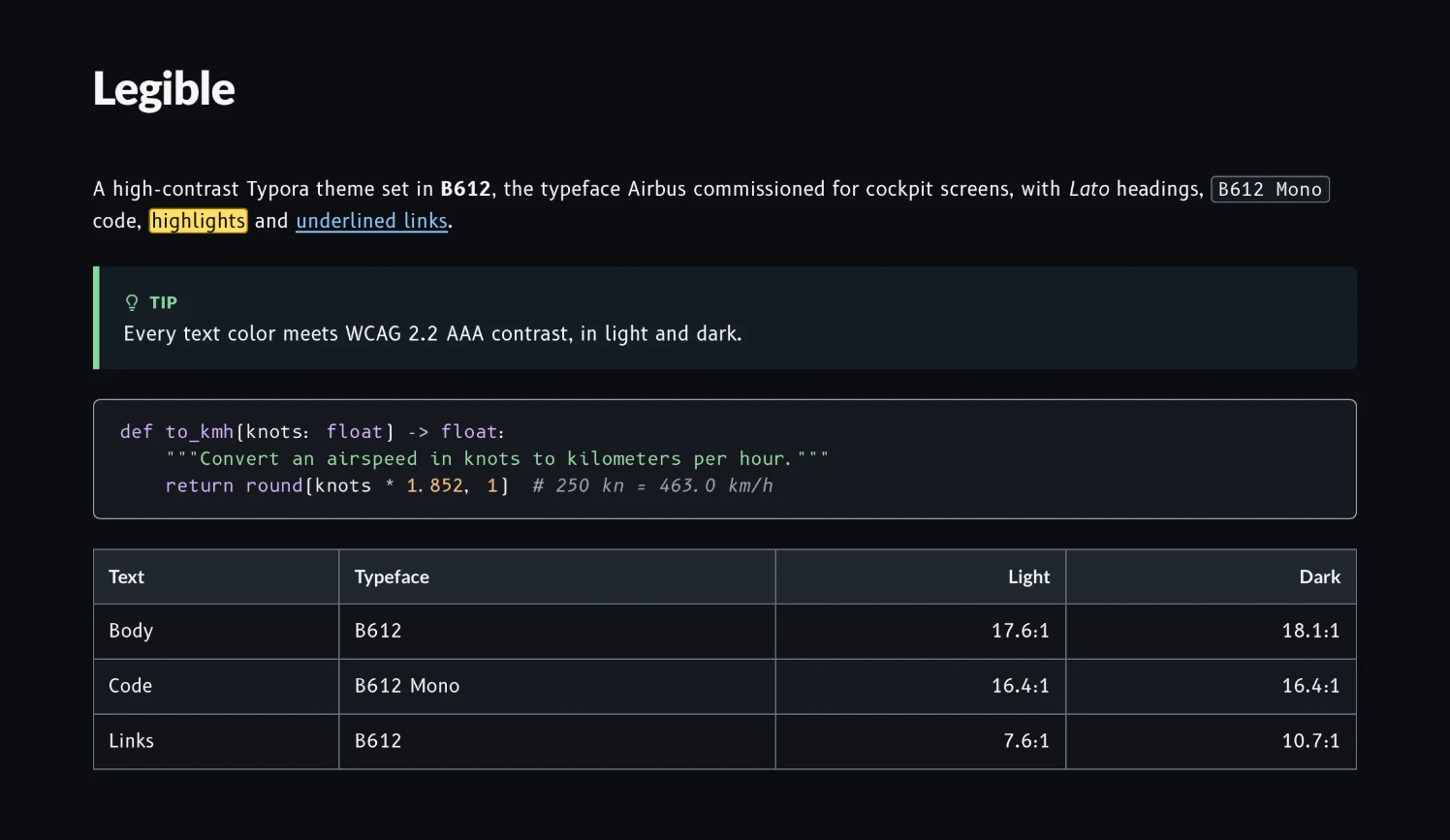
Legible is a high-contrast theme in light and dark, set in B612, the typeface Airbus commissioned for cockpit screens, with Lato headings. Every letter of B612 keeps its basic shape yet looks as unlike the others as possible, so none can be mistaken for another.
See it live: the sample page, exported from Typora, with a switch for Legible Dark.
Highlights
- Accessible: every text colour meets WCAG 2.2 AAA contrast (7:1), and borders and focus rings meet 3:1, in both light and dark.
- Room for code: code blocks fit 80 columns, and 100 or 120 in wider windows. Box-drawing and block characters stay on the grid.
- Print-ready: PDFs print on white, with 80-column code on A4 and Letter, from either theme.
- Nothing else to install: all eight B612 styles and three Lato weights come with the theme.
Screenshots
Legible
Legible Dark
Installation
- Download and unzip Legible.
- In Typora, choose Preferences › Appearance › Open Theme Folder.
- Copy
legible.css,legible-dark.cssand thelegiblefolder there. - Restart Typora, then choose Themes › Legible or Legible Dark.
Licence
The theme is MIT. B612 and Lato are under the SIL Open Font License 1.1.