Inkwell Blue
Inkwell Blue
Inkwell Blue is a light Typora theme with a calm sky-and-sea blue palette. It is designed for technical notes and long-form writing, with clear visual separation between headings, code blocks, tables, images, and the document background.
Highlights
- Comfortable reading width: the editor adapts to the window while retaining balanced margins on wide screens.
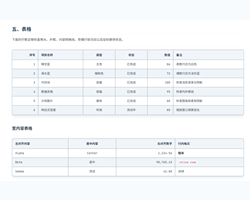
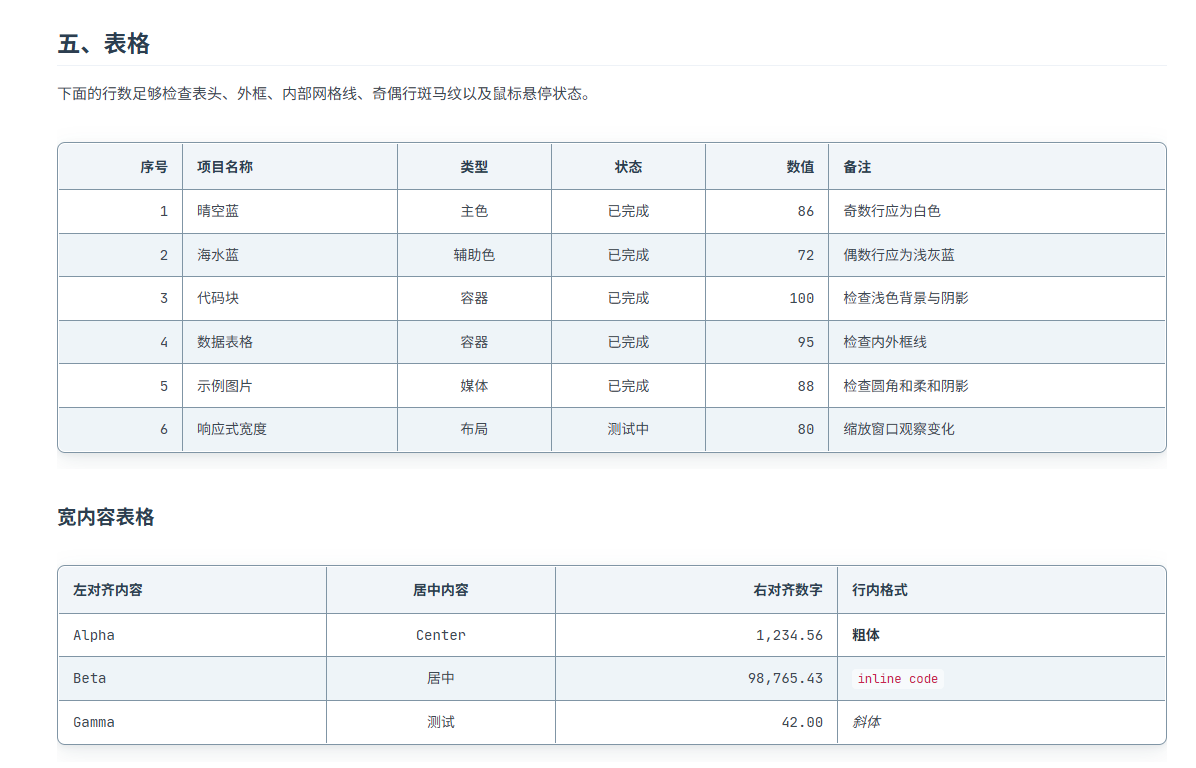
- Clear tables: visible outer borders and cell grid lines, plus subtle white-and-blue zebra striping for easier row tracking.
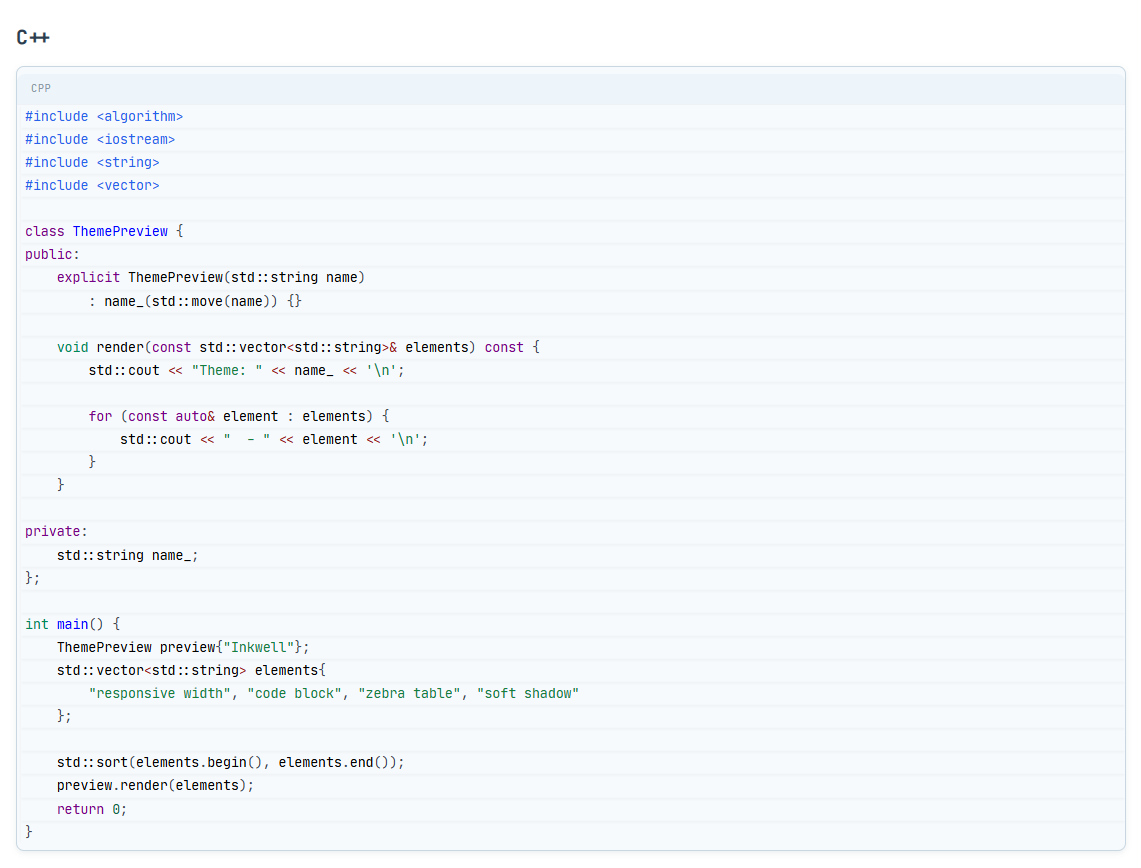
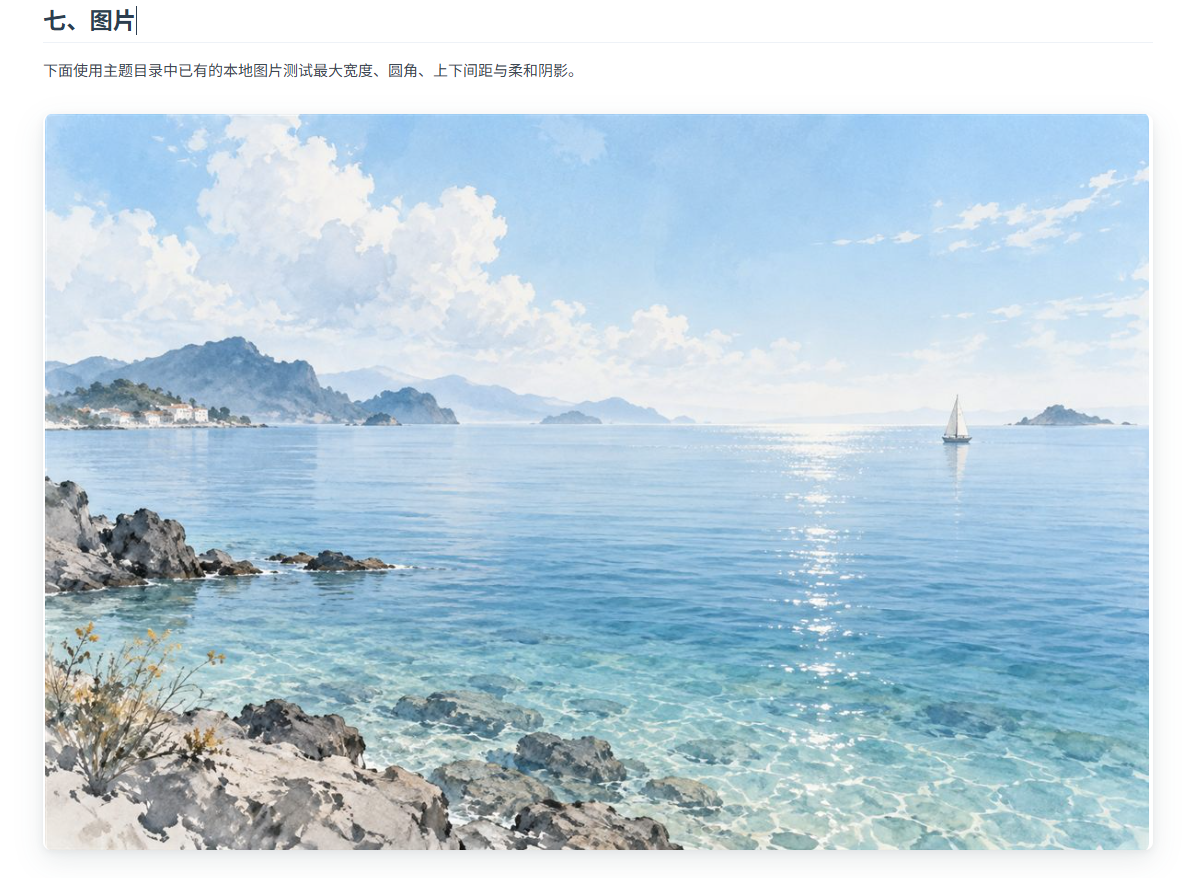
- Distinct content blocks: code blocks use a lightly tinted surface, while tables and images receive soft shadows.
- Programming-friendly typography: JetBrains Mono is bundled for Latin text and code, with system CJK sans-serif fallbacks.
- Syntax highlighting: comments are muted gray while C and C++ preprocessor directives and header references remain distinct.
- PDF-aware styling: print rules suppress editor-only heading anchor markers during PDF export.
Screenshots
Typography

Tables
Code
Images
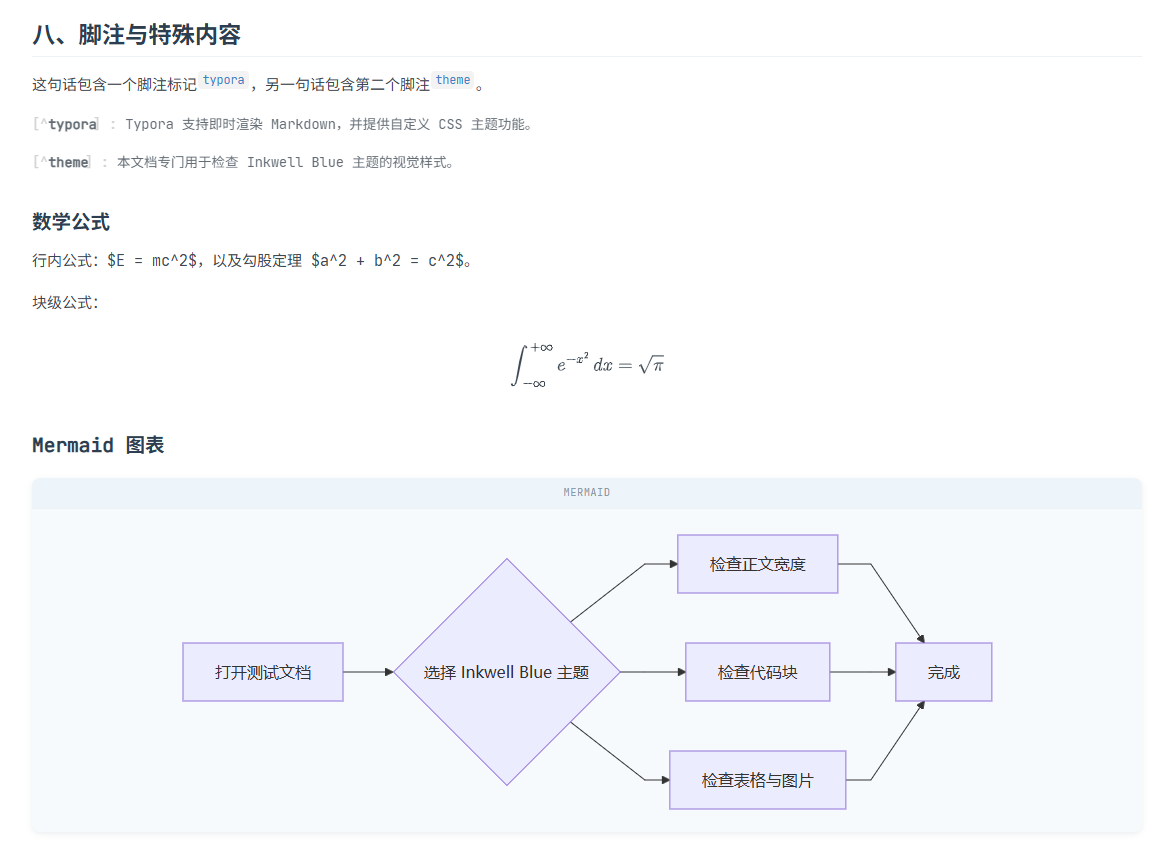
Math and diagrams
Installation
- Download and extract Inkwell Blue.
- In Typora, open Settings → Appearance → Open Theme Folder.
- Copy
inkwell-blue.cssand the completeinkwell-blue/resource folder into the theme folder. - Restart Typora and select Inkwell Blue from the Themes menu.
License and attribution
Inkwell Blue is based on Inkwell by toxic-19. The theme is distributed under the MIT License, with the original copyright and permission notice preserved. The bundled JetBrains Mono font is distributed under the SIL Open Font License 1.1.