Fro
typora-fro
A Typora theme in the spirit of VitePress’s default look. Light first, with a dark scheme that follows your system appearance.
What’s in it
- Dark mode that follows the system appearance — no setting to remember, and native controls (scrollbars, form fields, tooltips) flip with it.
- Code highlighting built on the palette of lig.nvim: colour for structure, actions and references only, so keywords and identifiers stay out of the way. Separate ramps for light, dark and print.
- Callouts, task lists, footnotes, tables, math, diagrams, source code mode and the sidebar — all painted from one set of CSS custom properties, so a colour scheme is a token block rather than a second copy of every rule.
- Print and export styles: paper stays light whatever your system appearance is.
- No remote fonts and no icon fonts. The theme renders offline.
Designed and tested on macOS. It should work on Windows and Linux, but neither has been re-tested since the 0.1.0 rewrite — open an issue if something looks off there.
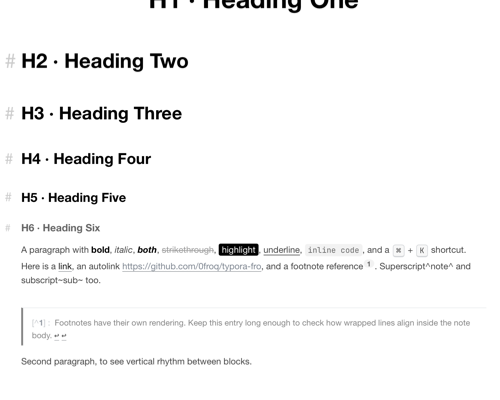
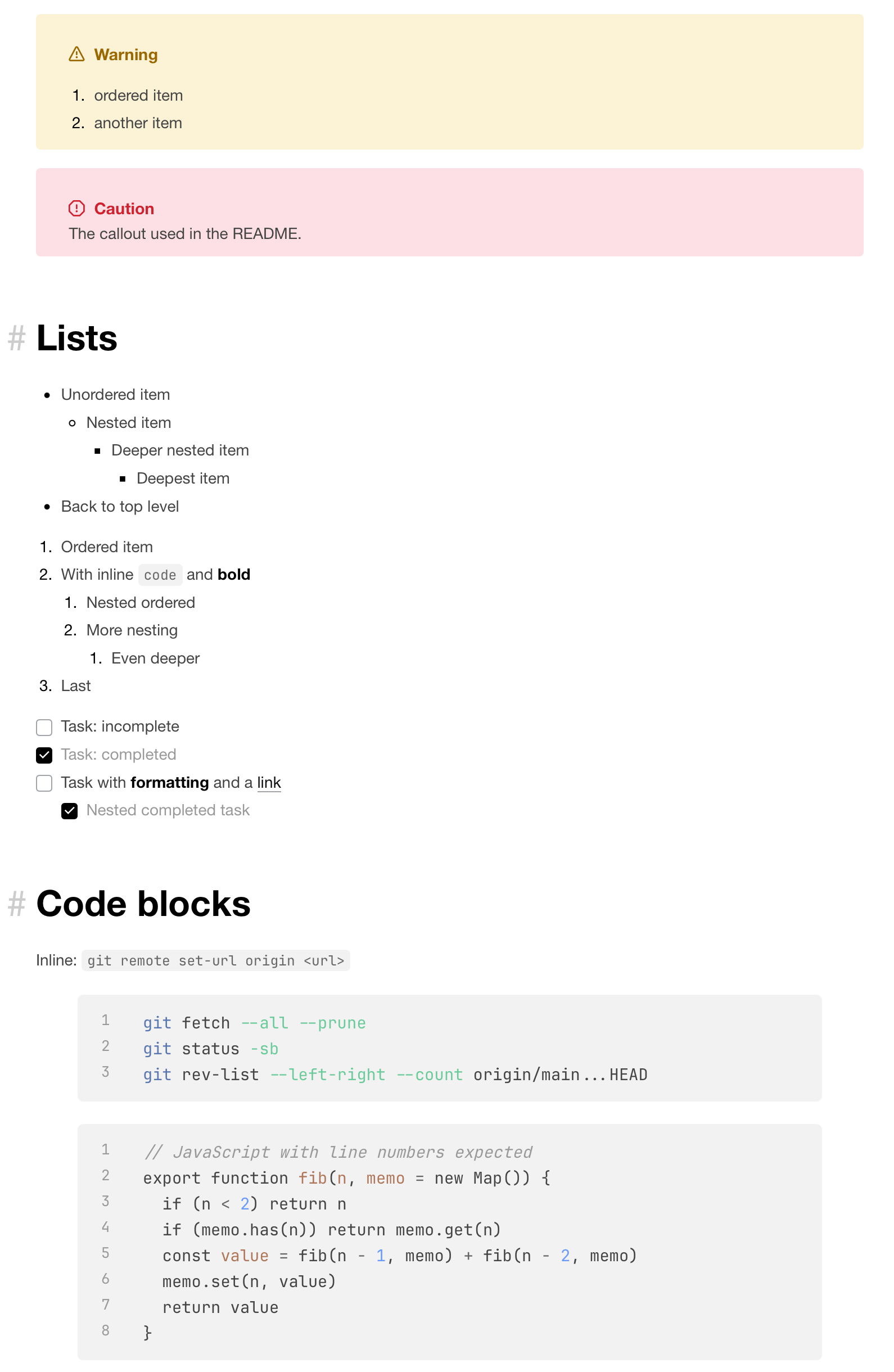
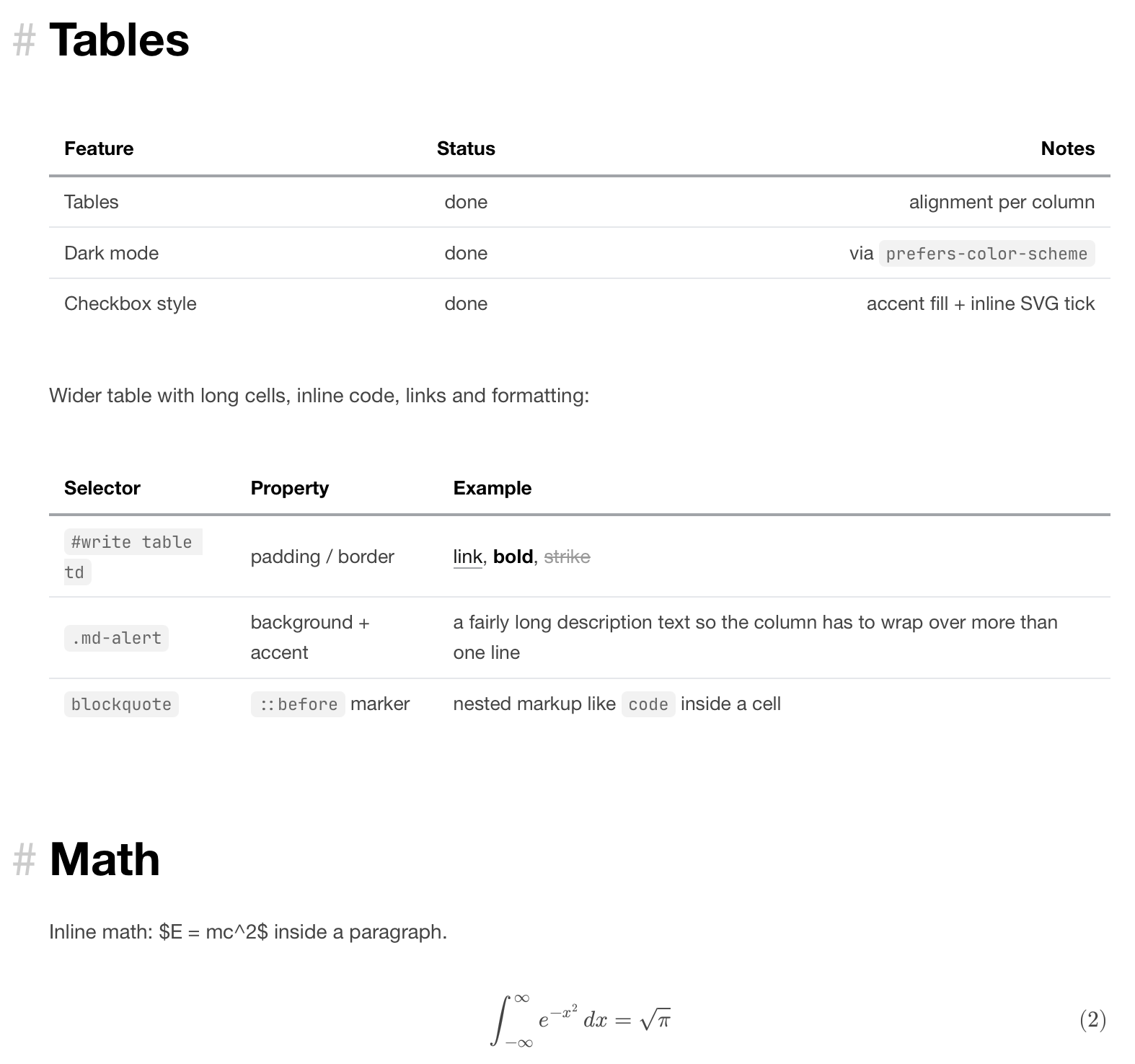
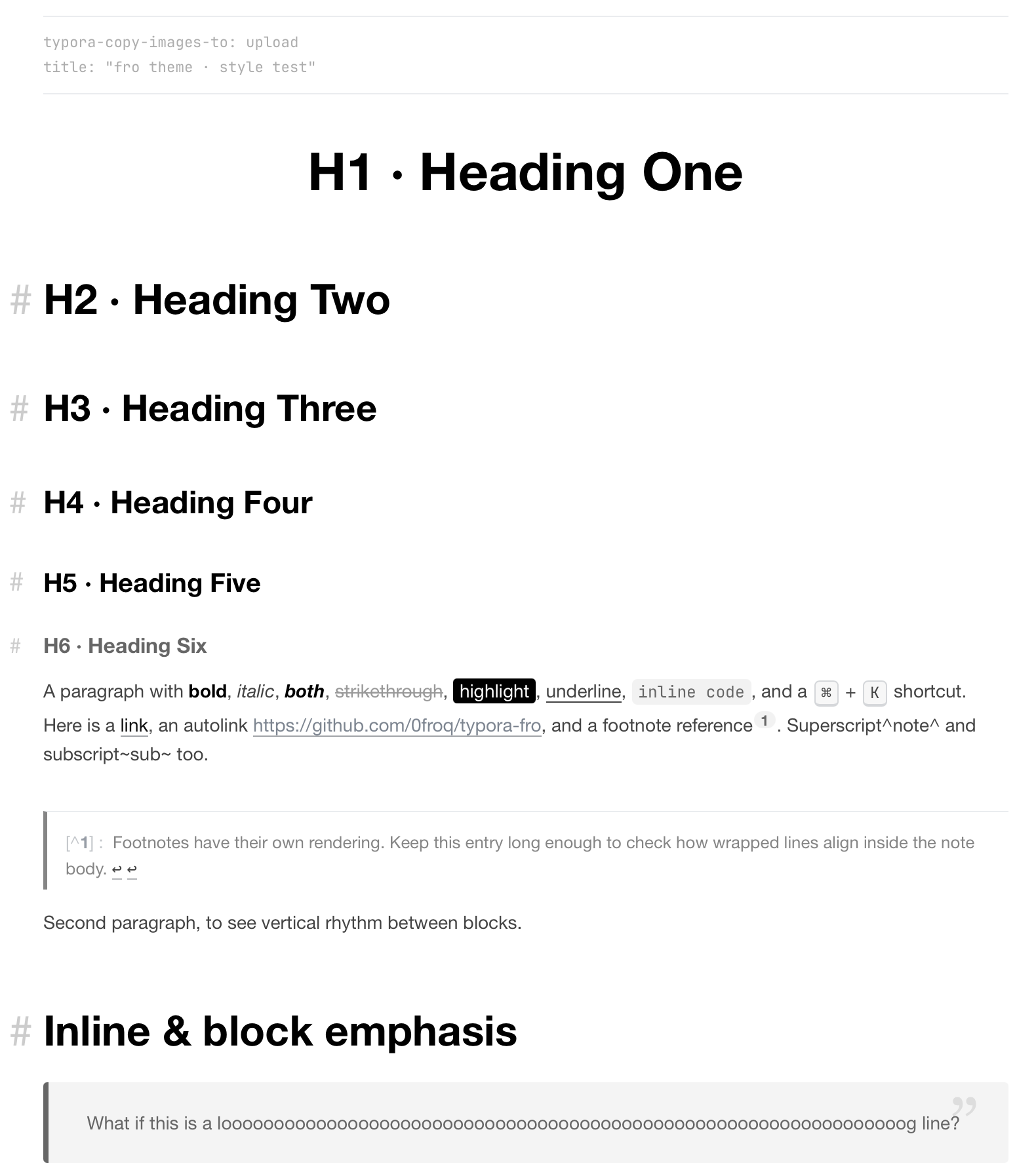
Screenshot
Installation
- Get
fro.cssfrom the latest release — it is attached there as a single file. - Launch Typora and go to
Settings...→Appearance→Open Theme Folder. - Copy
fro.cssinto that folder. - Restart Typora — theme files are read at launch, not when they change on disk.
- Choose
frounderAppearance.
Dark mode needs nothing extra: it follows the system appearance.
Changes
See CHANGELOG.md. Current release: v0.1.0.
About
The 2024 original took its style from my blog as it looked then. The blog has since been rewritten and no longer resembles this theme, so don’t go there expecting a match — what the screenshots show is what the theme is.
Feel free to report bugs and tell me your ideas about the design.
I also maintain a theme for Obsidian, Qlean. It doesn’t share this theme’s design, but you’re welcome to look if Obsidian is also in your pencil-box.
Contact
GitHub: @0froq Email: sayhola@froq.me
License
Released under the MIT License.