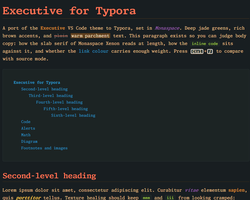
Executive
Executive
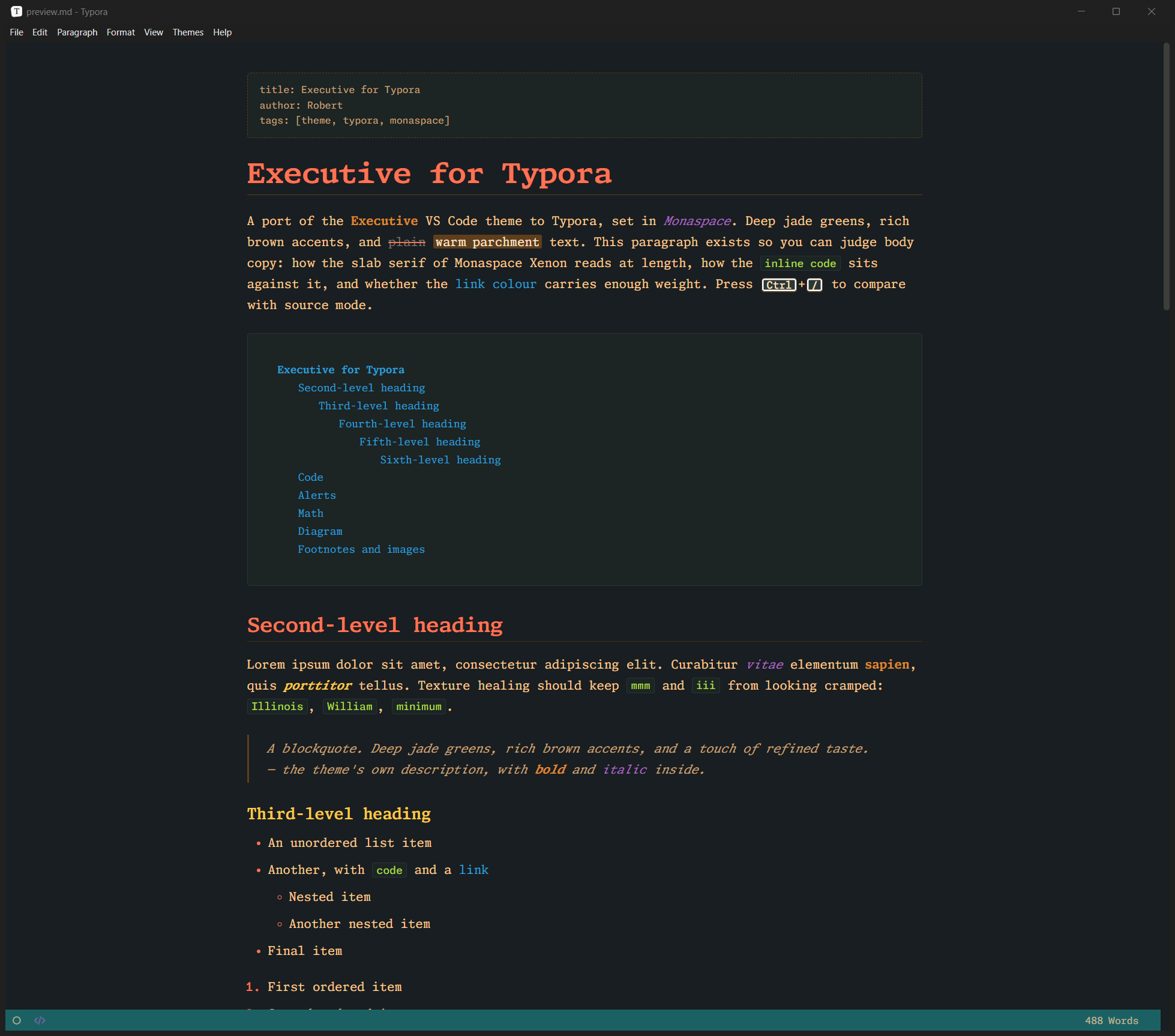
A port of the Executive VS Code colour theme to Typora, set in GitHub’s Monaspace type system. Deep jade greens, rich brown accents, warm parchment text.
Every colour is lifted from the VS Code theme’s JSON, and each variable in the stylesheet is annotated with the VS Code key it came from, so the two editors match.
Highlights
- Monaspace throughout. Prose and headings in Monaspace Xenon, code in Monaspace Neon, mermaid diagrams in Monaspace Argon. All five variable families ship inside the theme folder under the SIL Open Font License, so nothing needs installing and the theme renders the same on every platform.
-
Texture healing and ligatures. Monaspace’s
calttexture healing and all nine coding-ligature sets are on in both prose and code. They are scoped to Monaspace elements only, so Typora’s own menus and dialogs are unaffected. - Whole-app styling. Sidebar, file tree, outline, search, quick open, context menus, dialogs, preferences, source mode and focus mode all follow the palette.
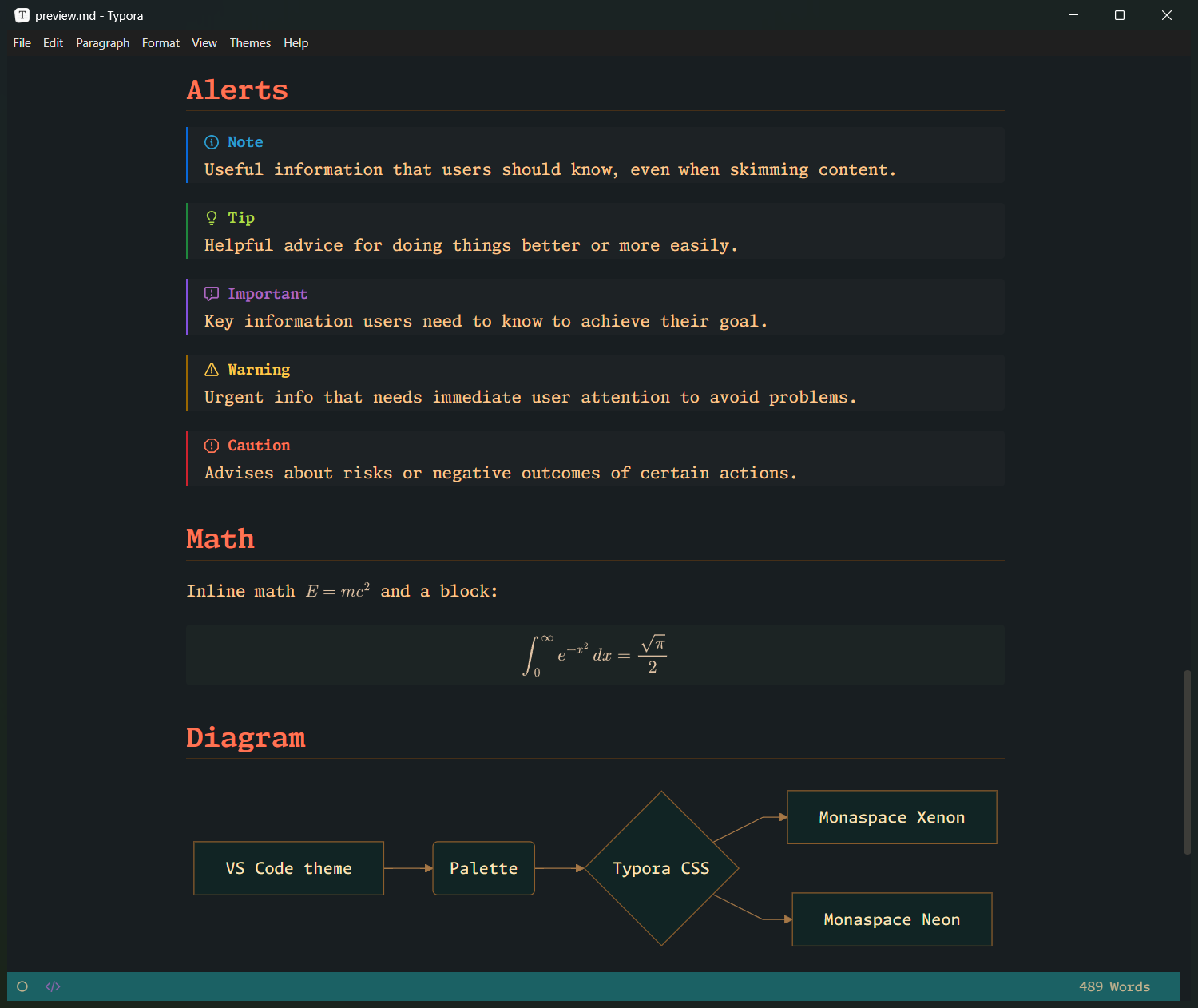
- Document coverage. Headings, GitHub-style alerts, task lists, tables, footnotes, front matter, table of contents, MathJax, and fenced code with the Executive syntax palette.
- Mermaid in the palette. Flowchart, sequence, state and class diagrams get jade nodes, brown borders, tan edges and Argon labels.
-
Easy to customise. All colours are
--exec-*CSS variables; the three font roles are three variables at the top of the file.
Screenshots
Installation
- Download the latest release from the releases page and extract it.
- In Typora, open Preferences → Appearance → Open Theme Folder.
- Copy
executive.cssand theexecutive/folder into that folder. - Restart Typora and choose Themes → Executive.
Tested on Typora for Windows. macOS and Linux use the same bundled fonts and selectors but have not had a full visual pass yet.
License
The theme stylesheet is MIT. The bundled Monaspace fonts are under the SIL Open Font License 1.1, with the licence text included in the font folder. The palette comes from the MIT-licensed Executive VS Code theme by Kyle Alm and contributors.