AMatriz
AMatriz
AMatriz is a Matrix-inspired Typora theme family for high-contrast technical writing, engineering notes, handoff documents, Markdown validation, and PDF export.
Variants
-
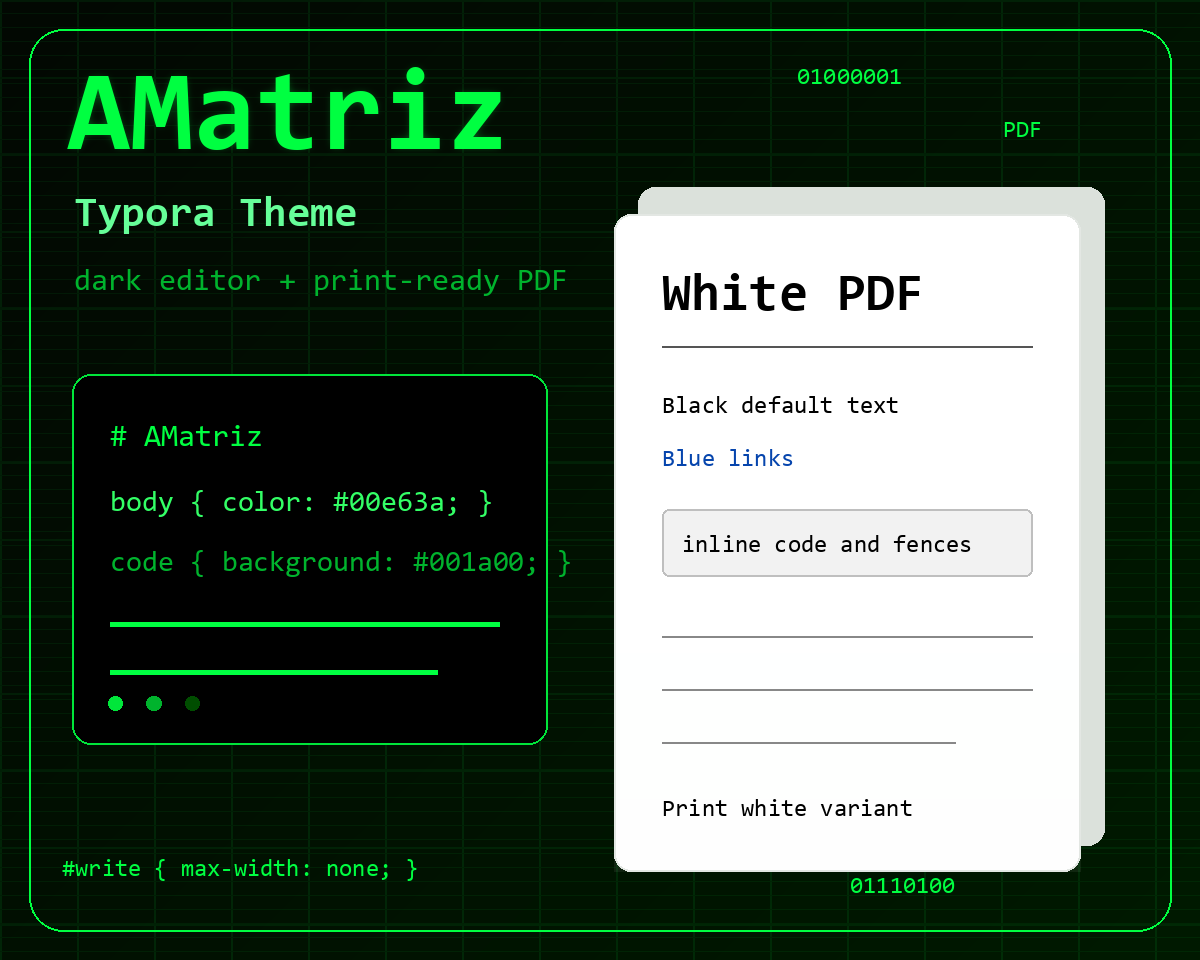
amatriz.css- dark editor and dark PDF output for screen reading and dark reference PDFs. -
amatriz-print-white.css- the same dark editor experience with white-background PDF output for hardcopy printing and paper-style review.
Features
- Green-on-black editor surface with styled sidebar, file tree, outline, preferences, and export UI coverage.
- Readable heading hierarchy, lists, blockquotes, tables, inline code, fenced code blocks, math, Mermaid diagrams, and Unicode samples.
- Print rules for A4-friendly margins, repeating table headers, PDF table borders, code panels, and Mermaid containment.
- White-print variant with black default Markdown text, blue links, yellow highlights, light code panels, and preserved authored inline HTML colors.
Platform
Developed and tested on Typora for Windows. The themes are standalone CSS files and should work on other Typora desktop platforms, but PDF output may vary by Typora version and operating-system print engine.
Preview
Installation
Download the latest release, then copy amatriz.css and amatriz-print-white.css into Typora’s theme folder.
Restart Typora and select AMatriz for the dark theme or AMatriz Print White for the white-print export variant.
Validation & Reference Files
This theme includes a full test suite and sample PDF exports for inspection:
-
Typora-Test-File-v1.0.1.md- Complete feature validation Markdown test suite. -
Typora-Test-File-v1.0.1-PDF_With_Amatriz_v1.0.1.pdf- Sample dark PDF export. -
Typora-Test-File-v1.0.1-PDF_With_Amatriz_Print_White_v1.0.1.pdf- Sample white-print PDF export.
License
MIT License. Copyright (c) 2026 Electritects Pty Ltd. The theme license applies to the theme files, not to user-authored documents or PDFs created while using the theme.