Swiss
Swiss
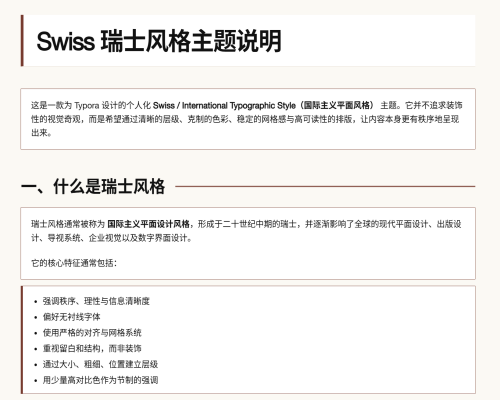
Swiss is a Typora theme inspired by Swiss / International Typographic Style. It focuses on clear hierarchy, restrained color, deliberate spacing, and a steady grid-like reading rhythm for structured Markdown writing.
Features
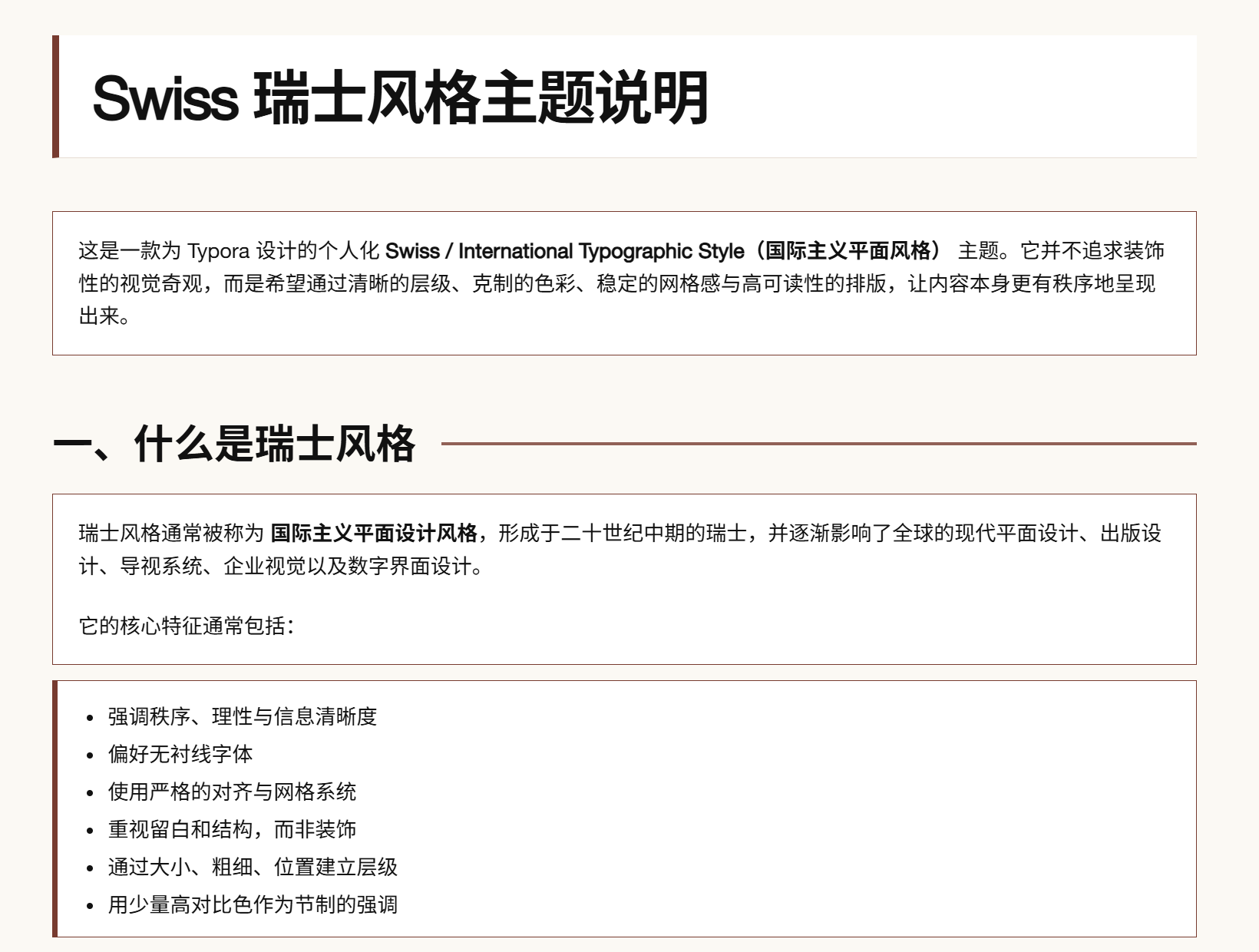
- Uses a warm paper-like background with crisp white content surfaces.
- Builds document hierarchy through strong typographic scale, alignment, and ruled headings.
- Applies a restrained deep red accent for headings, lists, borders, and emphasis.
- Keeps code blocks, tables, blockquotes, and regular prose visually consistent.
- Works well for technical documents, course assignments, research notes, resumes, project pages, and portfolio-style Markdown.
Installation
- Download the latest release and extract it.
- In Typora, open
Preferences->Appearanceand clickOpen Theme Folder. - Copy
swiss.cssinto Typora’s theme folder. - Restart Typora and select
Swissfrom the Themes menu.
Designed with a Swiss / International Typographic Style approach. Please report platform-specific display issues in the project repository.
For source, updates, and installation notes, visit ChivaLryCieux/swiss-theme.