Notion Style

Designed and tested on macOS. Not fully tested, but should work for Windows/Linux.But this theme does not include styles for Windows “unibody” style
Introduce
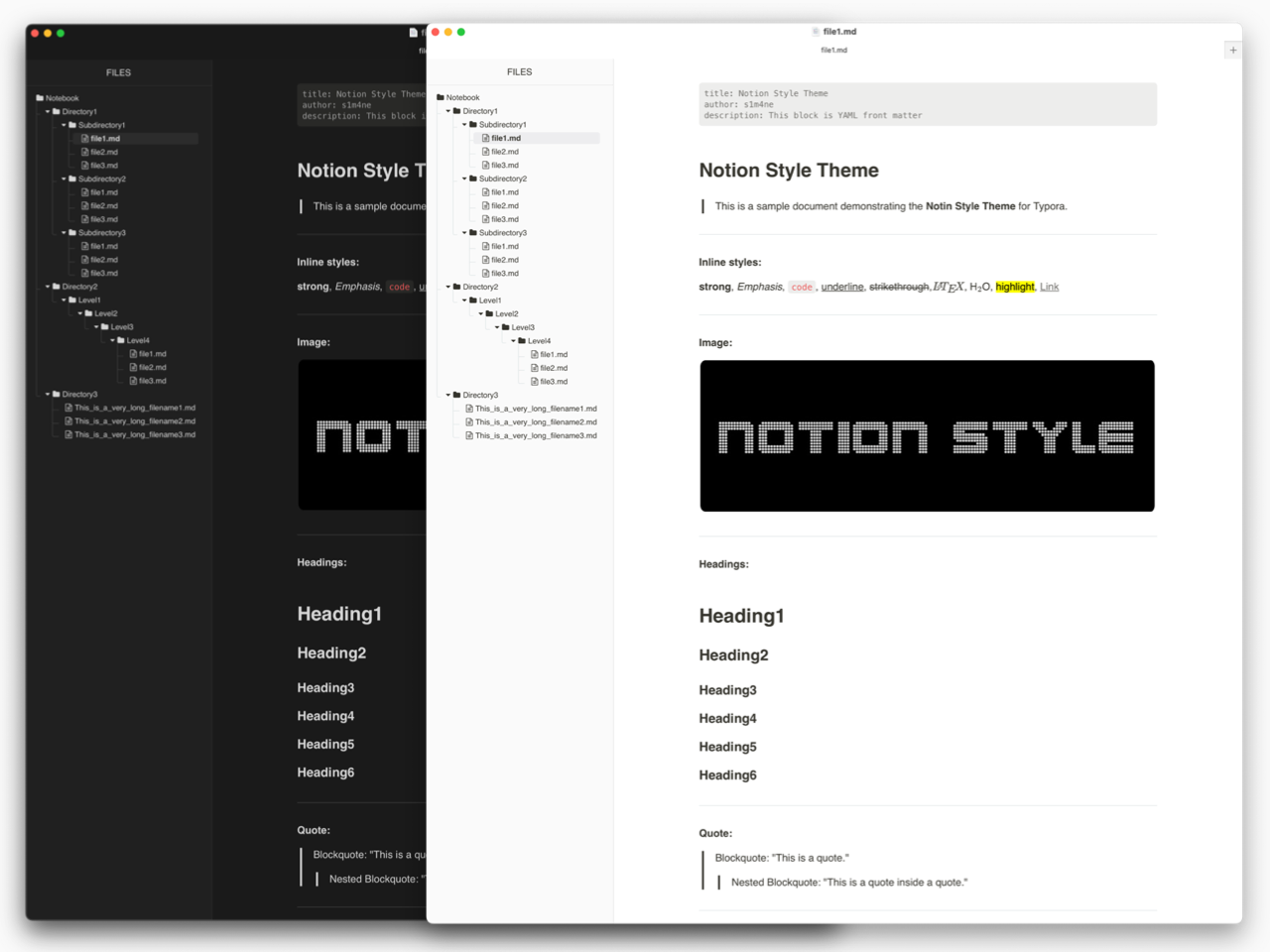
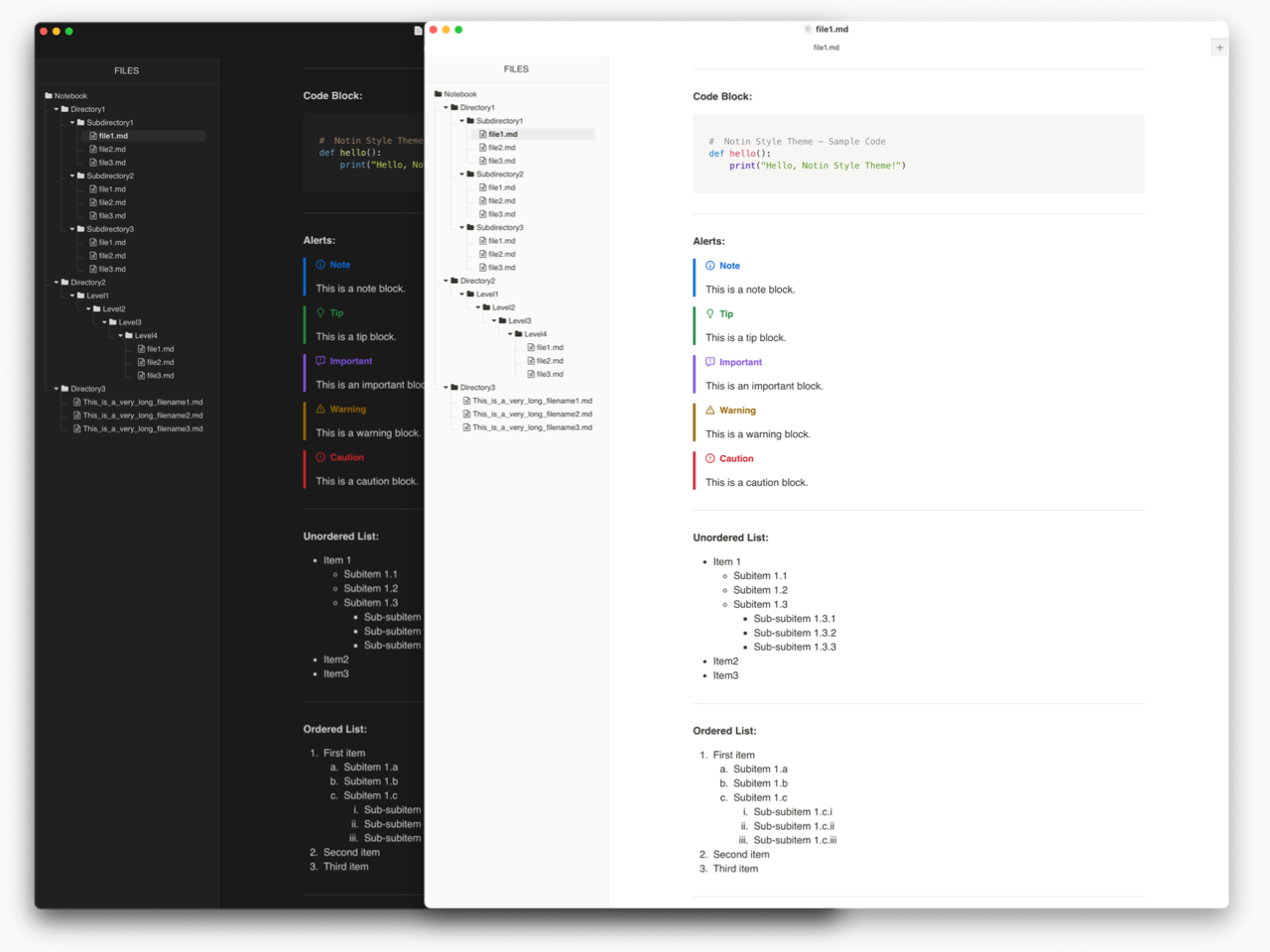
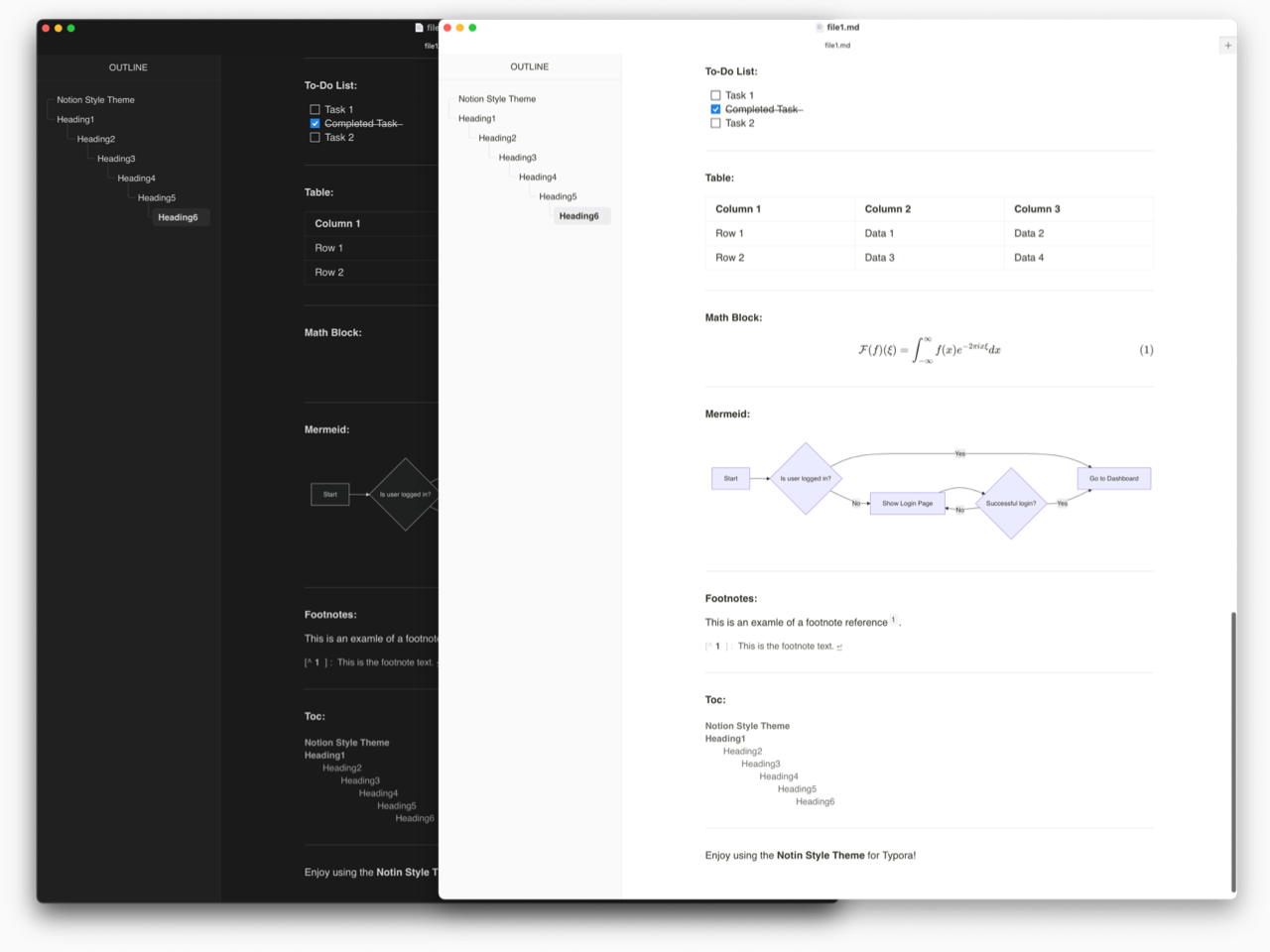
- Notion-like design for a clean and minimal look.
- Compact file tree to display more files and directories.
- Precise replication of Notion’s aesthetics.
- The file tree and outline styles are based on Mdmdt. Adjustments have been made to the size, color, and some elements to better integrate with the overall Notion-like theme.
Preview
Installation
Installing this theme is easy—just move the CSS file into Typora’s theme directory.
Steps to Install
-
Download the CSS file (
notion-style-light.cssornotion-style-dark.css) from this link. -
Open Typora and go to
Settings→Appearance→Open Theme Folder. -
Move the downloaded CSS file into the opened theme folder.
-
Restart Typora and go to
Settings→Appearanceto select the theme(Notion Style LightorNotion Style Dark).
Now the theme should be applied successfully.
Credits
This project is based on Mdmdt for the secondary development of the file tree and outline design. Adjustments have been made to better fit the Notion-like aesthetics.
Special thanks to the creator of Mdmdt for their great design and inspiration.
License
This project is licensed under the Apache License 2.0.
See the LICENSE file for details.
Hope you enjoy this theme! If you do, a ⭐ on GitHub would mean a lot. 😊