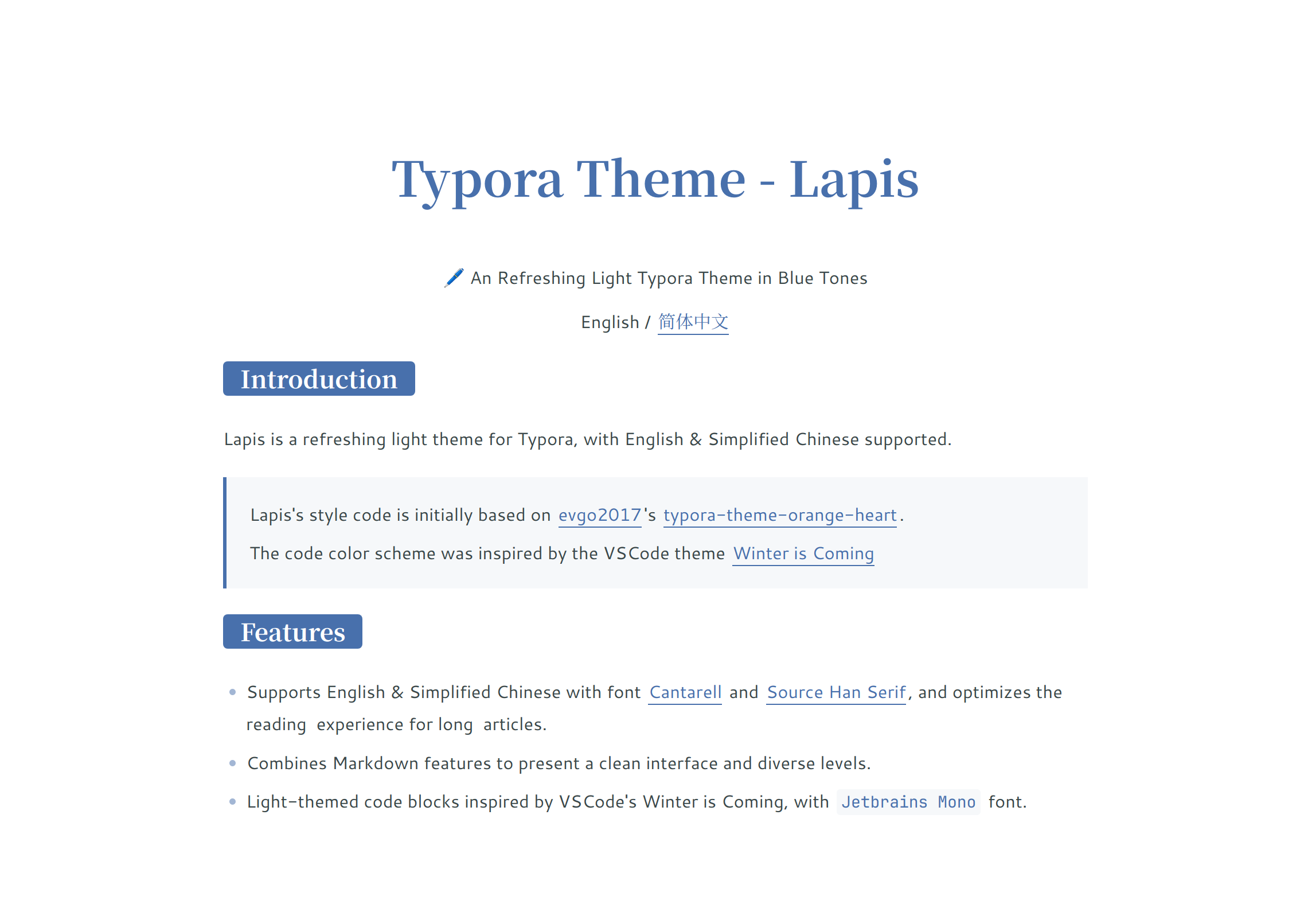
Lapis
🖊️ A Clean and Rich Theme in Blue Tones
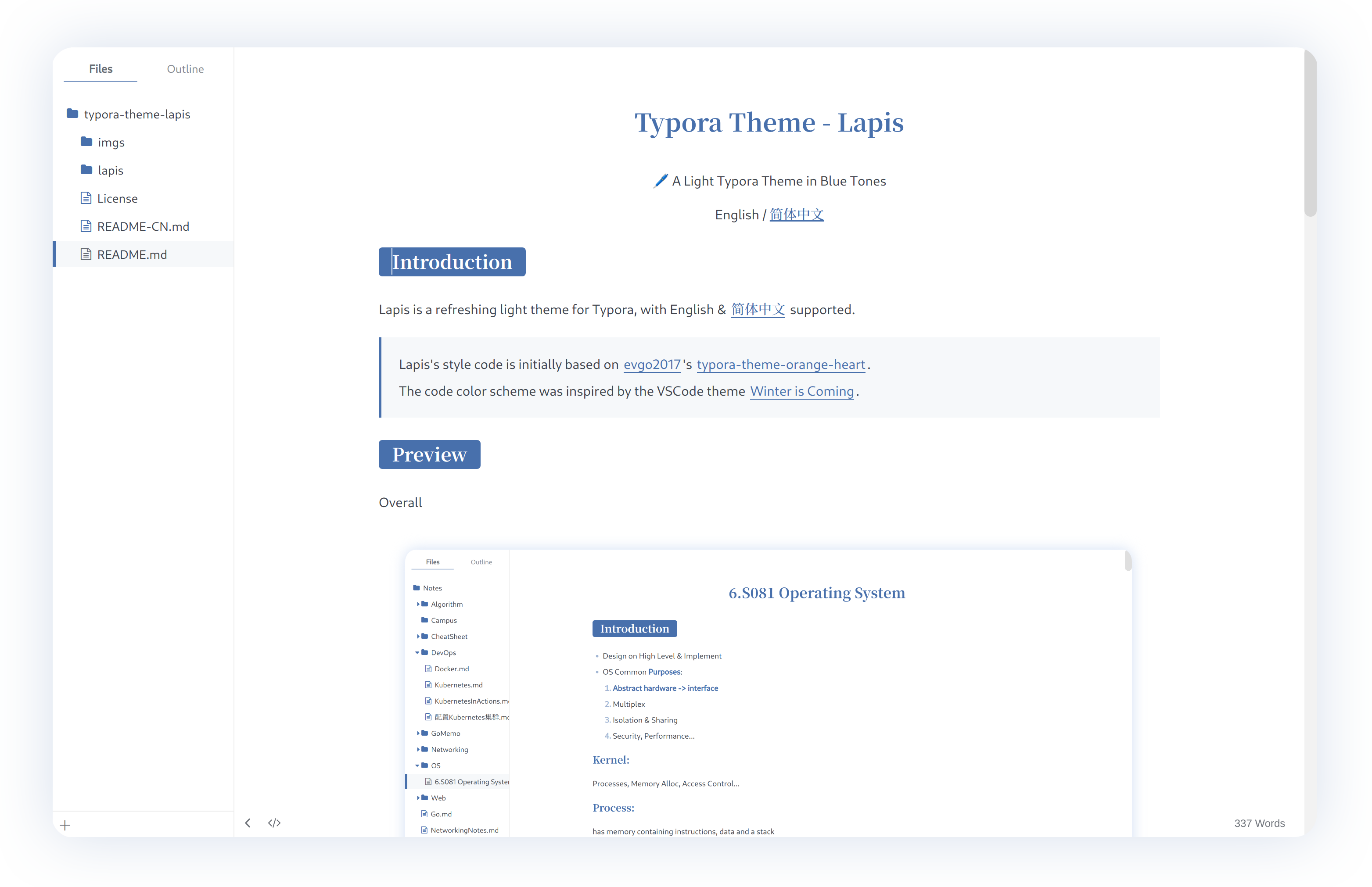
Overall Preview
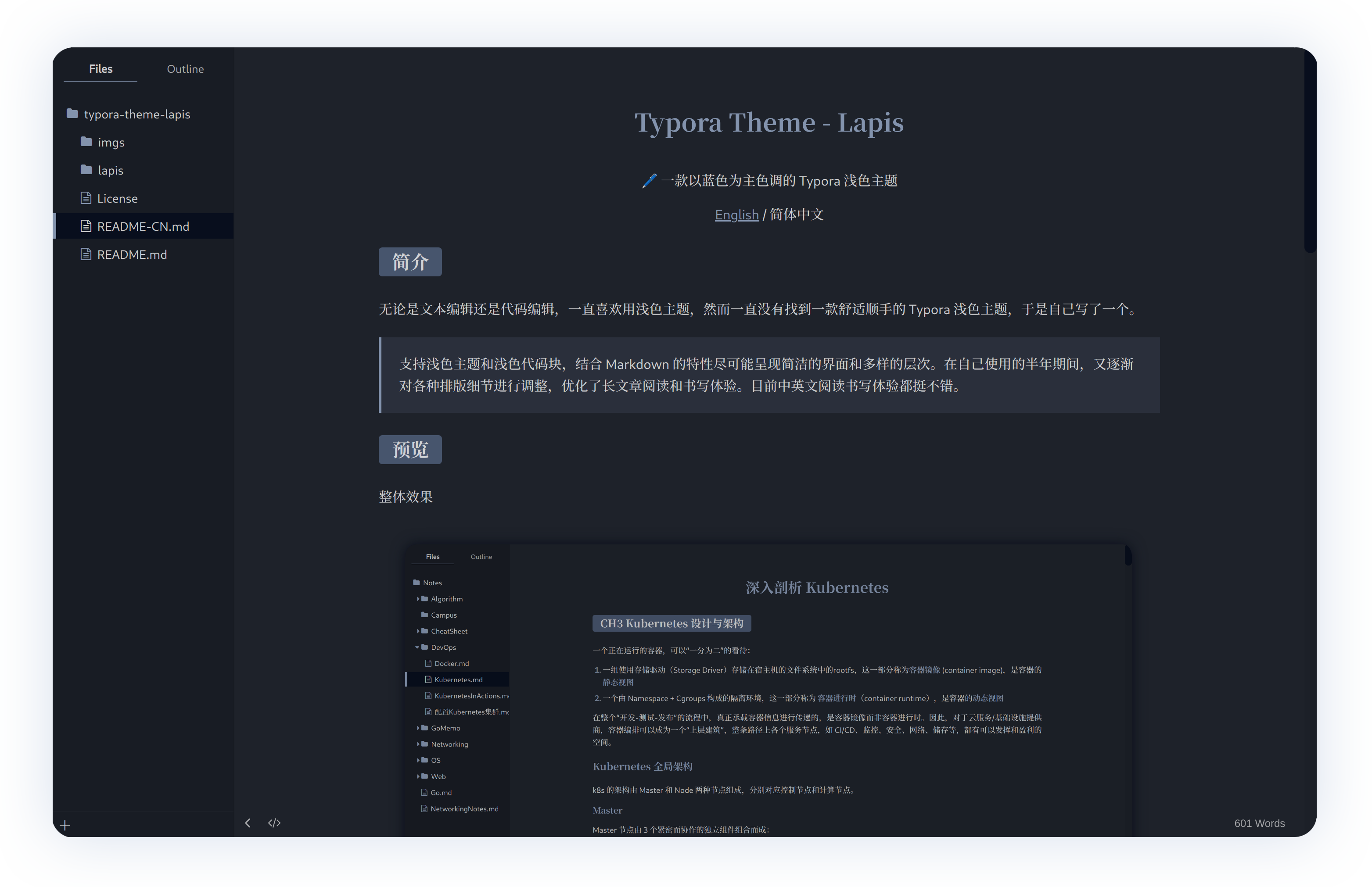
Dark Version
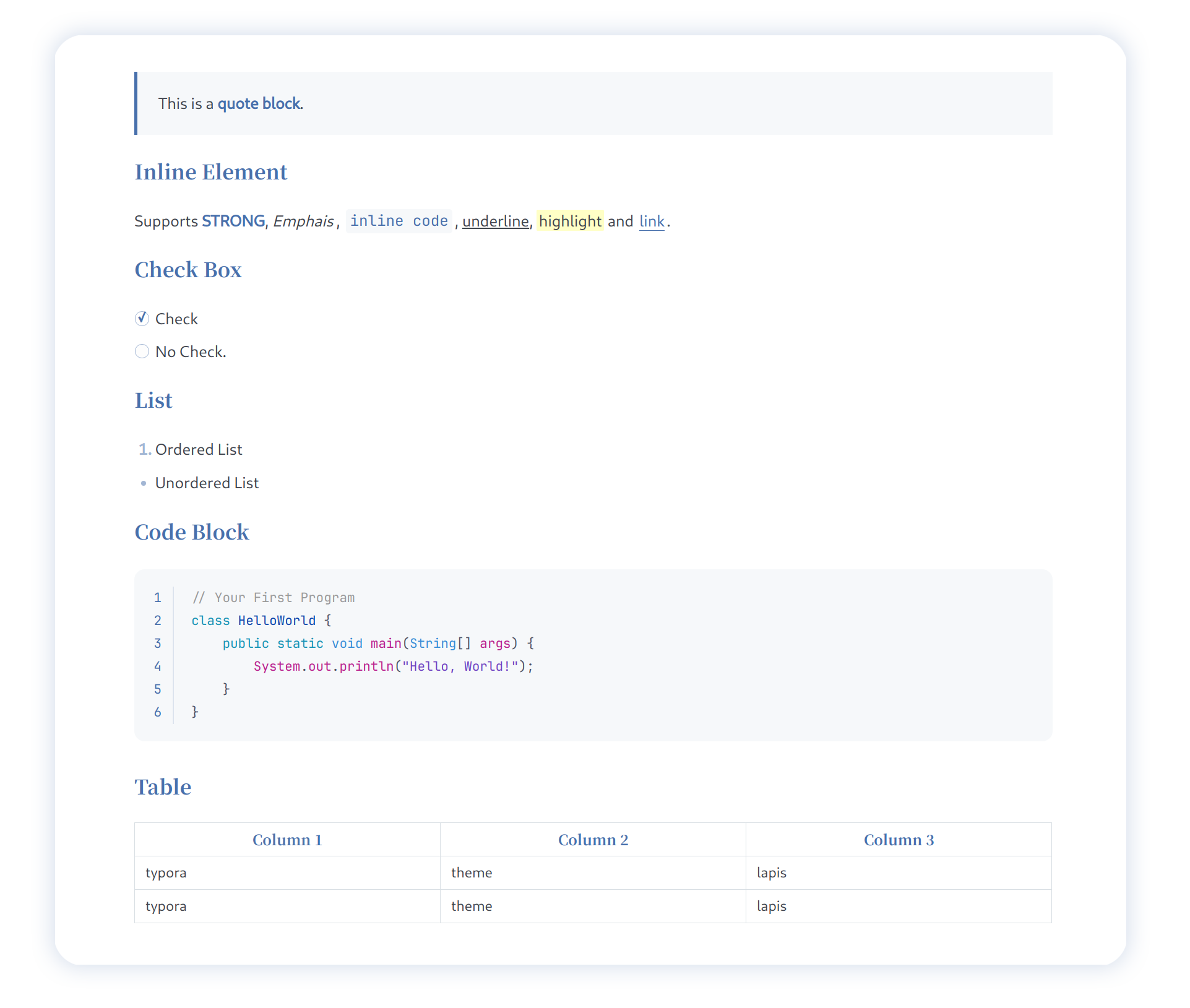
Styles Supported
Features
- Supports English & 简体中文 with fonts Cantarell and 思源宋体.
- Provides code color schemes inspired by VSCode’s Winter is Coming, with the font Jetbrains Mono.
- Both light and dark themes are available, with clean and rich Markdown styles.
For more details: YiNNx/typora-theme-lapis
Installation
- Click the “Download” button of this page, download
typora-theme-lapis.zipand extract it. - In Typora, open “Preferences” (
File>Preferences). And then switch to the “Appearance” tab and click the “Open Theme Folder” button. - Copy the
lapis.csslapis-dark.cssfile and thelapisfolder into Typora’s theme folder. - Restart Typora and select the
Lapis\Lapis Darktheme from the theme menu.
If you like this theme, please STAR me on Github. 🙌