LaTeX Typora V2
LaTeX Typora V2
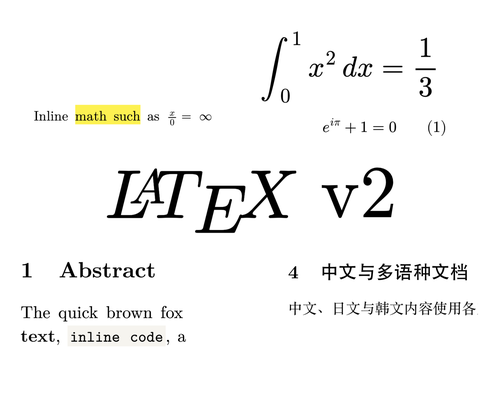
LaTeX Typora V2 gives long-form Markdown and technical documentation the typography and spacing of a LaTeX document. The family includes light and dark reading themes plus a developer-dark variant.
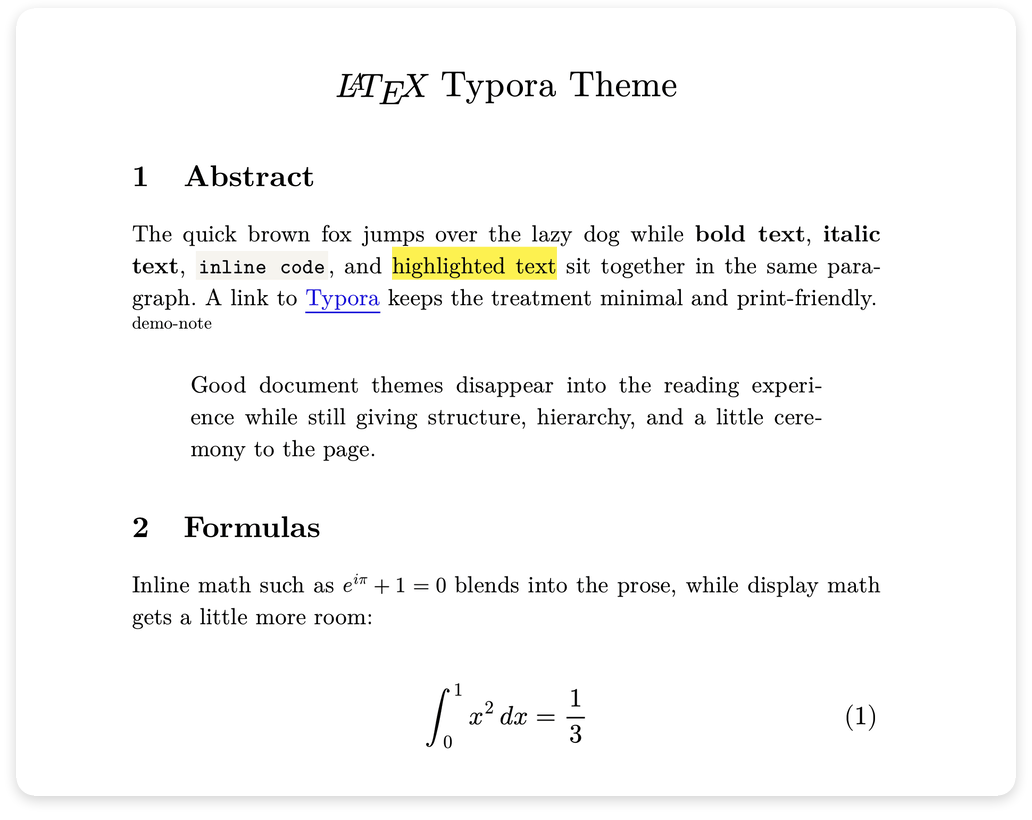
Light mode with New Computer Modern
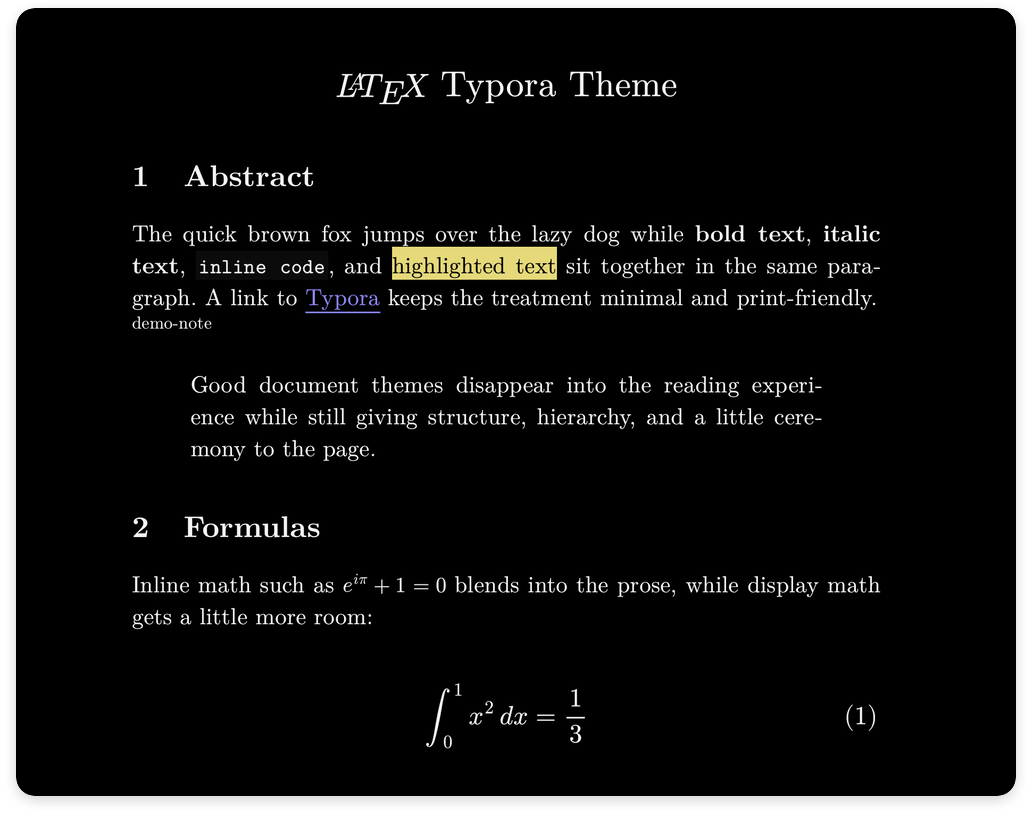
Dark mode with the same document geometry
Made to read like a paper
The light and dark themes set body text in New Computer Modern. Their 32em measure, 1.55em paragraph indent, zero paragraph spacing, numbered sections, LaTeX list markers, booktabs tables, and footnotes follow article.cls metrics at 11pt on letter paper.
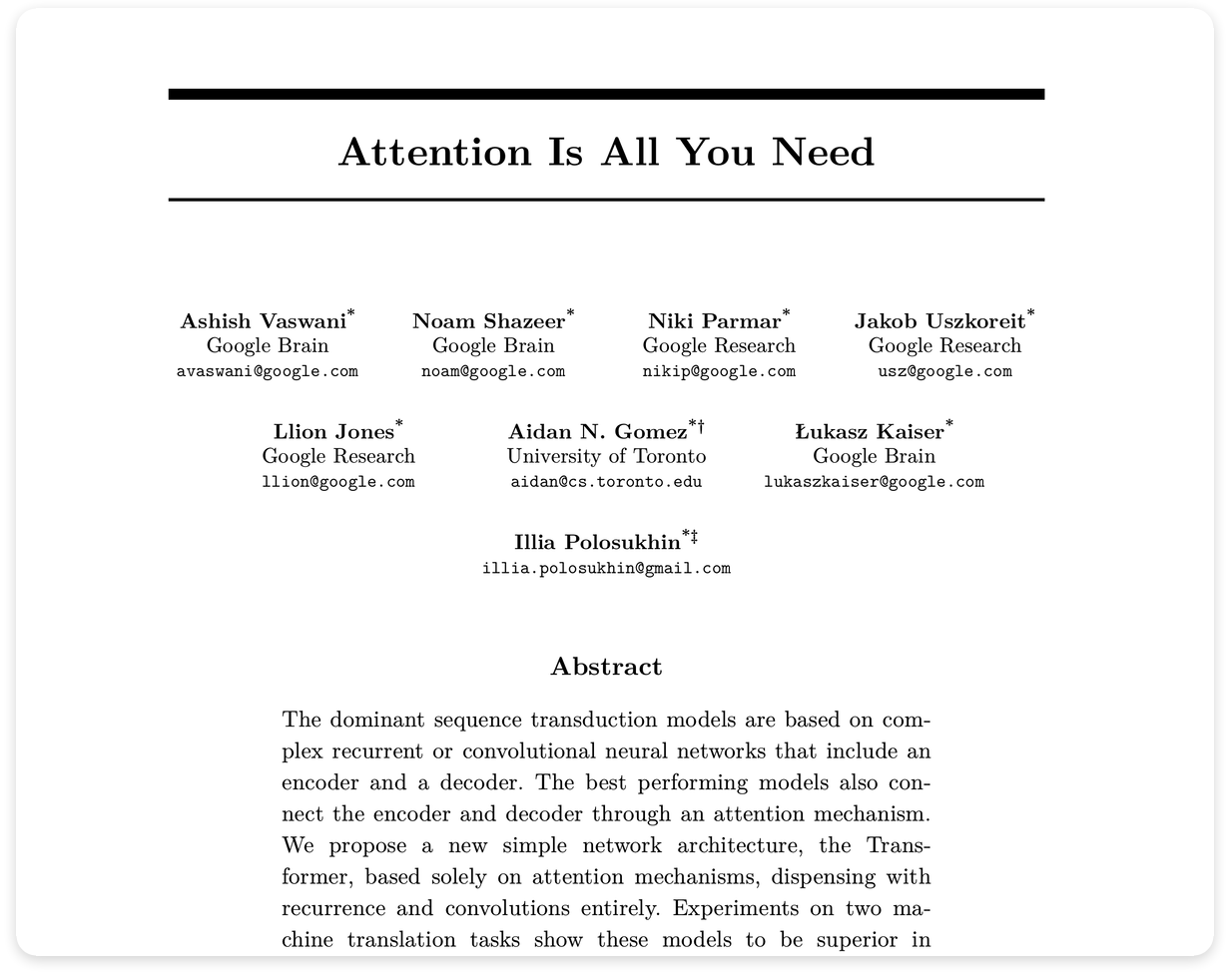
Attention Is All You Need rendered inside Typora
Installation
Automatic
macOS and Linux:
curl -fsSL https://raw.githubusercontent.com/shamsghi/LatexTypora/main/scripts/install.sh | bash
Windows PowerShell:
irm https://raw.githubusercontent.com/shamsghi/LatexTypora/main/scripts/install-windows.ps1 | iex
Manual
- Download and unzip the latest release.
- In Typora, open Preferences → Appearance → Open Theme Folder.
- Copy
latex.css,latex-dark.css,latex-dev-dark.css, andlatex_fonts/into that folder. - Restart Typora and choose a LaTeX theme from the Themes menu.
For source, customization, demos, and release notes, visit shamsghi/LatexTypora.
What changed in V2
- New Computer Modern replaces Latin Modern: The reading themes now use New Computer Modern Serif for prose, Sans for interface and diagram labels, and Mono for code.
-
Font-preserving HTML export: Embedded WOFF2 subsets keep the selected typefaces when Typora removes
@font-facerules during export. -
A more LaTeX-like page layout: V2 rebuilds the reading layout around LaTeX’s
articleclass at 11pt on letter paper. The narrower 32em text column, paragraph indentation, heading scale, section spacing, lists, tables, quotations, and footnotes now follow LaTeX conventions more closely. -
Numbered sections: In the light and dark themes, Markdown
##,###, and####headings now appear as1,1.1, and1.1.1, matching LaTeX’s\section,\subsection, and\subsubsectionhierarchy. A\quad-sized space separates each number from its title, while#remains unnumbered for the document title. - Developer code-review tools: The developer-dark theme now keeps fenced-code language labels in reading mode and exports. It also adds full-row diff tints, wrapping documentation tables, and visible overflow controls.
- Expanded Mermaid styling: V2 adds coordinated light and dark diagram palettes, dedicated label typography, and export-safe handling for flowcharts, sequence diagrams, state diagrams, and ER diagrams.
- Reworked installers: The macOS/Linux installer and native Windows PowerShell installer detect Typora’s theme directory, install a selected ref, and remove stale theme files.
Multilingual support
V2 retains the language support introduced in V1: cross-platform CJK font stacks and two-character first-line indentation for Chinese, Japanese, and Korean paragraphs, plus Noto Nastaliq for Urdu and Persian.
A developer variant that behaves like documentation
The developer theme uses a 46em monospace measure with left-aligned text. Fenced blocks keep their language labels in reading mode and exports; diff rows carry full-width add and remove tints. Wide code, tables, and diagrams show their scrollbars.
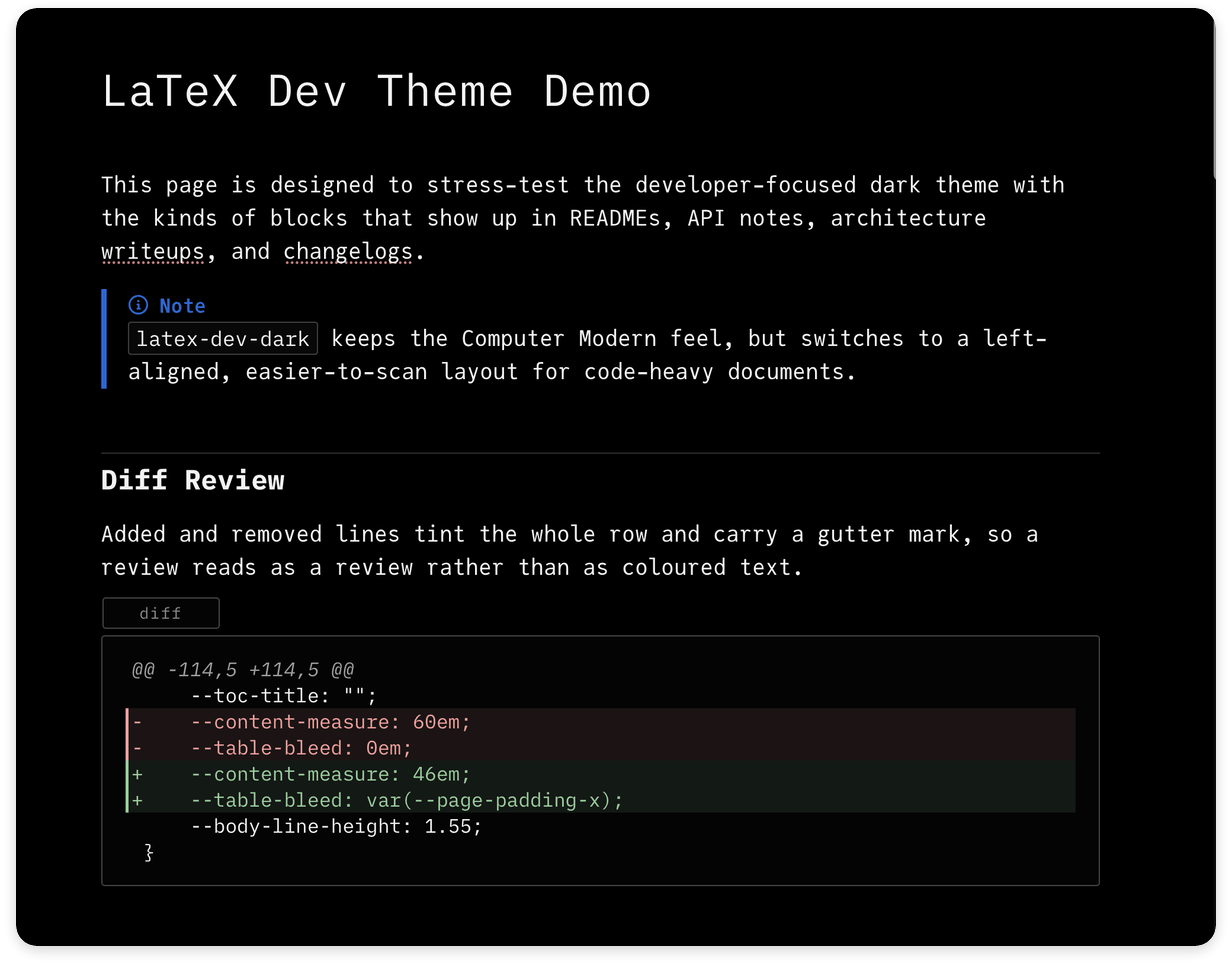
The developer-dark variant for code-heavy Markdown