Konayuki
Konayuki
Konayuki is a Typora theme with a clean, modern look and carefully tuned colors for readability, inspired by snowy Hokkaido scenery.
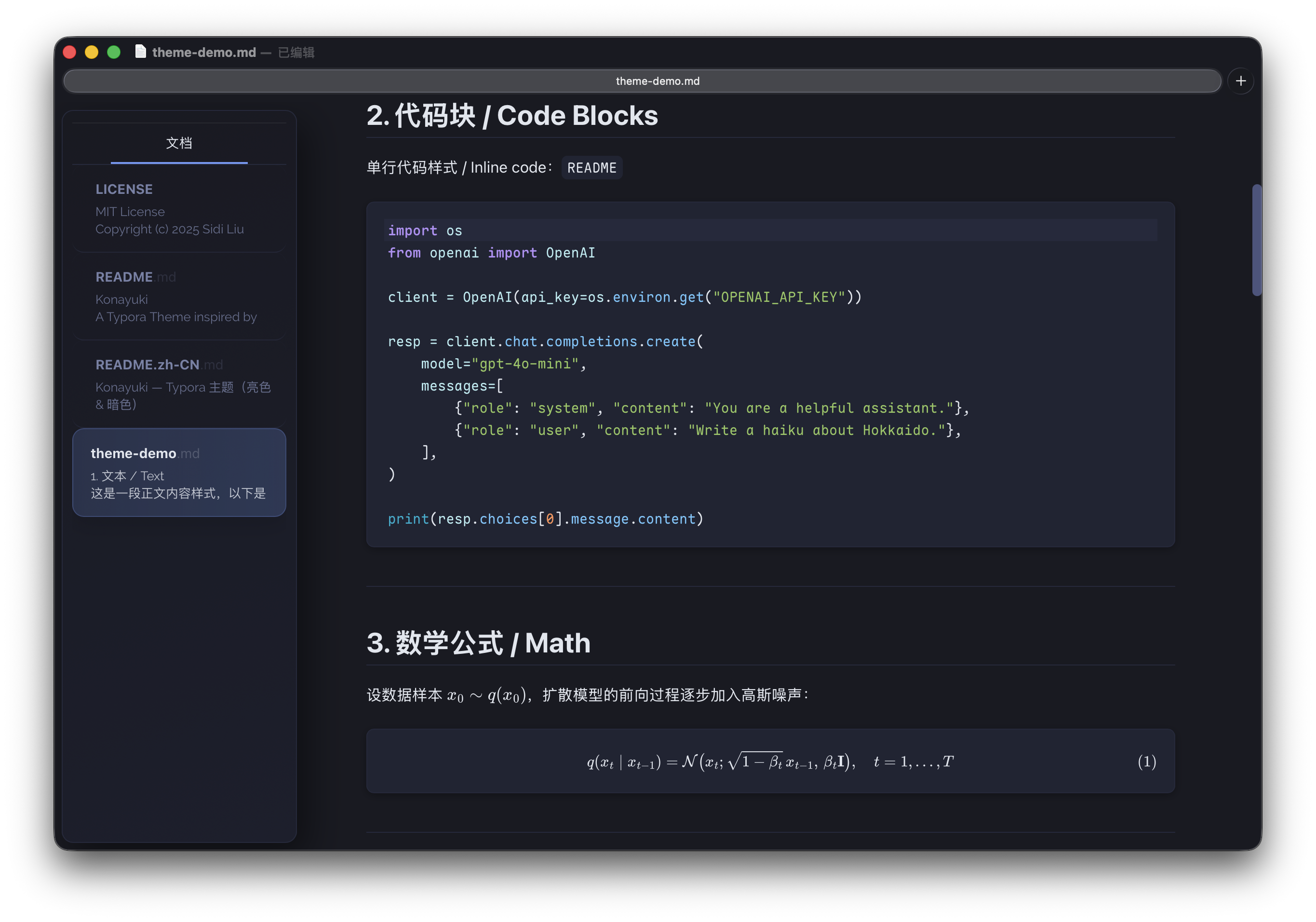
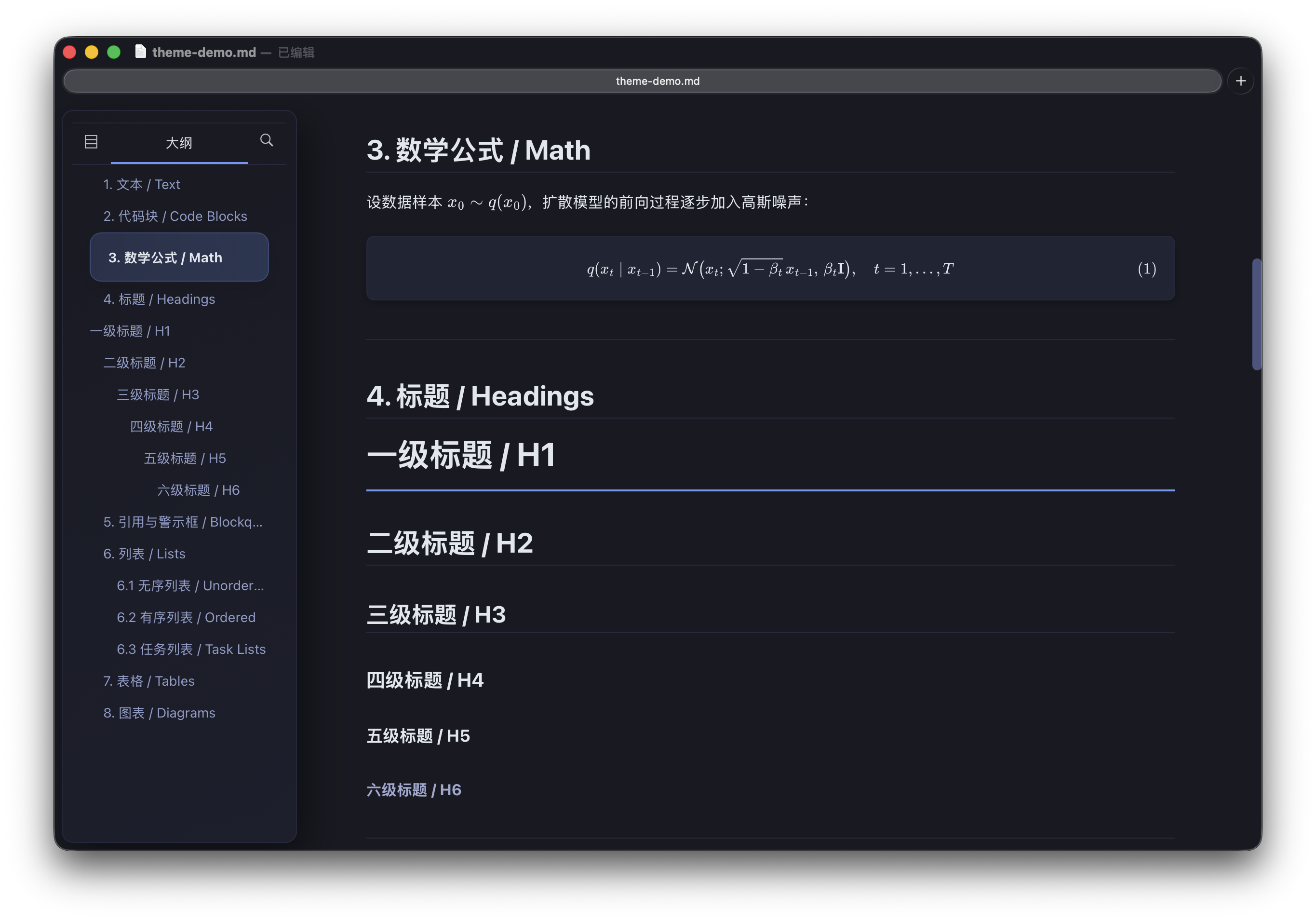
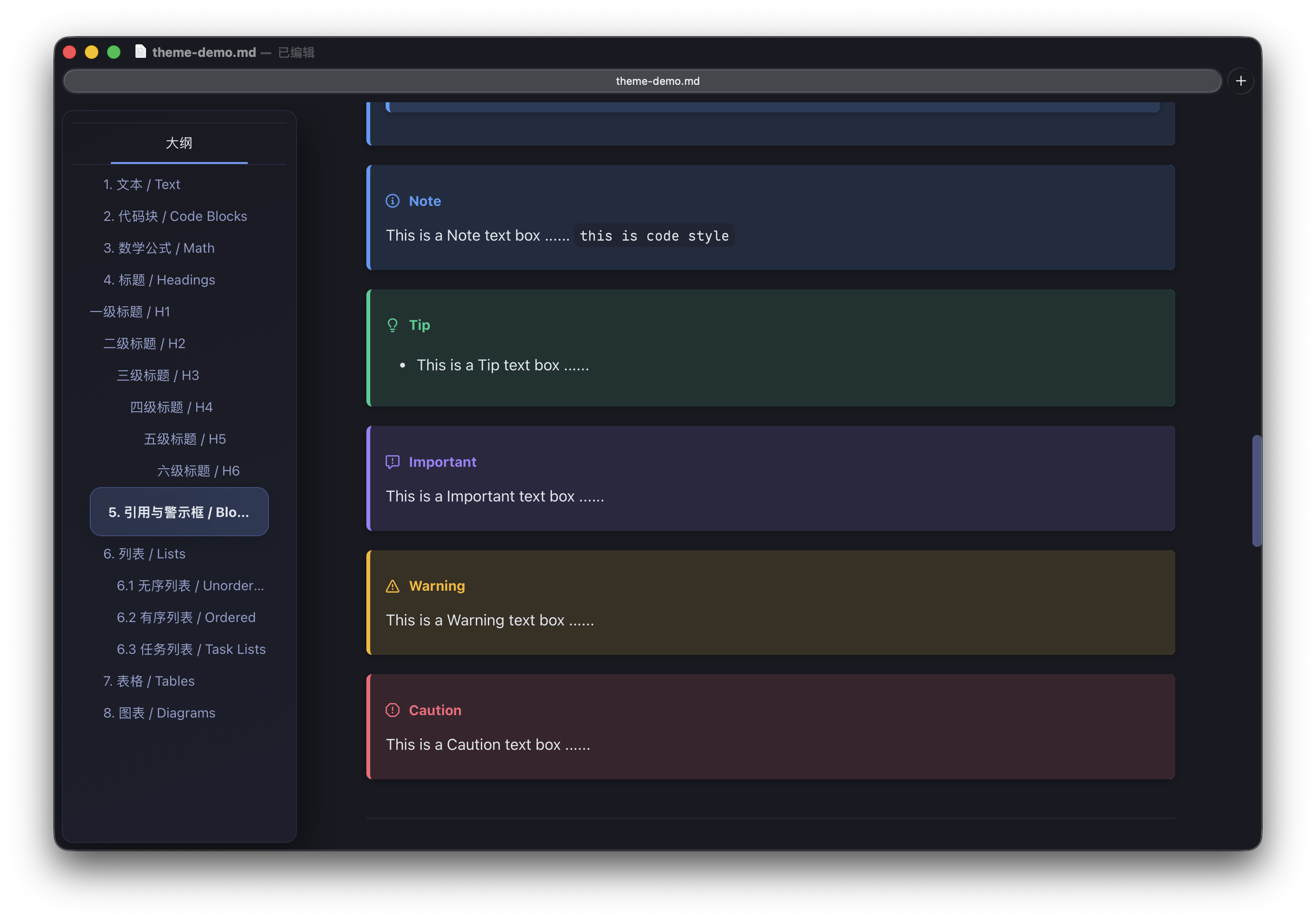
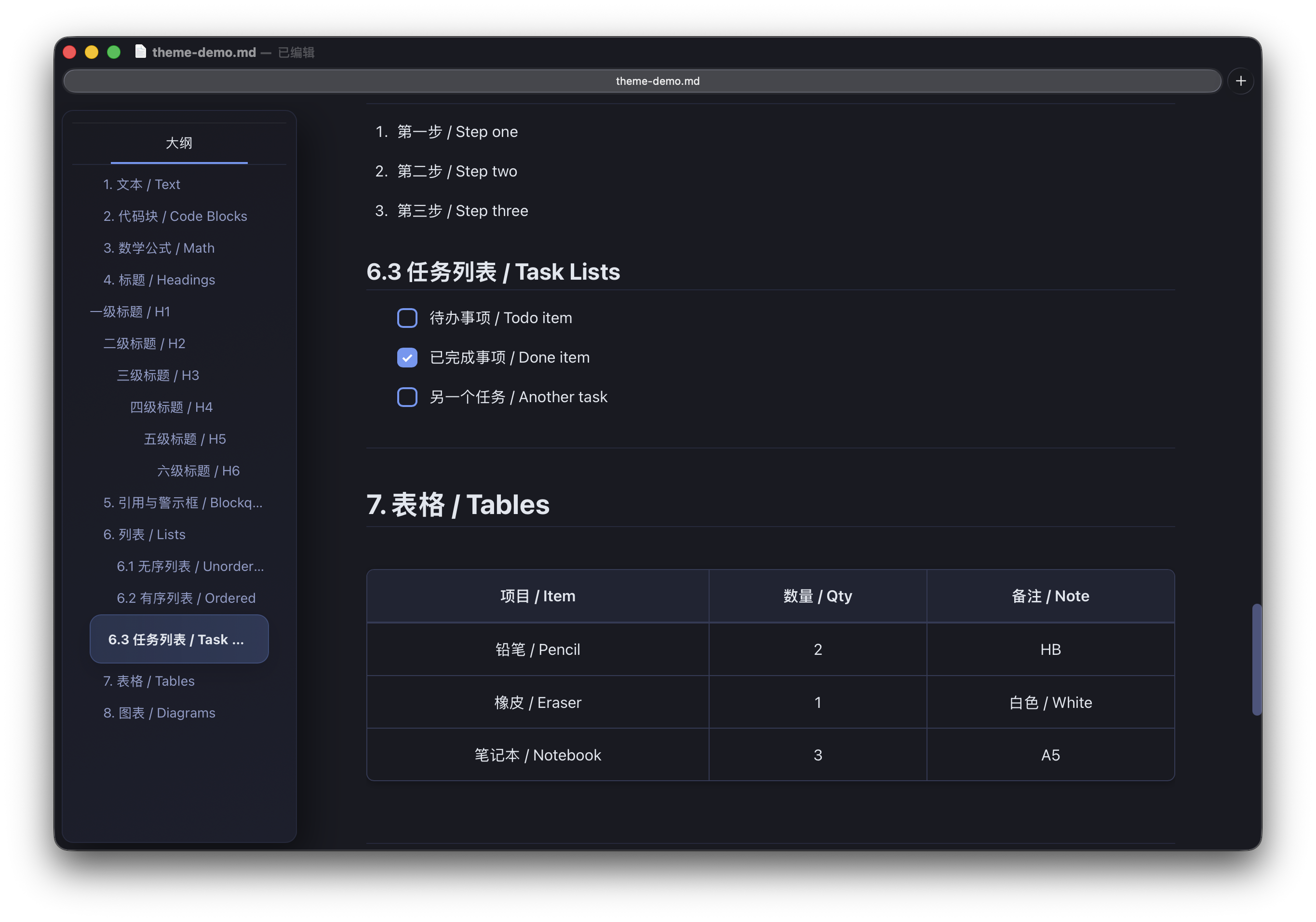
Preview
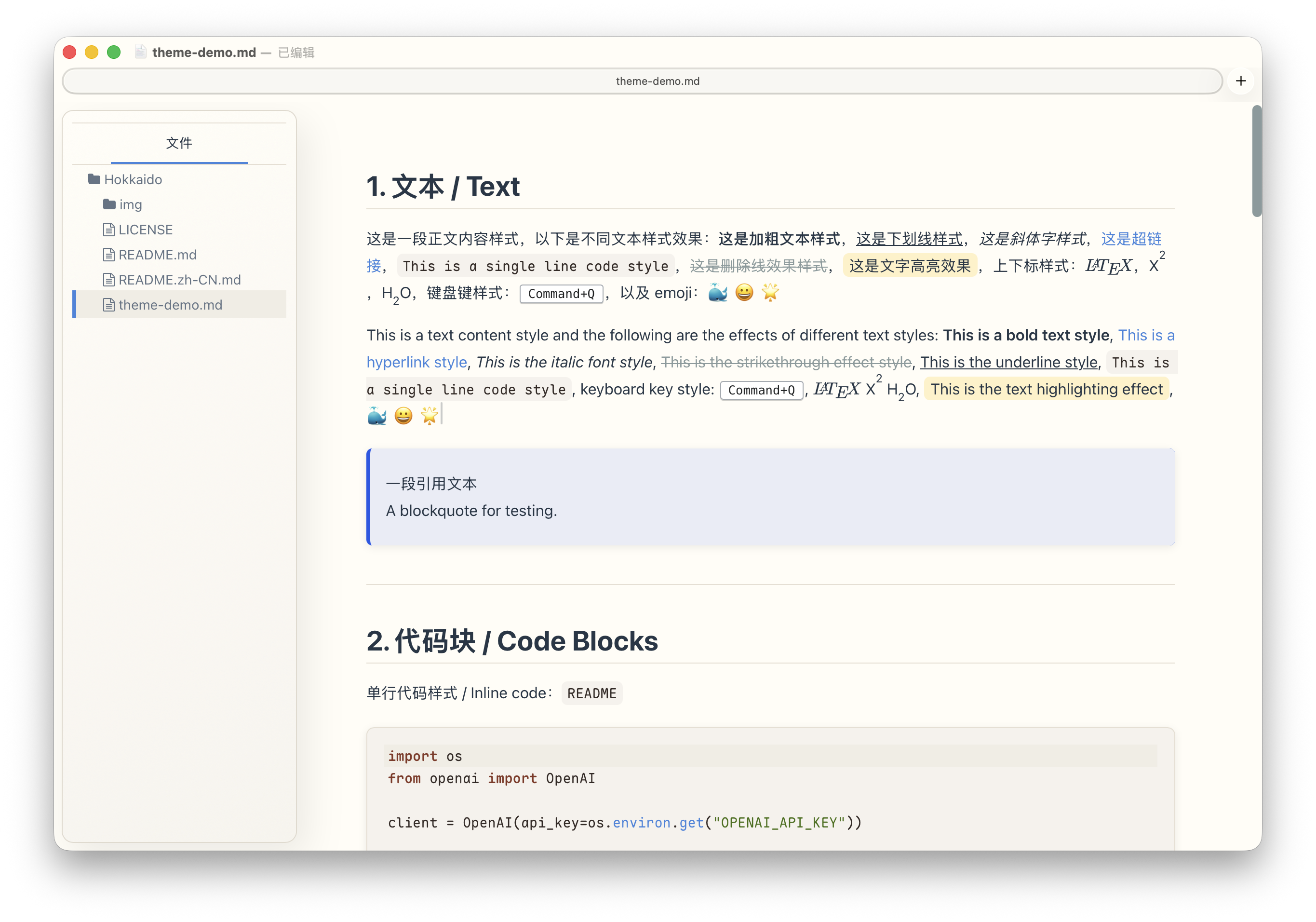
Light
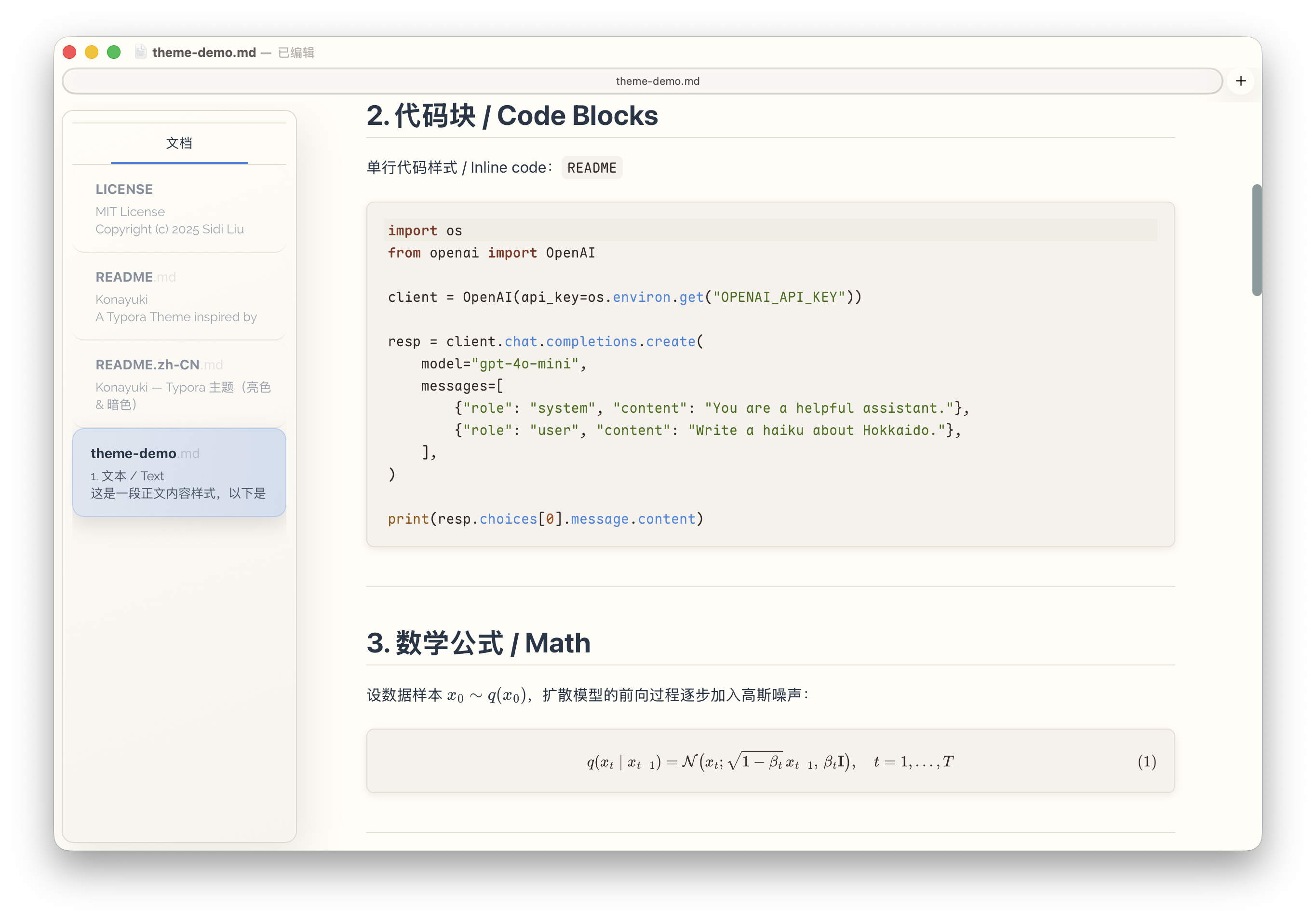
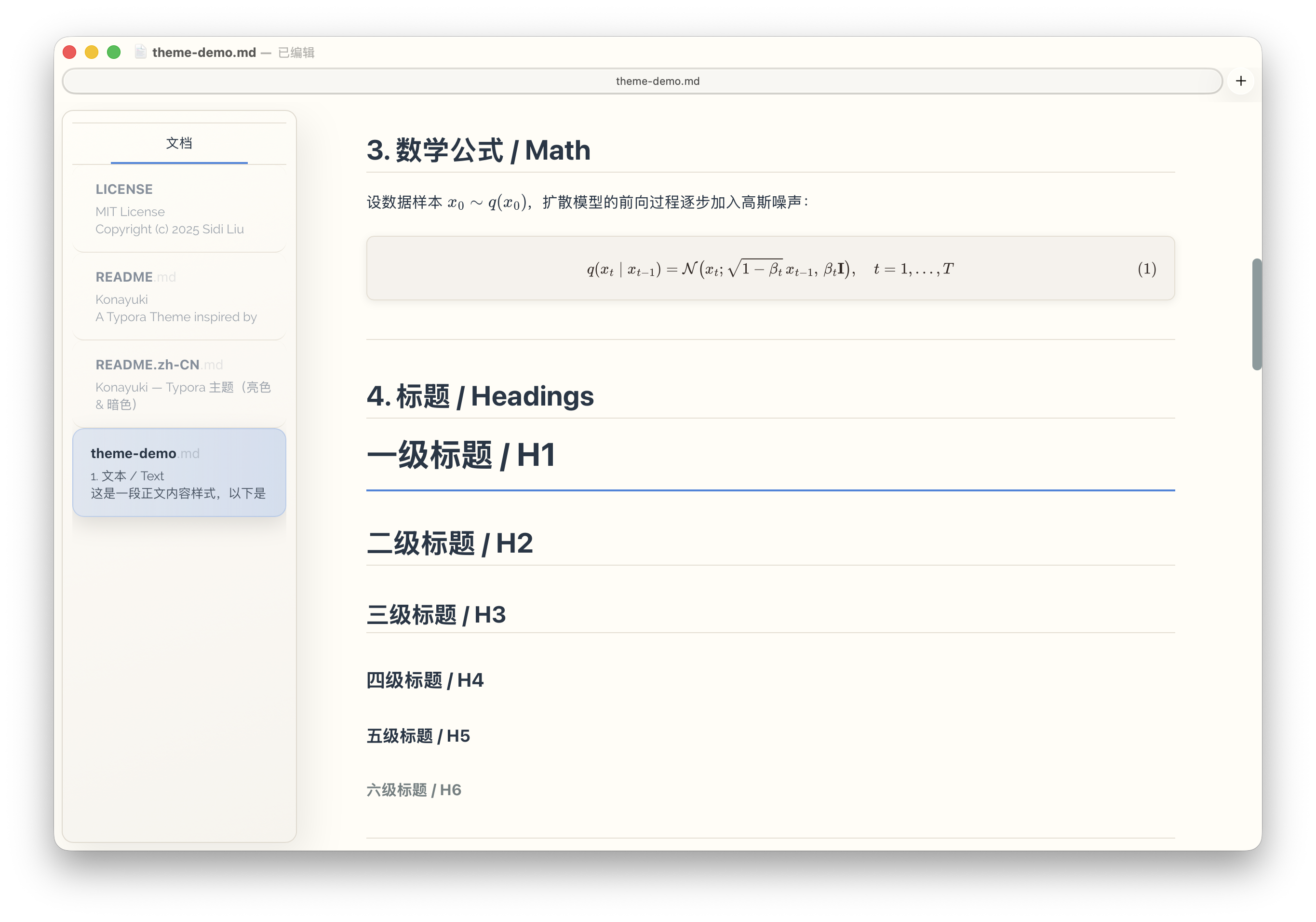
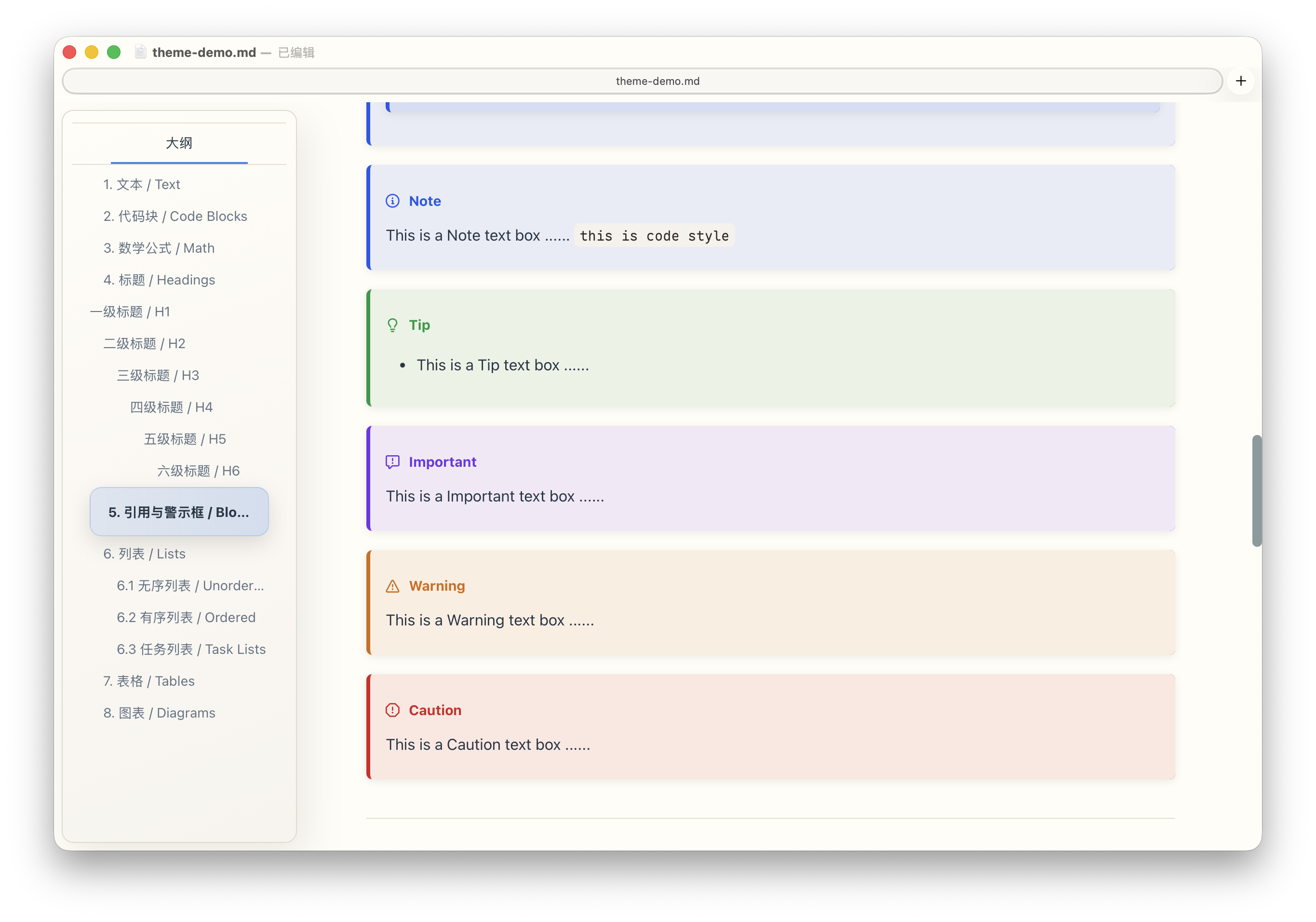
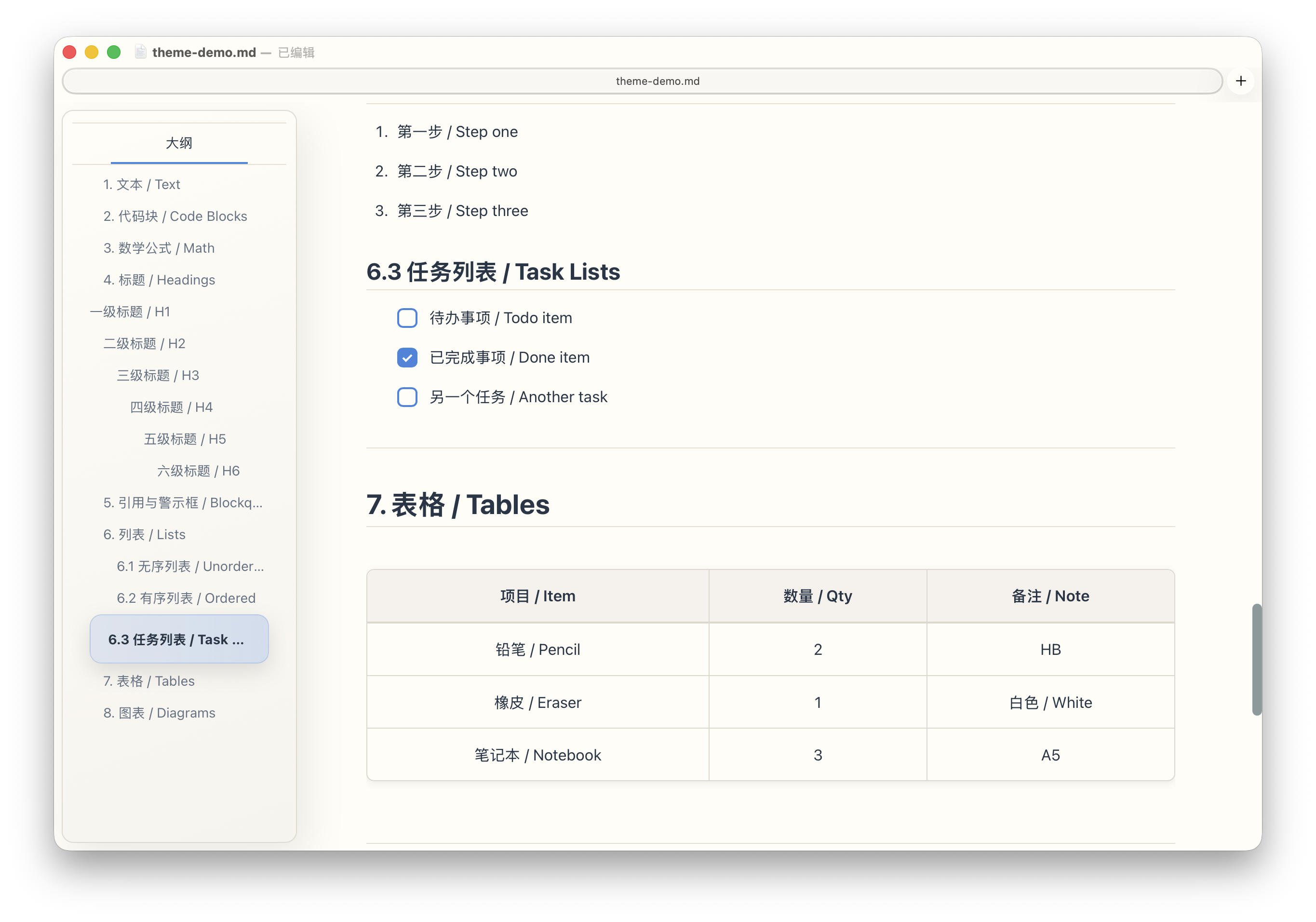
Dark
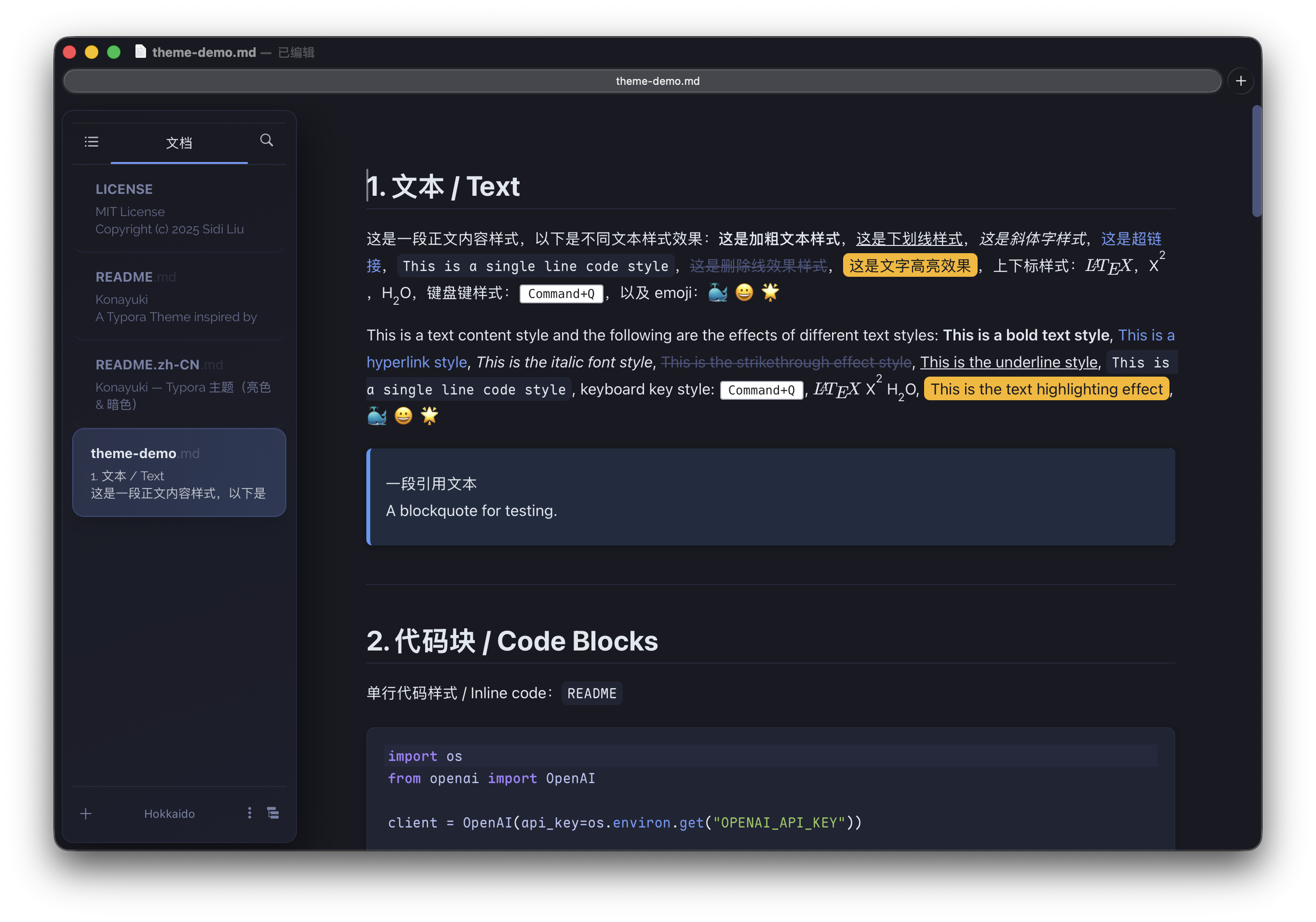
Usage
- In Typora:
Preferences→Appearance→Open Theme Folder - Copy
konayuki-light.cssandkonayuki-dark.cssinto the theme folder - Quit Typora and reopen
- Select the theme from
Themesmenu:Konayuki LightKonayuki Dark
Customize
- Fonts: edit
--font-ui/--font-mononear the top ofkonayuki-light.cssandkonayuki-dark.css - Platform note:
--font-uiuses a system font stack, so the actual UI font may vary by OS (especially on Windows). - Code font: the default monospace font is based on Maple Font (
Maple Mono NF CN). Install it for the best experience, or Typora will fall back to the next fonts in--font-mono.
Credit
- Mdmdt Theme: Reference for Callouts styles
- Tokyo City Theme: Inspiration for dark mode color palette