Inkwell
Inkwell
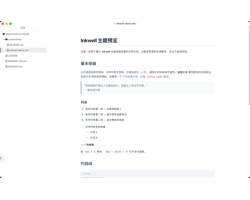
A clean and elegant Typora theme with both light and dark modes. Inkwell is designed for focused, distraction-free writing with refined typography, soft color tones, and polished code block rendering.
Features
- Light mode (Inkwell) and dark mode (Inkwell Dark)
- Refined typography with native system font stack
- Soft gray tones for headings, blockquotes, and tables
- Code blocks with carefully chosen syntax highlighting colors
- YAML front matter rendered cleanly
- Focus mode and typewriter mode support
- Styled sidebar file manager (dark mode)
- Keyboard shortcut
<kbd>tag styling - Search highlight emphasis
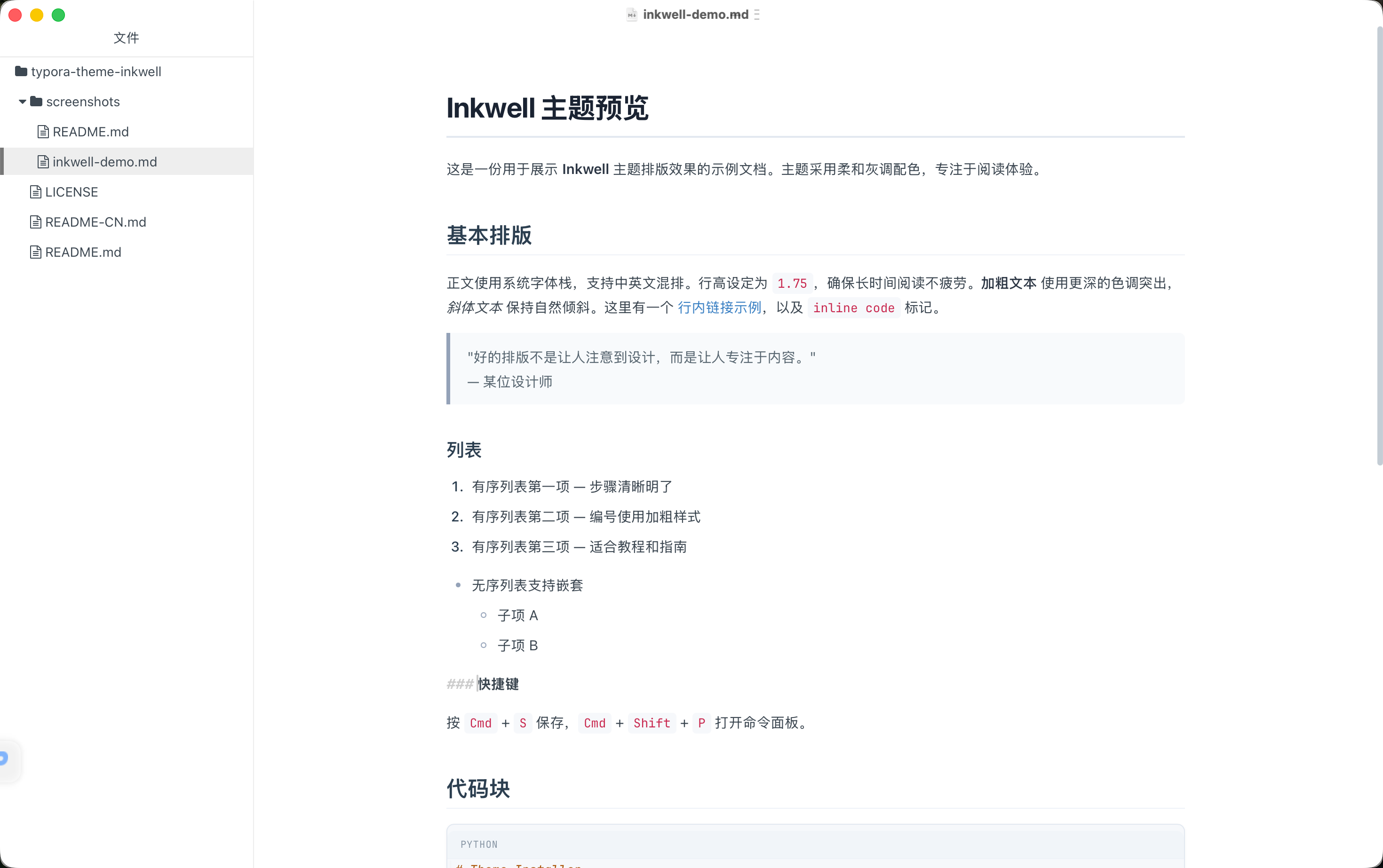
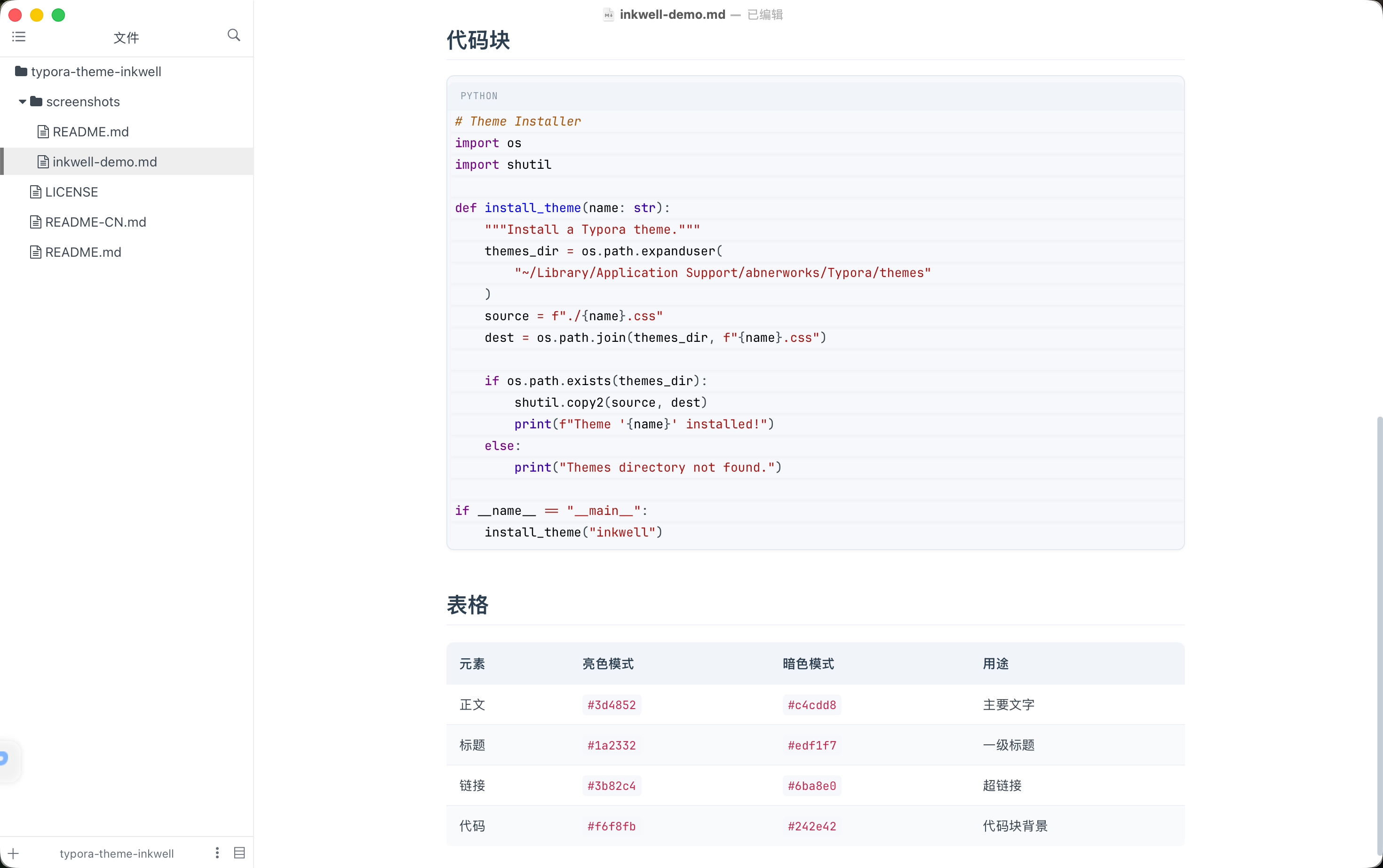
Light Mode
Clean white background with soft gray accents. Ideal for daytime writing and reading.
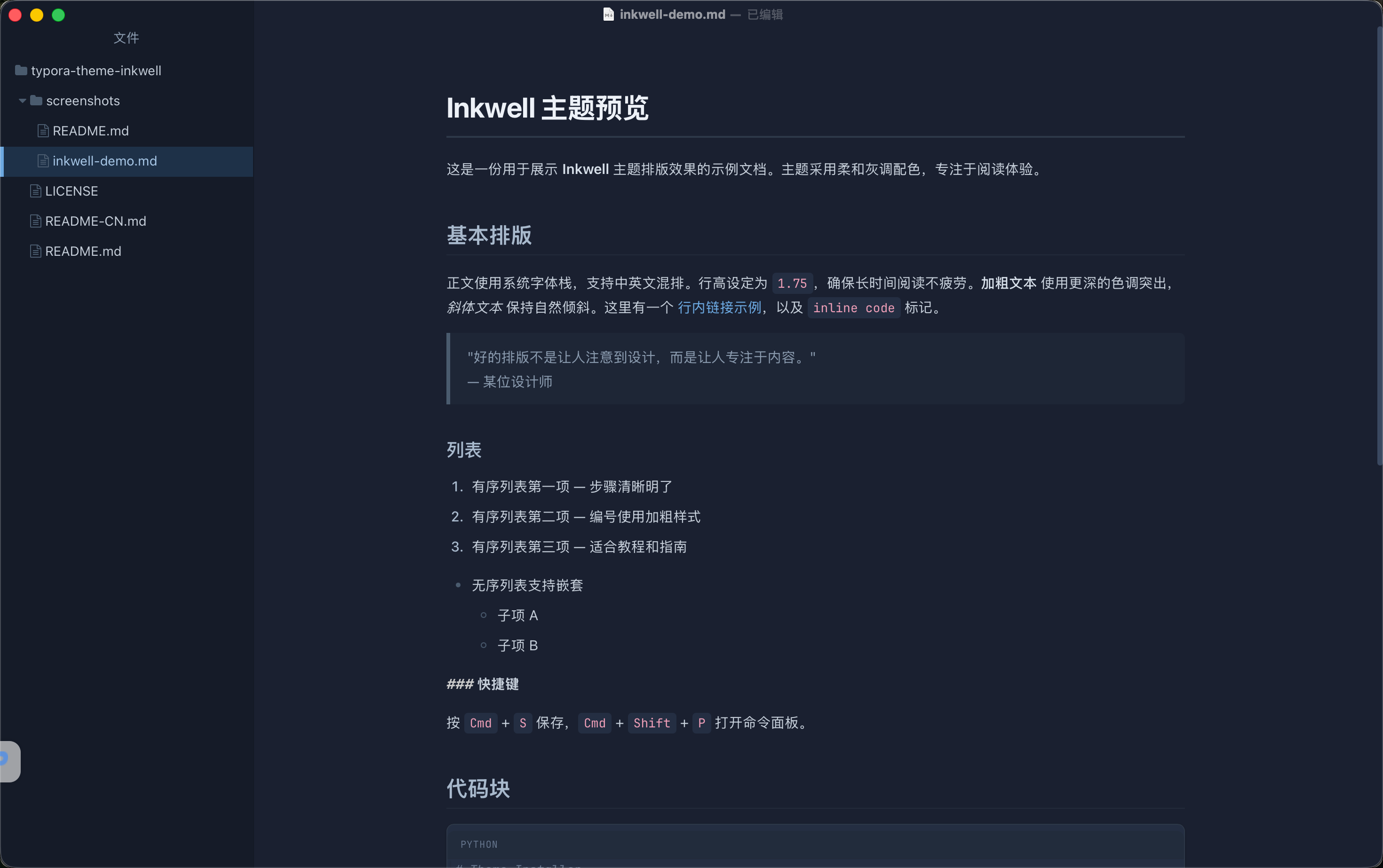
Dark Mode
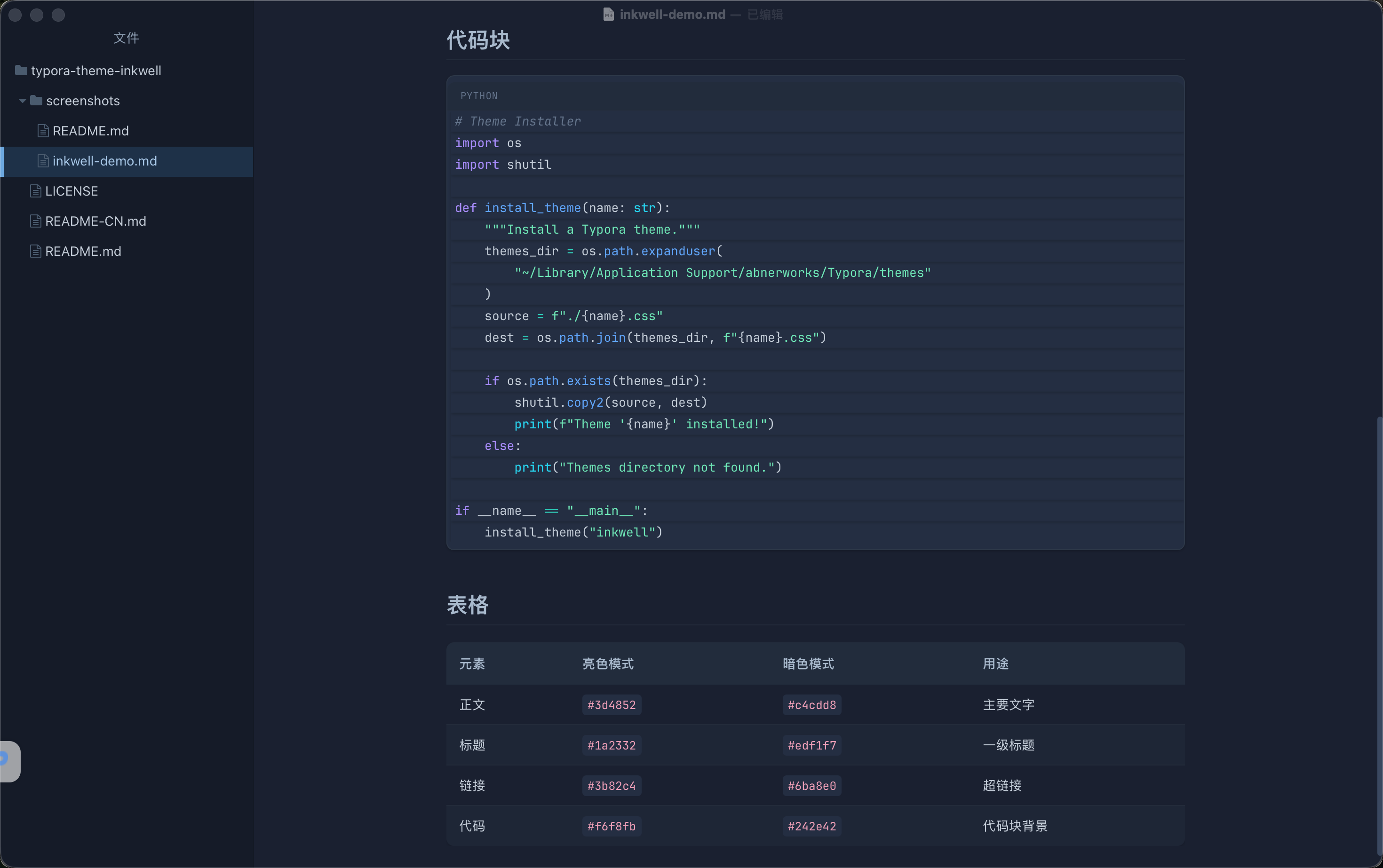
Deep navy background with muted blue accents. Easy on the eyes during night sessions.
Installation
- Download the theme files from the GitHub repository.
- In Typora, open Preferences → Appearance → Open Theme Folder.
- Copy
inkwell.cssandinkwell-dark.cssinto the theme folder. - Restart Typora and select Inkwell or Inkwell Dark from the theme menu.
License
MIT