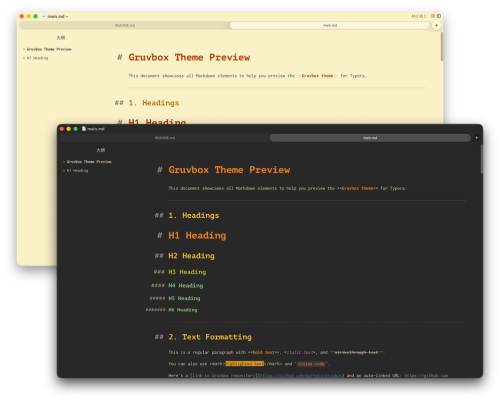
Gruvbox
Gruvbox for Typora
A warm, retro groove theme for Typora, inspired by the popular Gruvbox color scheme originally created by Pavel Pertsev for Vim.
Features
-
Two Variants: Includes both dark (
gruvbox-dark) and light (gruvbox) themes - Warm Color Palette: Low contrast, eye-friendly colors based on the classic Gruvbox 16-color palette
- Retro Groove: Inspired by retro groove color schemes with warm yellows, oranges, and browns
- Full Syntax Highlighting: Code blocks with complete Gruvbox syntax highlighting support
- Carefully Tuned UI: All UI elements styled to match the Gruvbox aesthetic
Color Palette
Dark Theme
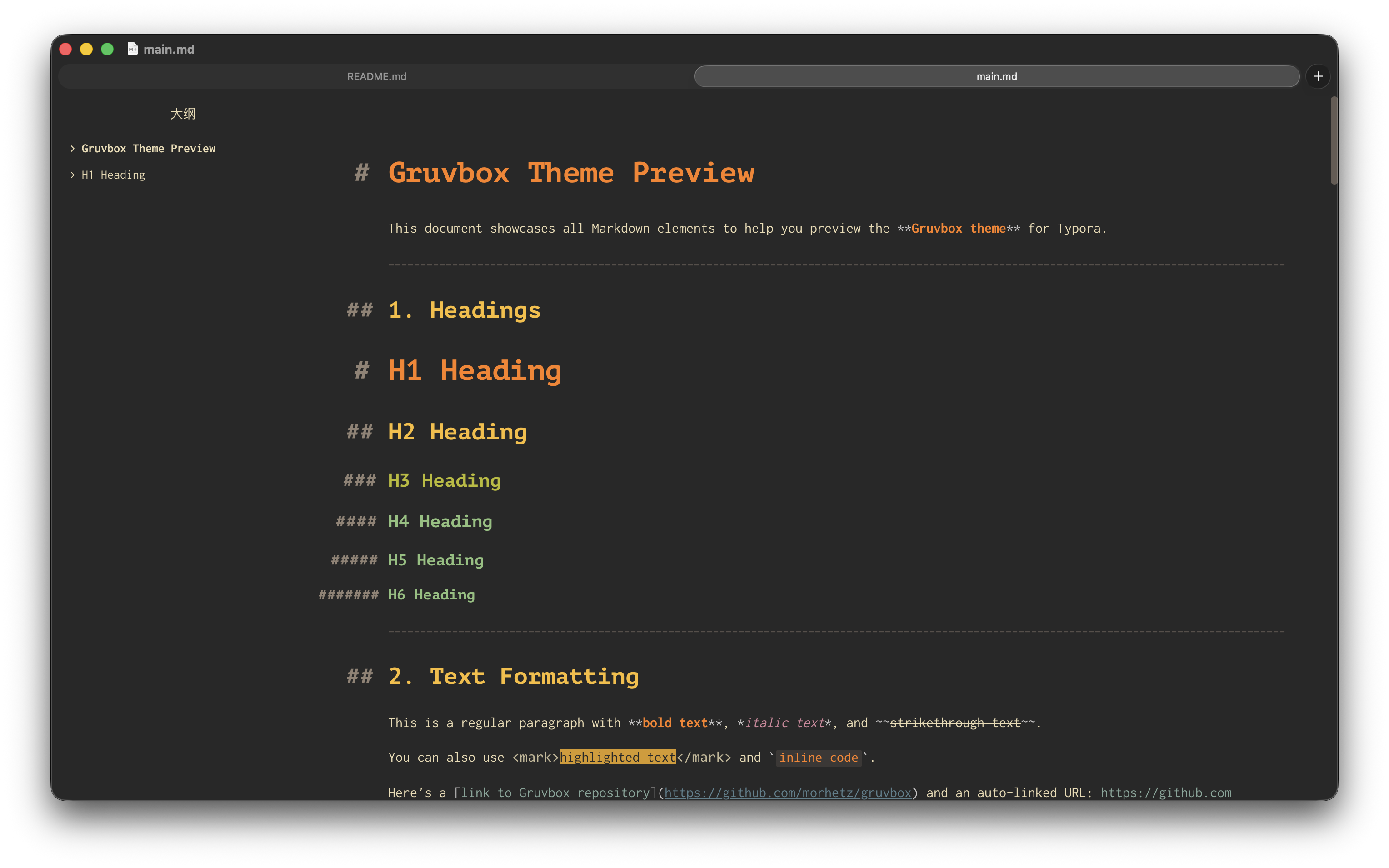
- Background:
#282828 - Foreground:
#ebdbb2 - Accent Colors: Red, Green, Yellow, Blue, Purple, Aqua, Orange
Light Theme
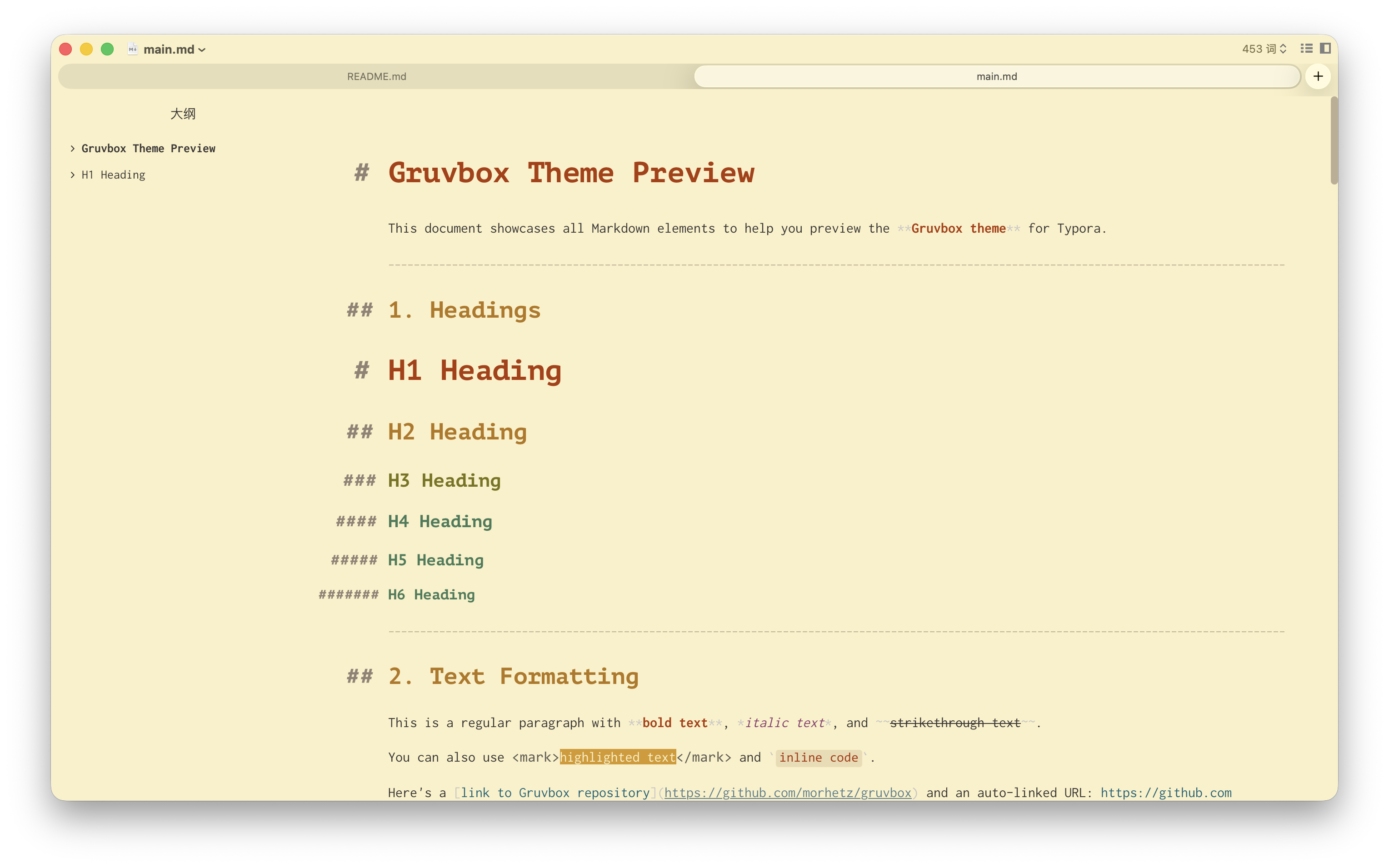
- Background:
#fbf1c7(warm beige) - Foreground:
#3c3836 - Same vibrant accent colors optimized for light backgrounds
Installation
- Download the theme files from the release page
- Open Typora Preferences → Appearance → Open Theme Folder
- Copy
gruvbox.cssandgruvbox-dark.cssto the theme folder - Restart Typora
- Select theme from the Themes menu
Screenshots
Compatibility
- Typora 1.0+
- Supports all Typora features including:
- Code fences with syntax highlighting
- Math blocks
- Tables
- Task lists
- Outline panel
- Source code mode
Credits
- Original Gruvbox theme by Pavel Pertsev
- Adapted for Typora by TwinklerG
License
MIT License - Same as the original Gruvbox theme