Foresee
-
🇨🇳 此主题已在Mac和Windows平台上测试,支持跟随系统样式自动切换浅色和深色模式
🇬🇧 This theme has been tested on Mac and Windows platforms,it supports automatically switch theme mode based on the appearance of the systemTypora foresee theme
 中文
 English
感谢
基于默认主题
night修改选中样式受 typora-dyzj-theme 启发
如何使用
- 克隆仓库,或者下载压缩包
- Typora依次打开设置>外观>主题,点击按钮
打开主题文件夹 - 复制粘贴到Typora主题文件夹
特点
- 根据系统外观设置自动切换主题模式,无需单独设置深色主题
- 用户自定义颜色配置
-
模块化设计思路
- 使用
scss格式替代原先的css
突出亮点
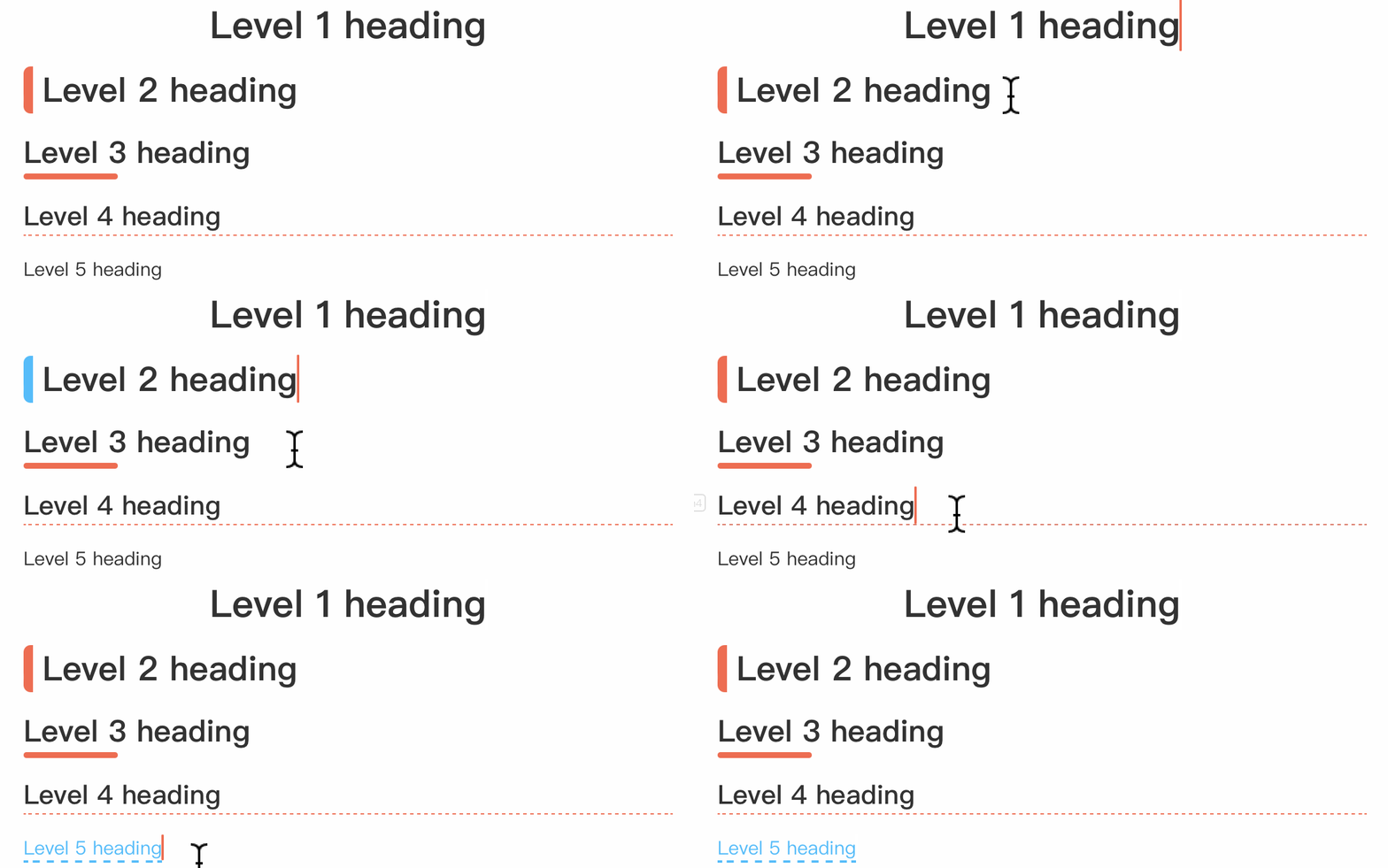
标题
重新调整标题样式,添加专注模式下样式
引用块
默认引用块
默认引用块使用主题色单色
你可以输入 > 去插入默认引用块

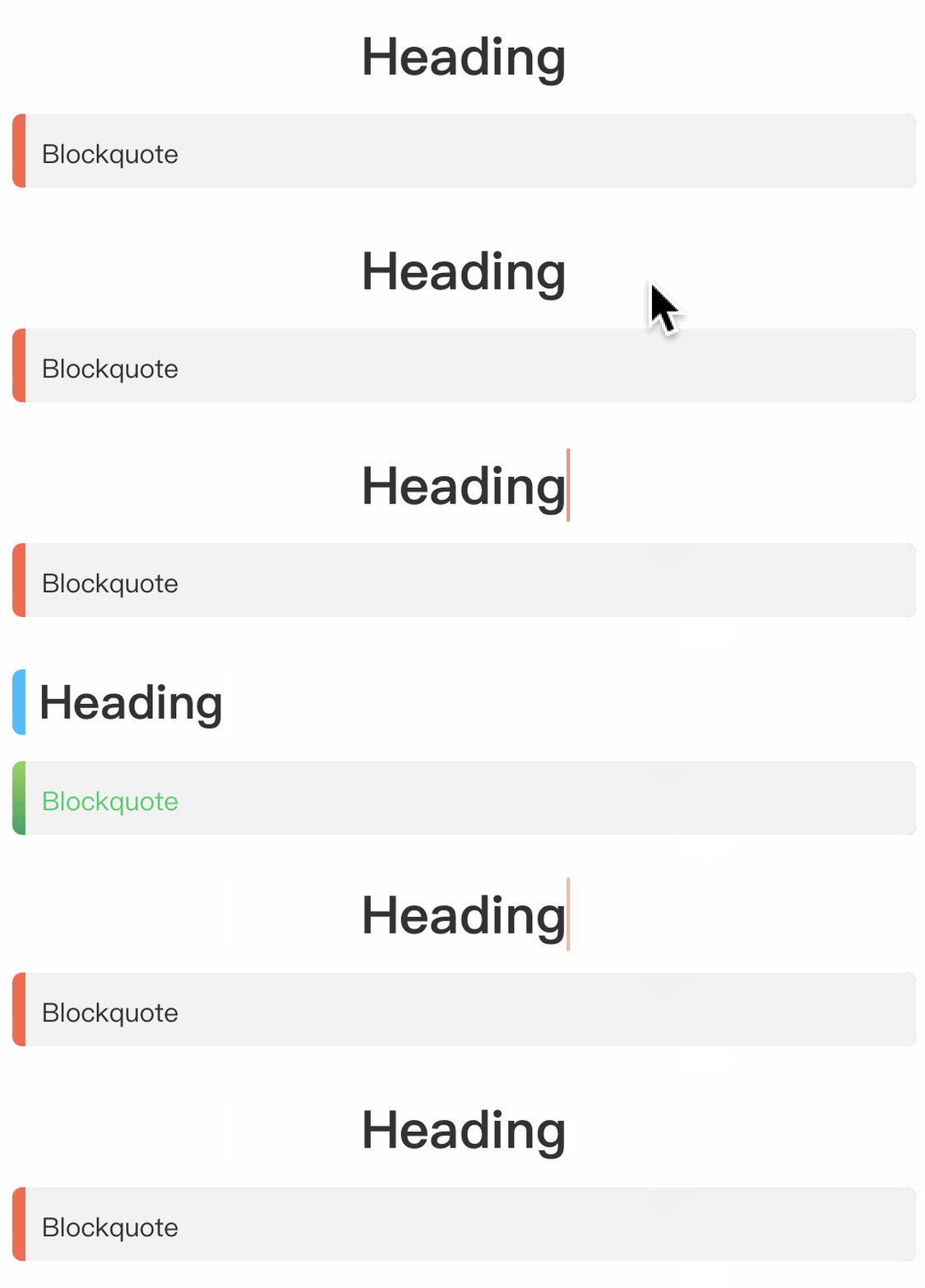
变化的引用块
引用块样式随标题级别不同而不同
渐变引用块
<blockquote alt = 'green'>green</blockquote>
<blockquote alt = 'blue'>blue</blockquote>
<blockquote alt = 'orange'>orange</blockquote>
<blockquote alt = 'purple'>purple</blockquote>
<blockquote alt = 'red'>red</blockquote>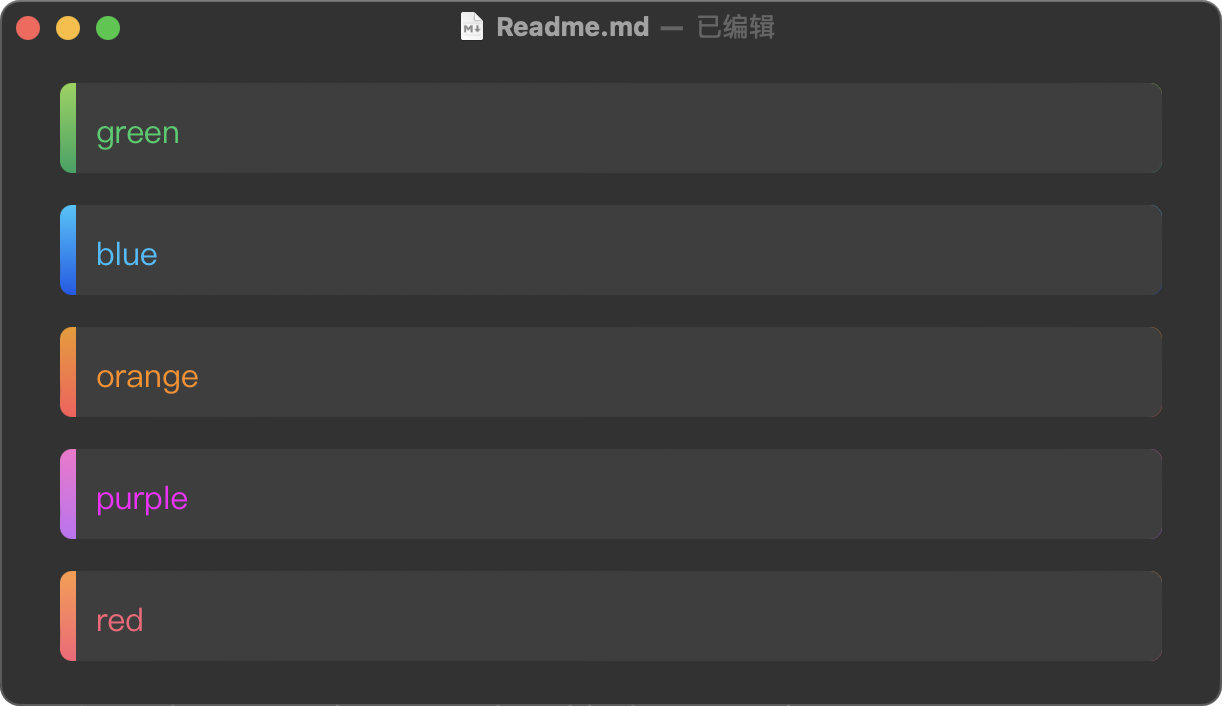
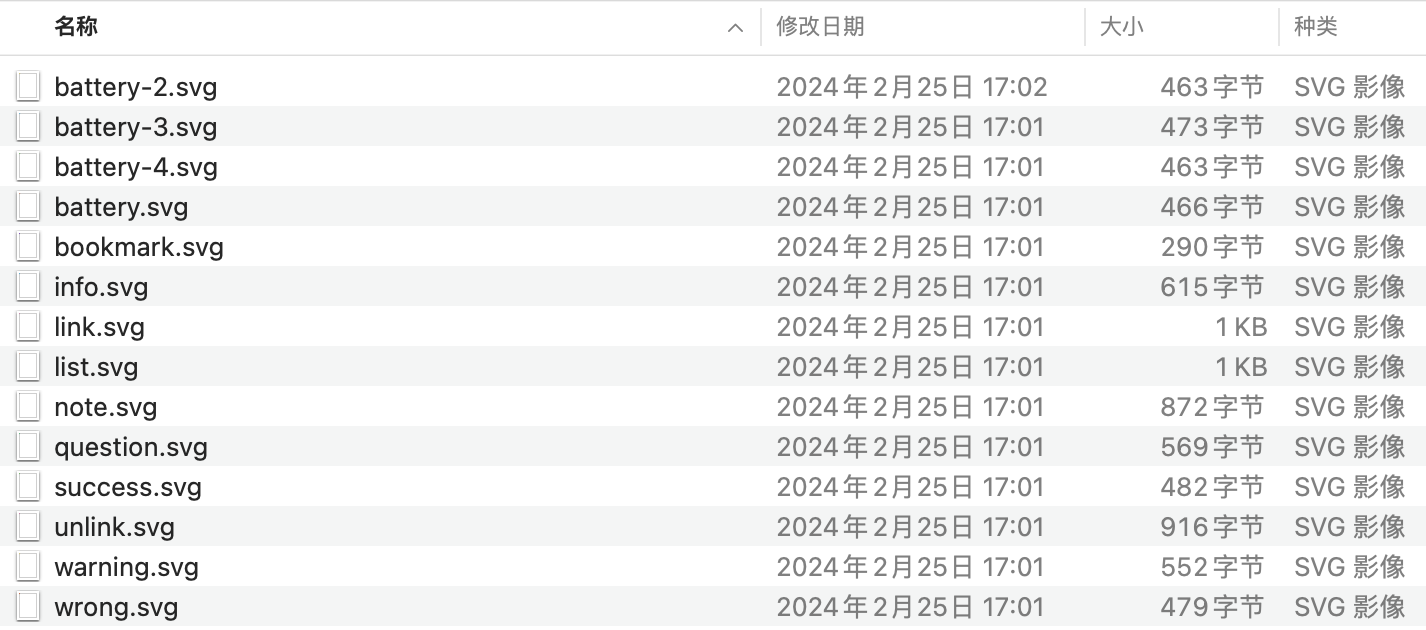
- 在文件夹
icon友情提供小图标
复制并保存到电脑本地固定位置,图片直接引用文件即可
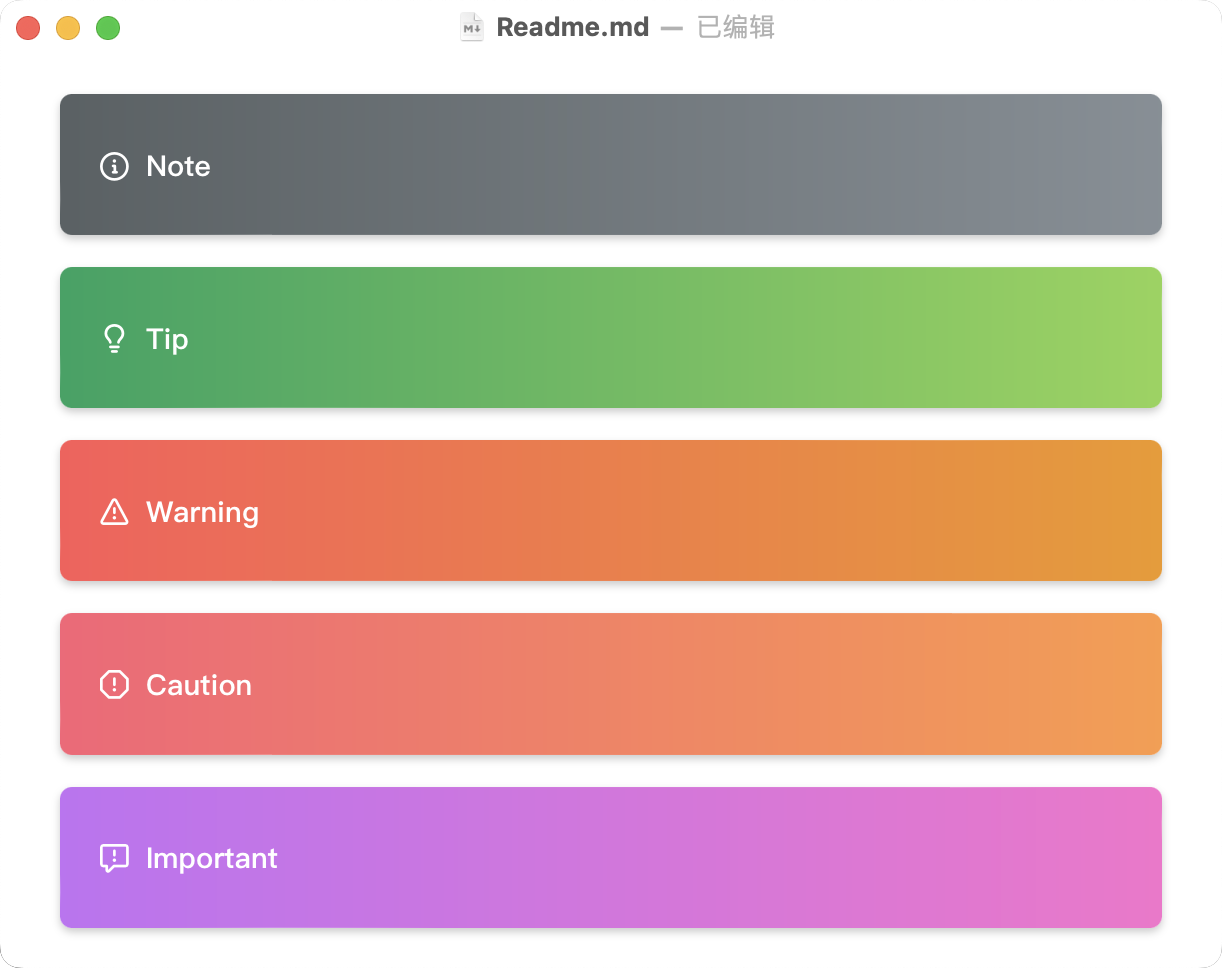
Github 风格引用块
>[!note]
>

>[!tip]
>

>[!warning]
>

>[!caution]
>

>[!important]
>
提示条
<section alt="note">note text</section>
<section alt="info">info text</section>
<section alt="tip">tip text</section>
<section alt="warning">warning text</section>
<section alt="caution">caution</section>
<section alt="important">important</section>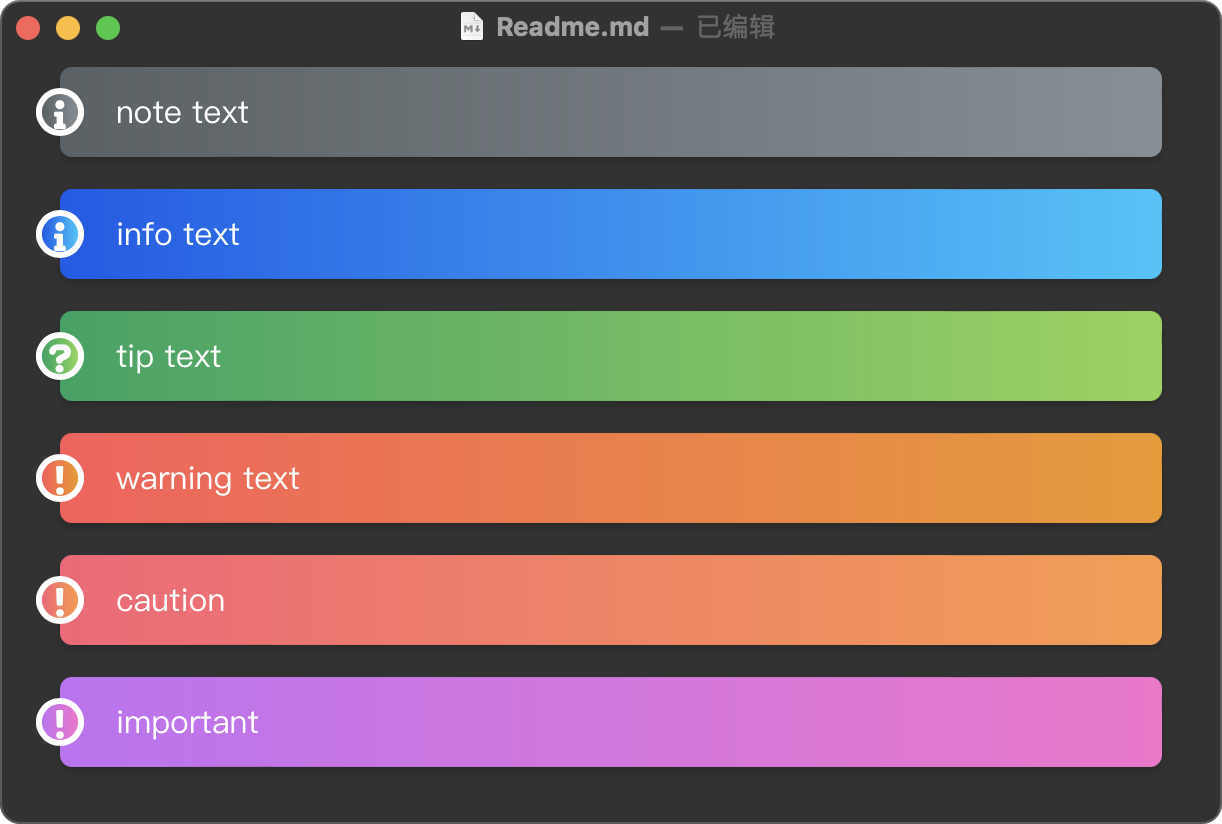
徽章
<span alt = "black">black</span>
<span alt = "blue">blue</span>
<span alt = "green">green</span>
<span alt = "orange">orange</span>
<span alt = "purple">purple</span>
<span alt = "red">red</span>
代码样式
请在偏好设置>Markdown>打开
显示行号,以获得更好体验- 支持代码块自定义光标颜色
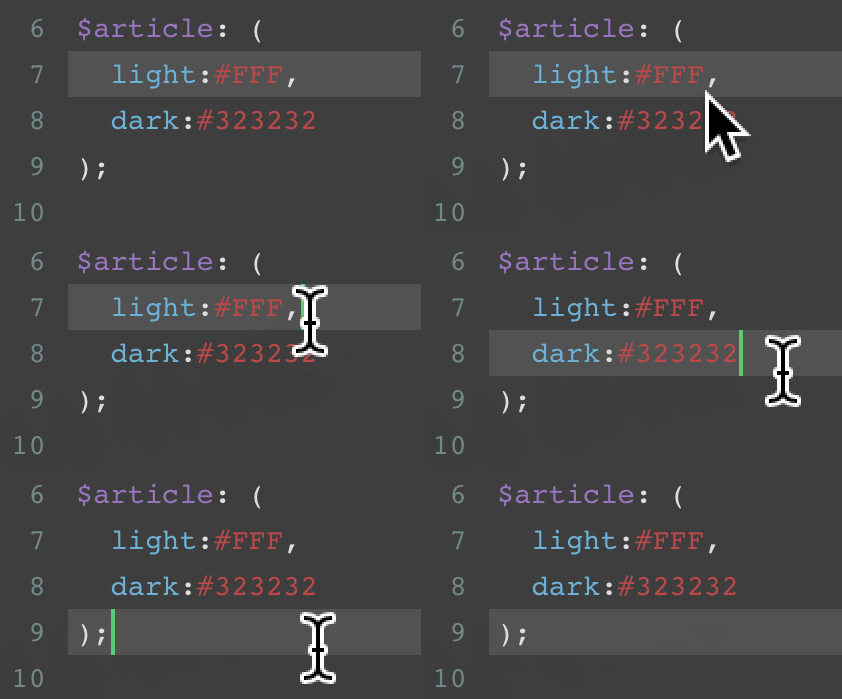
- 根据系统外观使用不同代码样式
个性化[可选]
修改
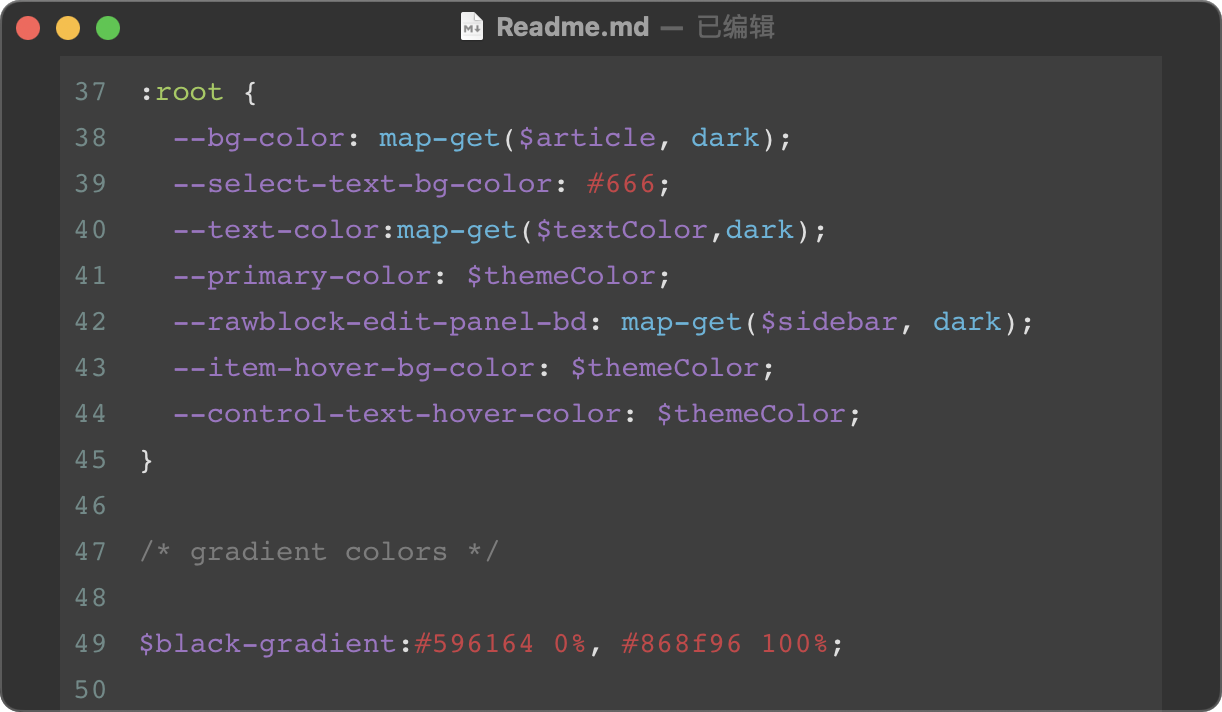
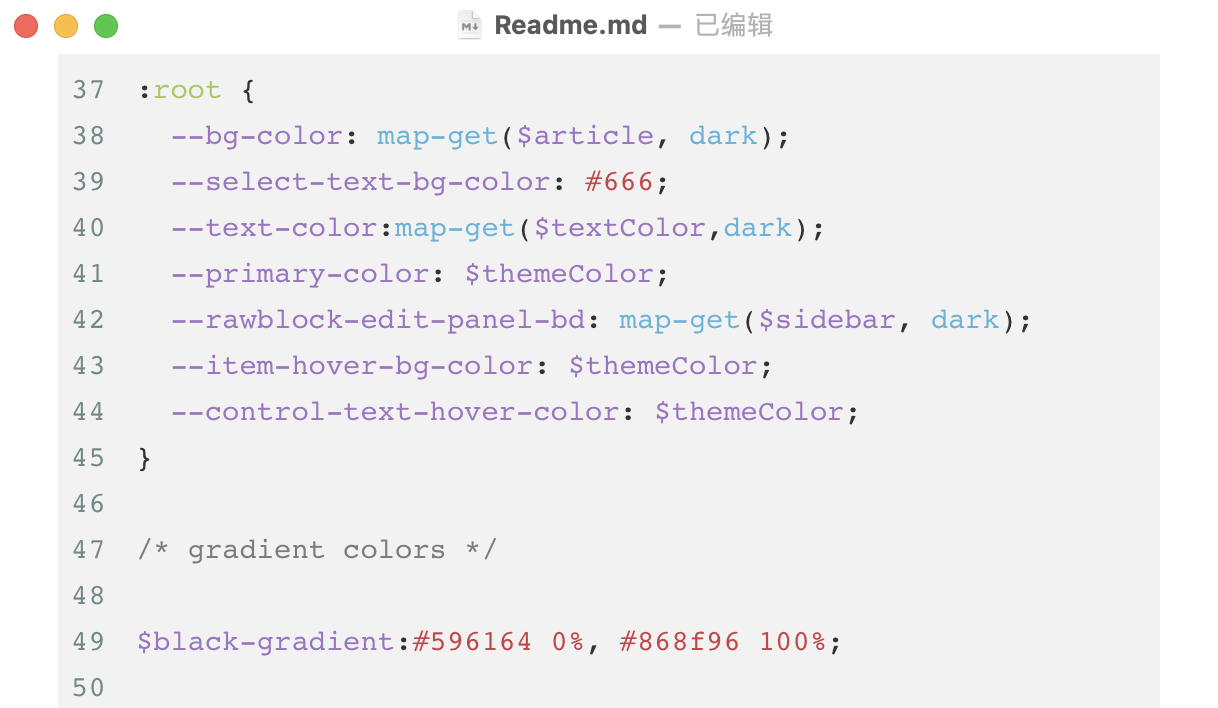
foresee.scss文件中代码以获得个性化体验$display: ( light:#FFF, dark:#666 ); $article: ( light:#FFF, dark:#323232 ); $sidebar: ( light: #F2F2F2, dark: #3E3E3E ); $textColor: ( light:#DEDEDE, dark:#323232 ); $tomato: #FF6347; $purple: #FF00FF; $blue: #00BFFF; $green: #00CD66; $orange: #FF8C00; $red: #fc6076; /* You can change theme color and focus color */ $themeColor: $green; $focusColor: $purple; /* gradient colors */ $black-gradient: #596164 0%, #868f96 100%; $blue-gradient: #005bea 0%, #00c6fb 100%; $red-gradient: #fc6076 0%, #ff9a44 100%; $orange-gradient: #ff5858 0%, #f09819 100%; $purple-gradient: #c471f5 0%, #fa71cd 100%; $green-gradient: #0ba360 0%, #8ed451 100%; // Custom fonts and style $border-radius: 6px; $font-family: "Microsoft YaHei", "PingFang SC", "Arial", "sans-serif"; /* you can change default page width #write { max-width: 914px; } */预览
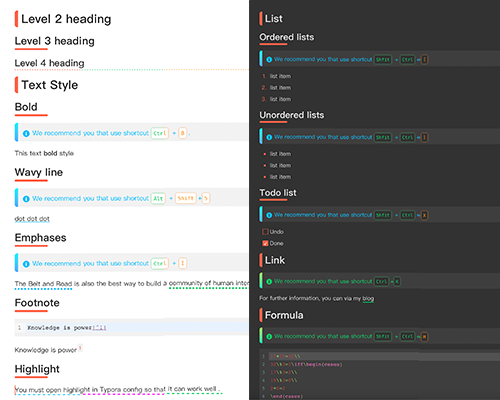
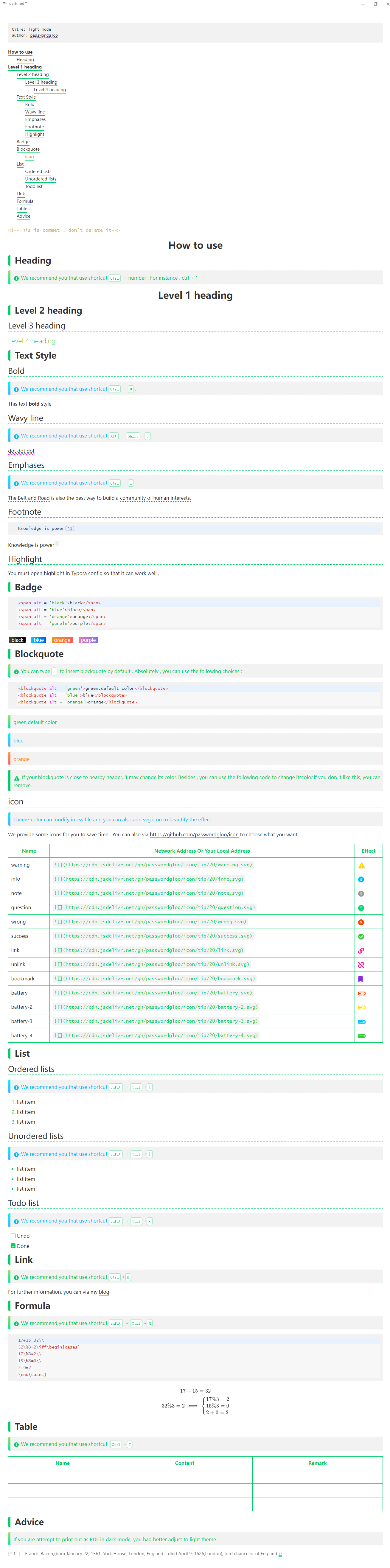
浅色模式
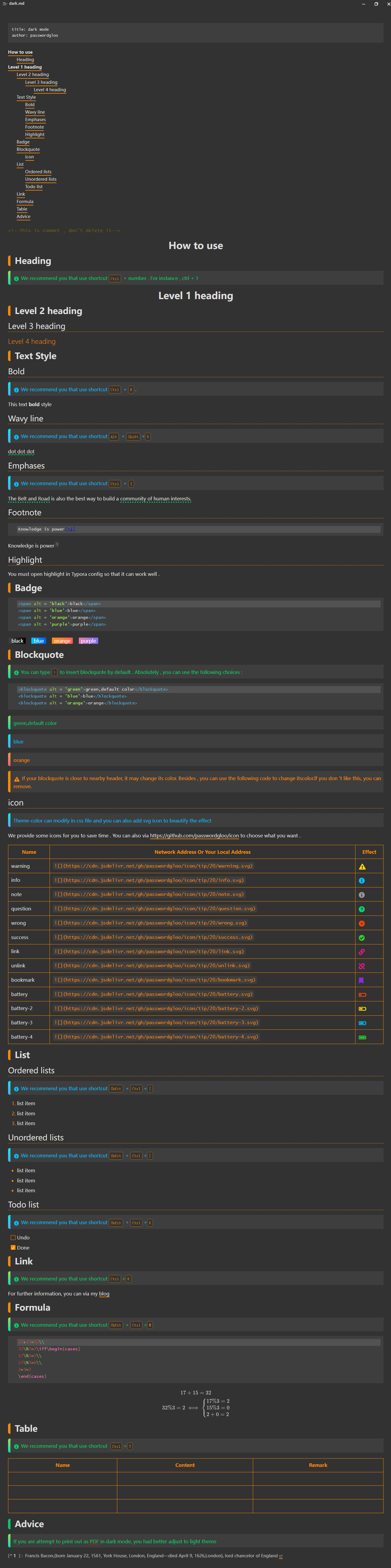
深色模式
项目用途
- 归档个人学习经验
- 留下自己学习印迹
- 启迪他人思想火花


