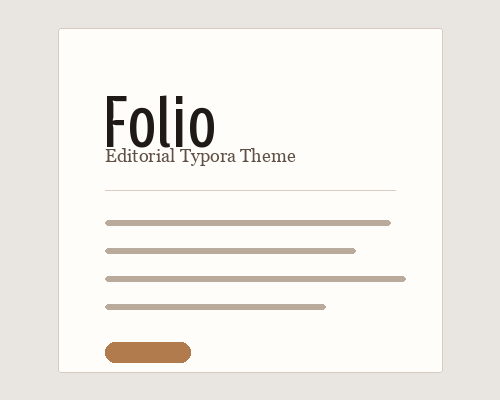
Folio
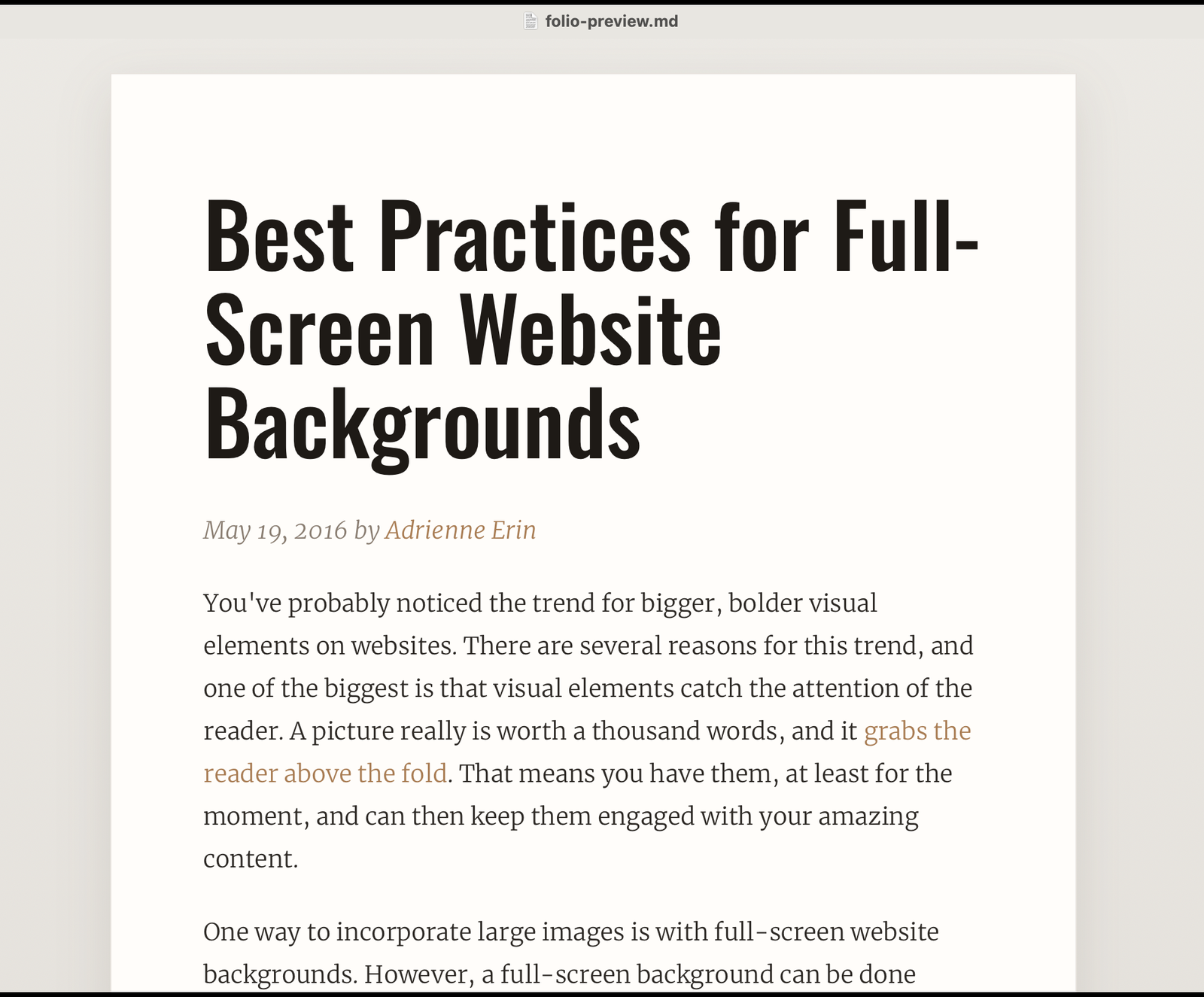
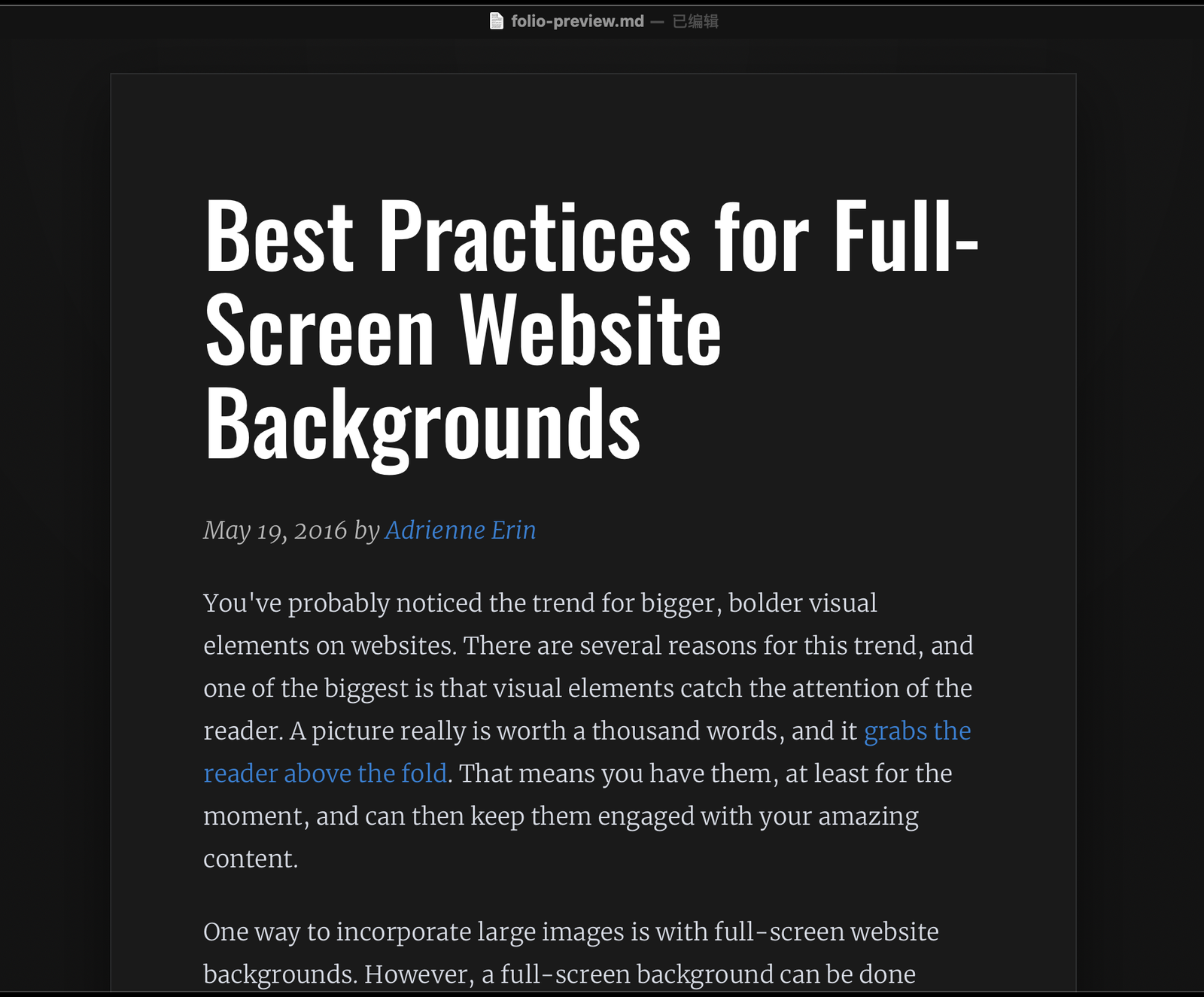
Folio is an editorial Typora theme with light and dark variants. It uses a paper-like writing surface, strong condensed headings, serif body text, tuned tables, quotes, and code blocks for long-form articles.
Features
- Dual variants: Folio and Folio Noir.
- Paper-style reading surface with generous margins for long-form writing.
- Condensed display headings paired with serif body text.
- Custom bundled display font for the heading style.
- Refined tables, blockquotes, inline code, and fenced code blocks.
Designed and tested on macOS. Not fully tested, but should work on Windows/Linux.
Screenshots
Installation
- Download the theme files
- https://github.com/liyoulu/typora-folio-theme/archive/refs/heads/main.zip
- Locate Typora’s theme folder
- Open Typora -> Preferences -> Appearance -> Open Theme Folder.
- Copy theme files
- Place
folio.css,folio-noir.css,folio-fonts/, andpixyll/into the theme folder.
- Apply the theme
- Restart Typora, then select Folio or Folio Noir from the Themes menu.
Author
liyoulu
GitHub: liyoulu