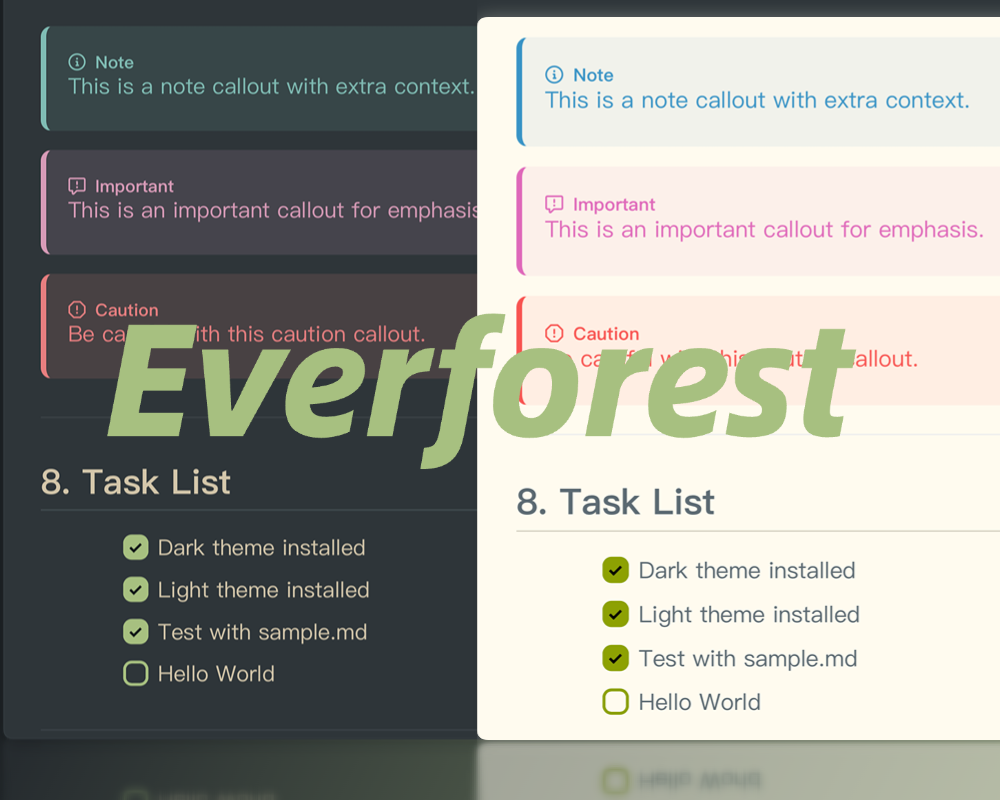
Everforest
Everforest Theme for Typora
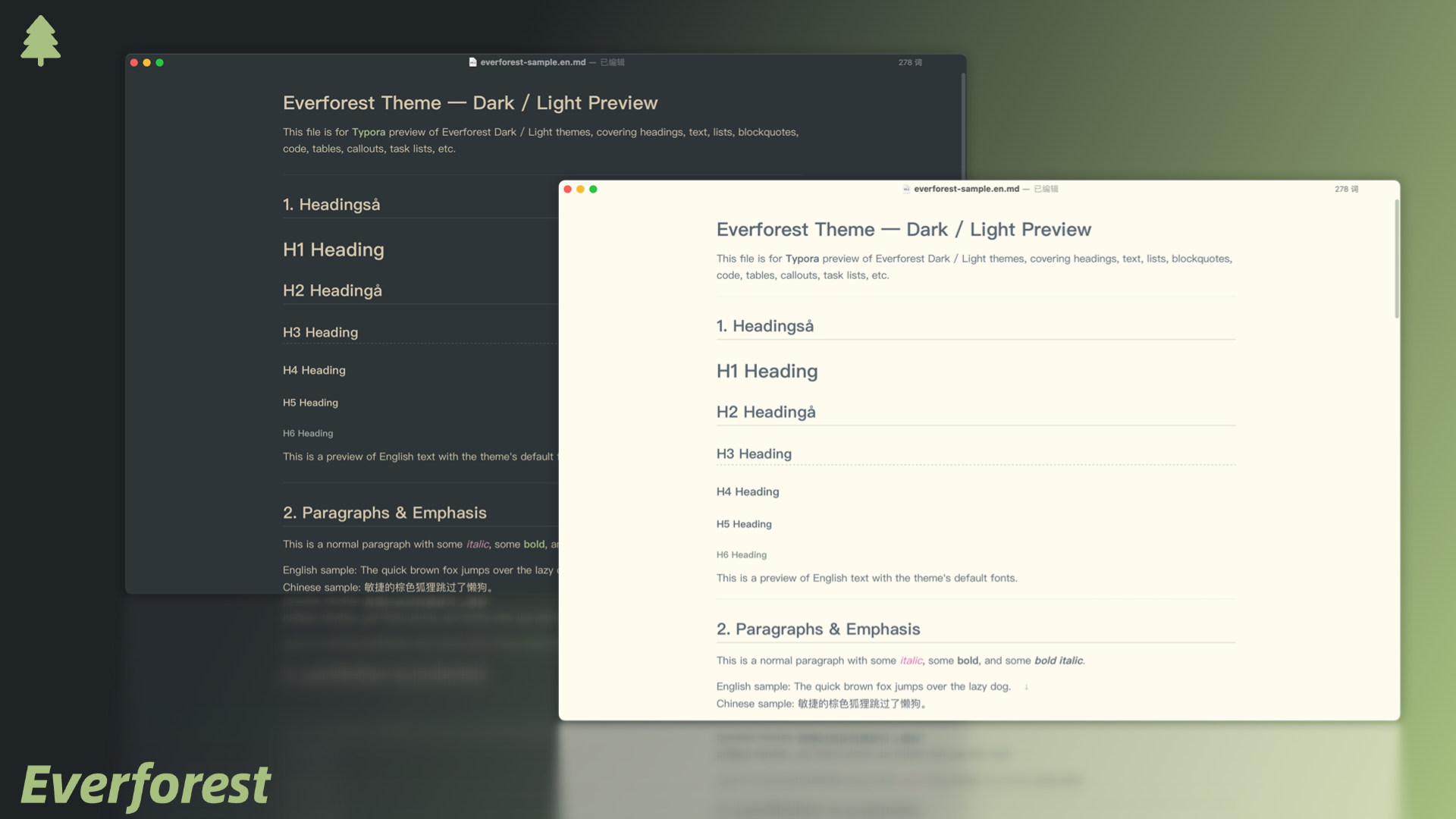
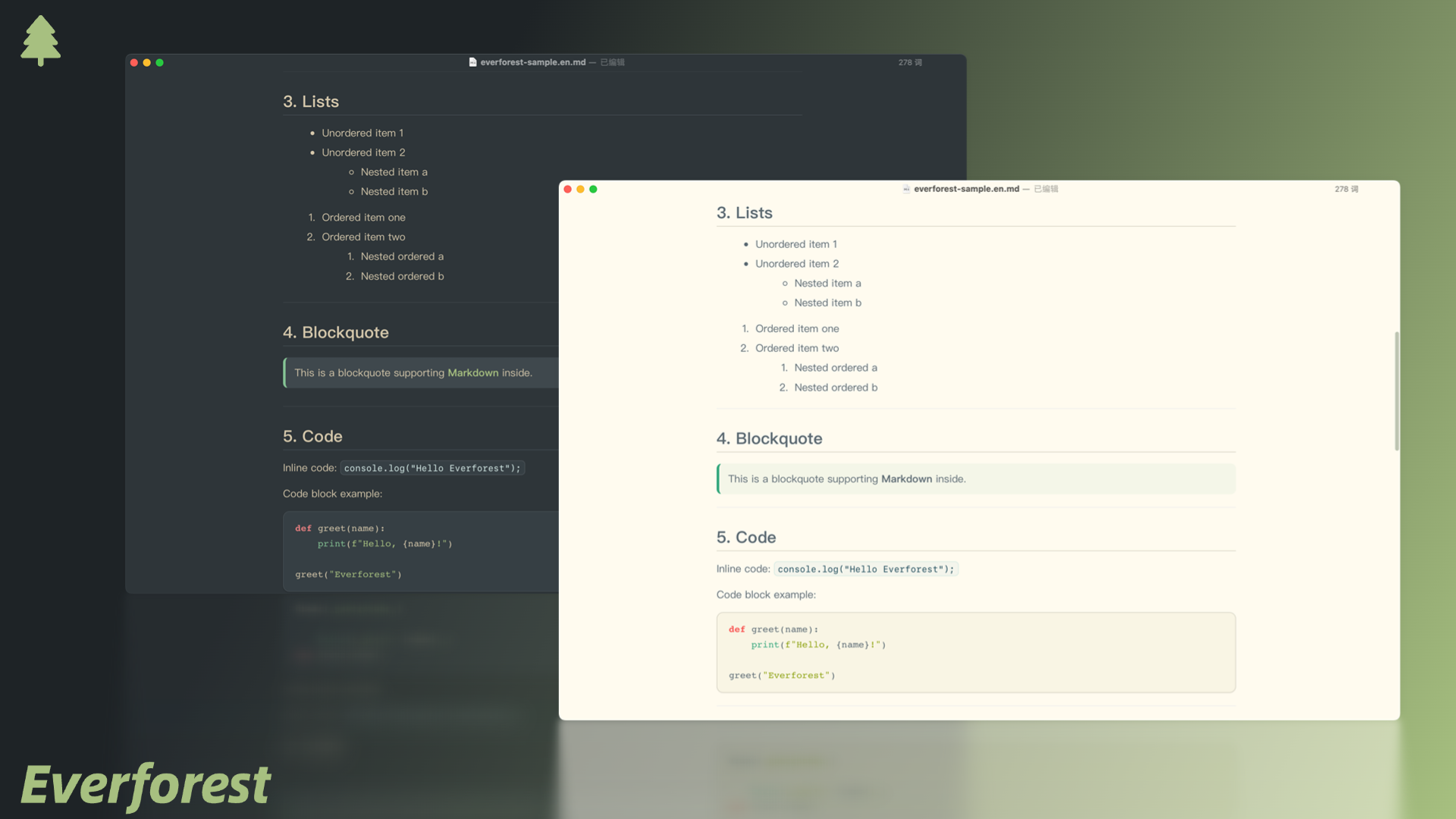
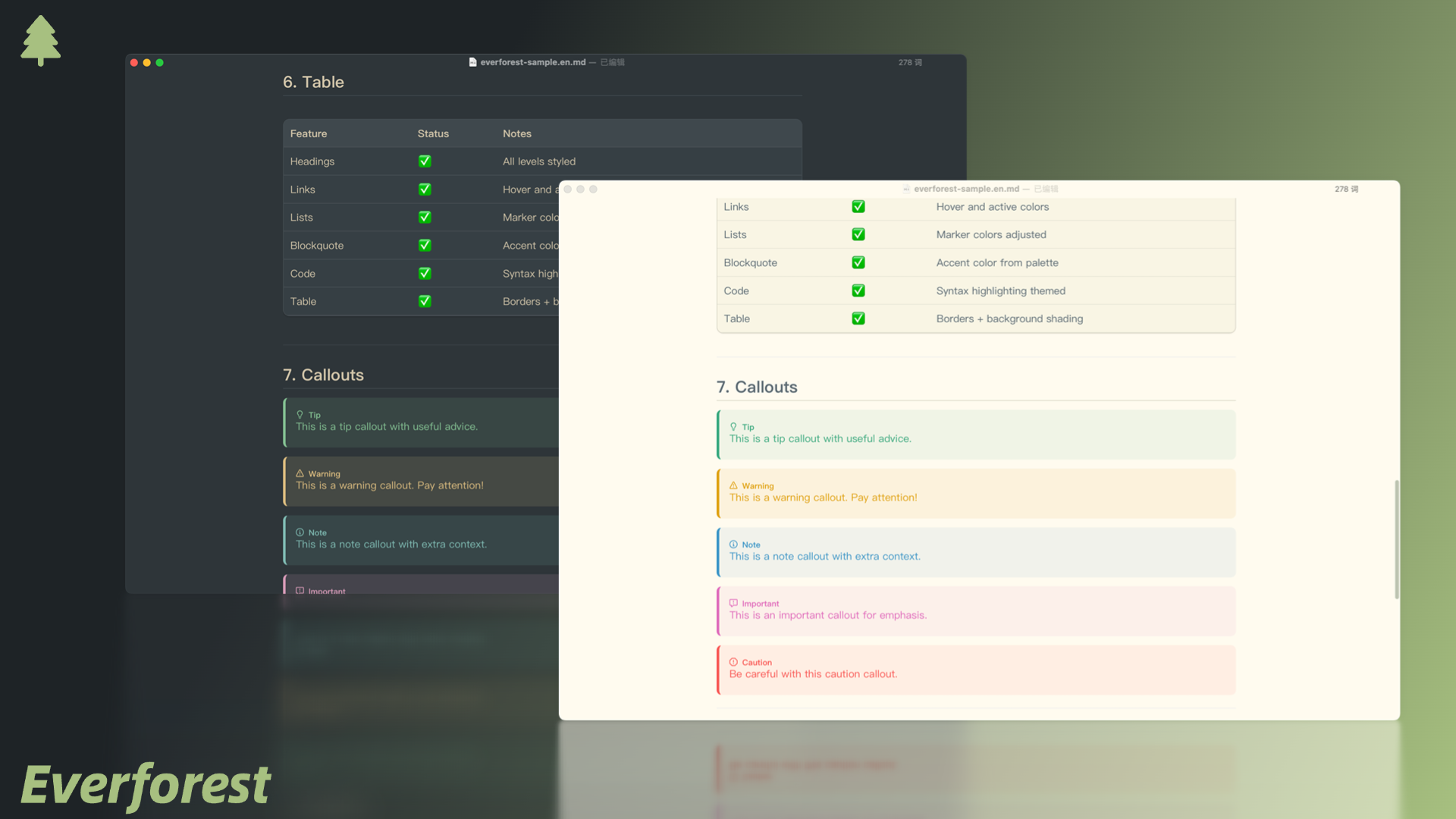
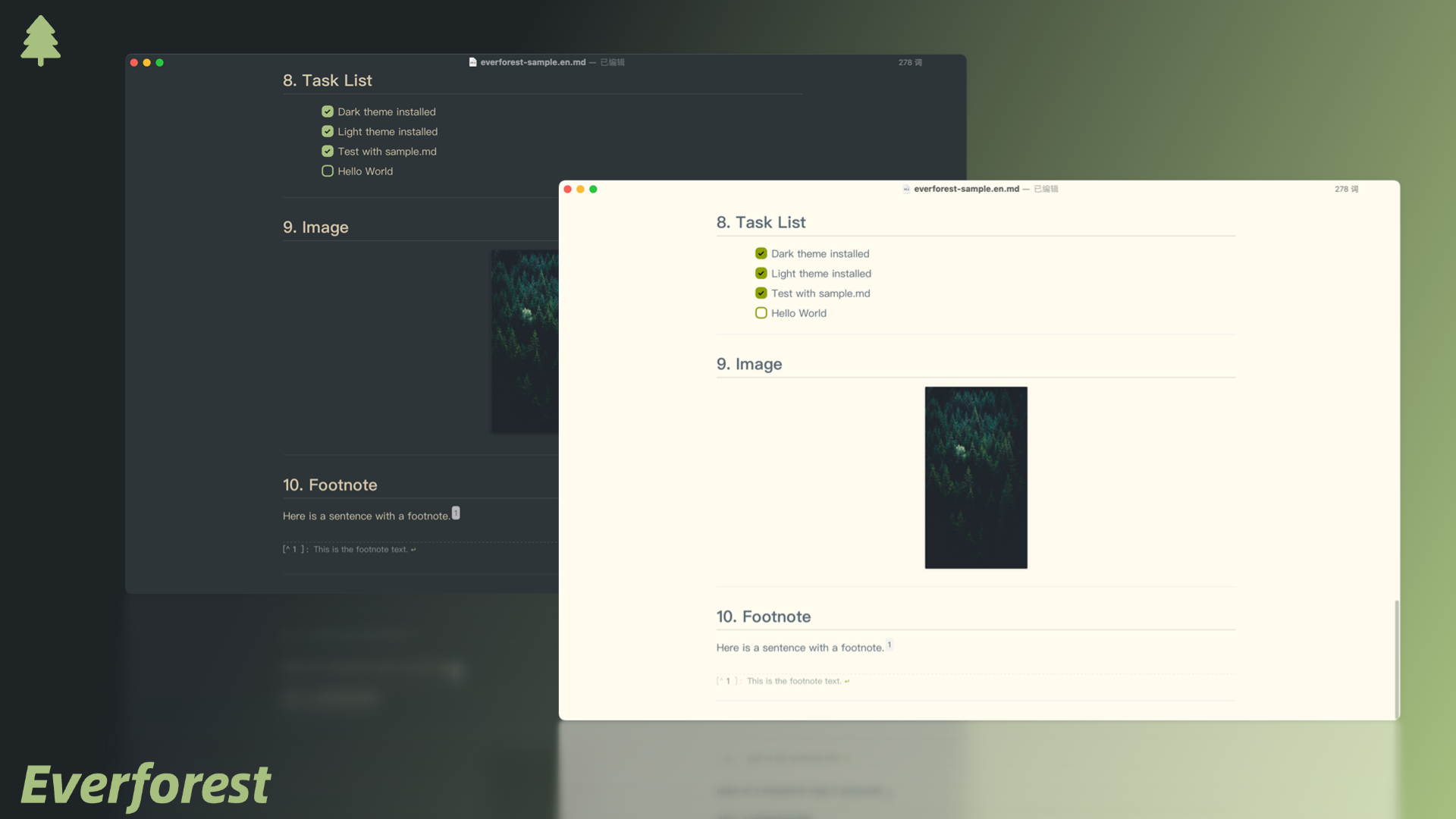
A clean, nature-inspired theme for Typora, based on Everforest color palette. Designed to be easy on the eyes for long writing sessions, with balanced contrast and harmonious colors.
Available Options
- Everforest Light
- Everforest Dark
Screenshots
Installation
-
Download the theme files Everforest Theme for Typora – Download
-
Locate Typora’s theme folder
- Open Typora → Preferences → Appearance → Open Theme Folder.
-
Copy theme files
- Place the everforest.css file and its resources into the theme folder.
-
Apply the theme
- Restart Typora, then select Everforest from the Themes menu.
Author
Yux Bao GitHub: YuxBao
Special Thanks
- The Callouts styles are inherited from Mdmdt Theme, thanks to @cayxc for contributing such beautiful theme.
Links
- Homepage: Everforest Typora Theme Repository
- Download: Everforest Typora Theme – themes folder