Evangelion
Evangelion-typora-theme
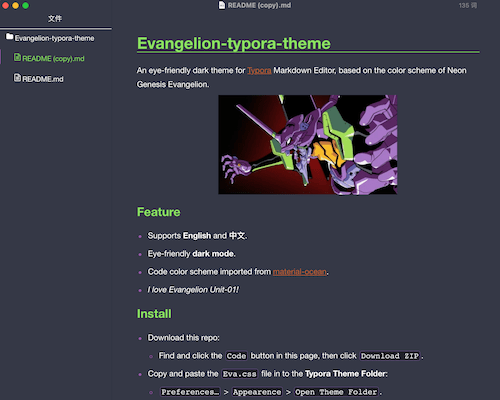
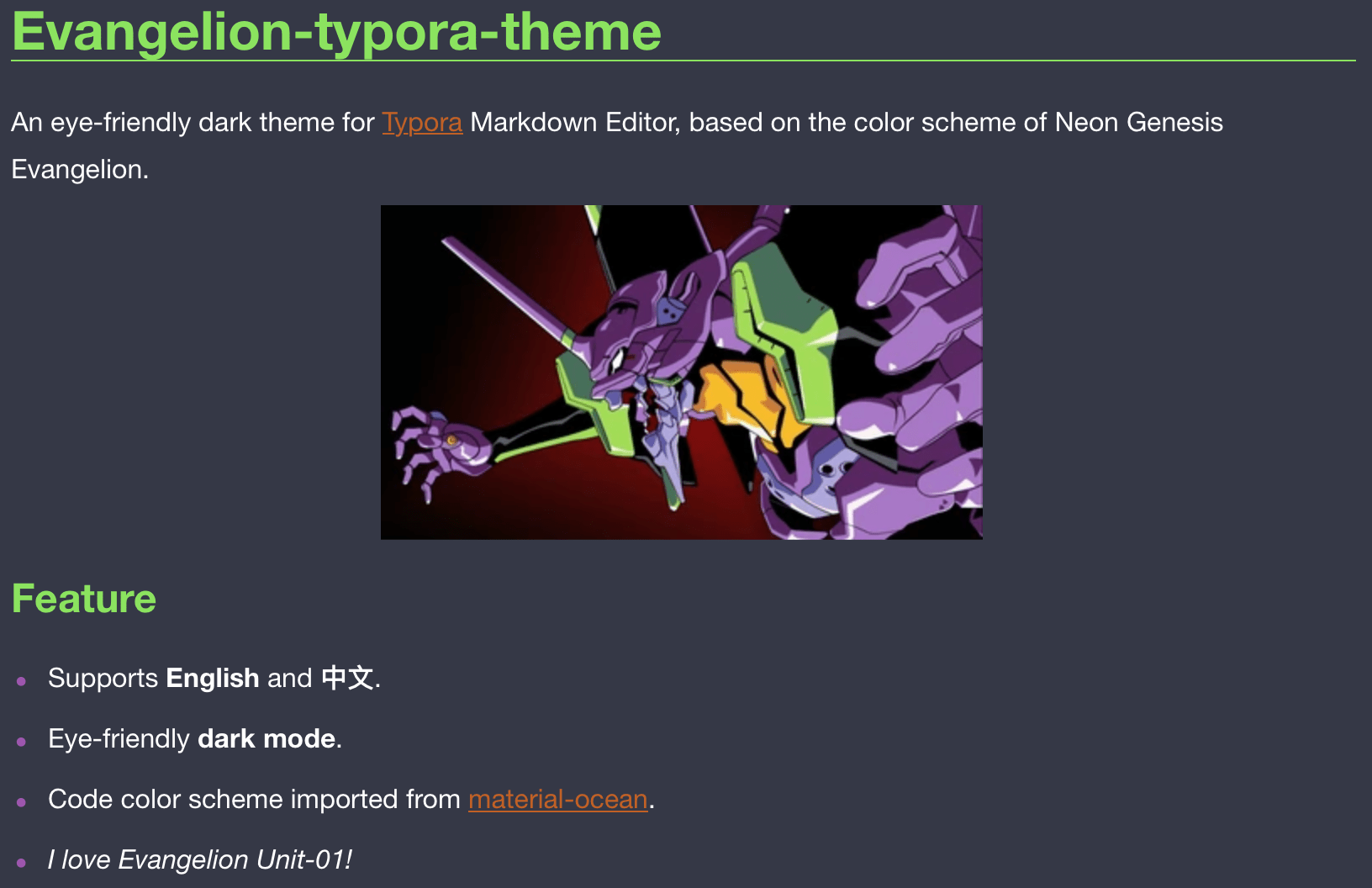
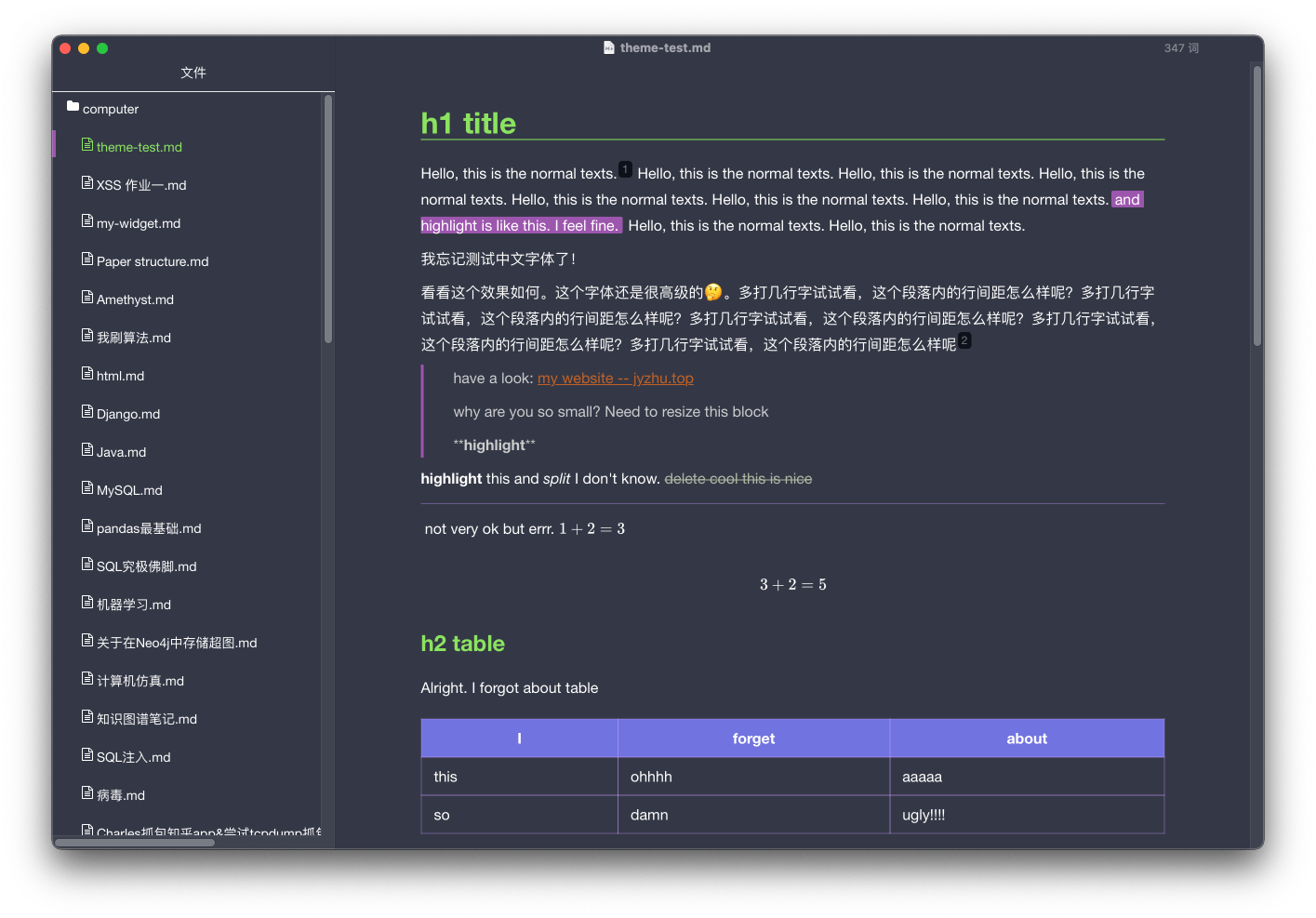
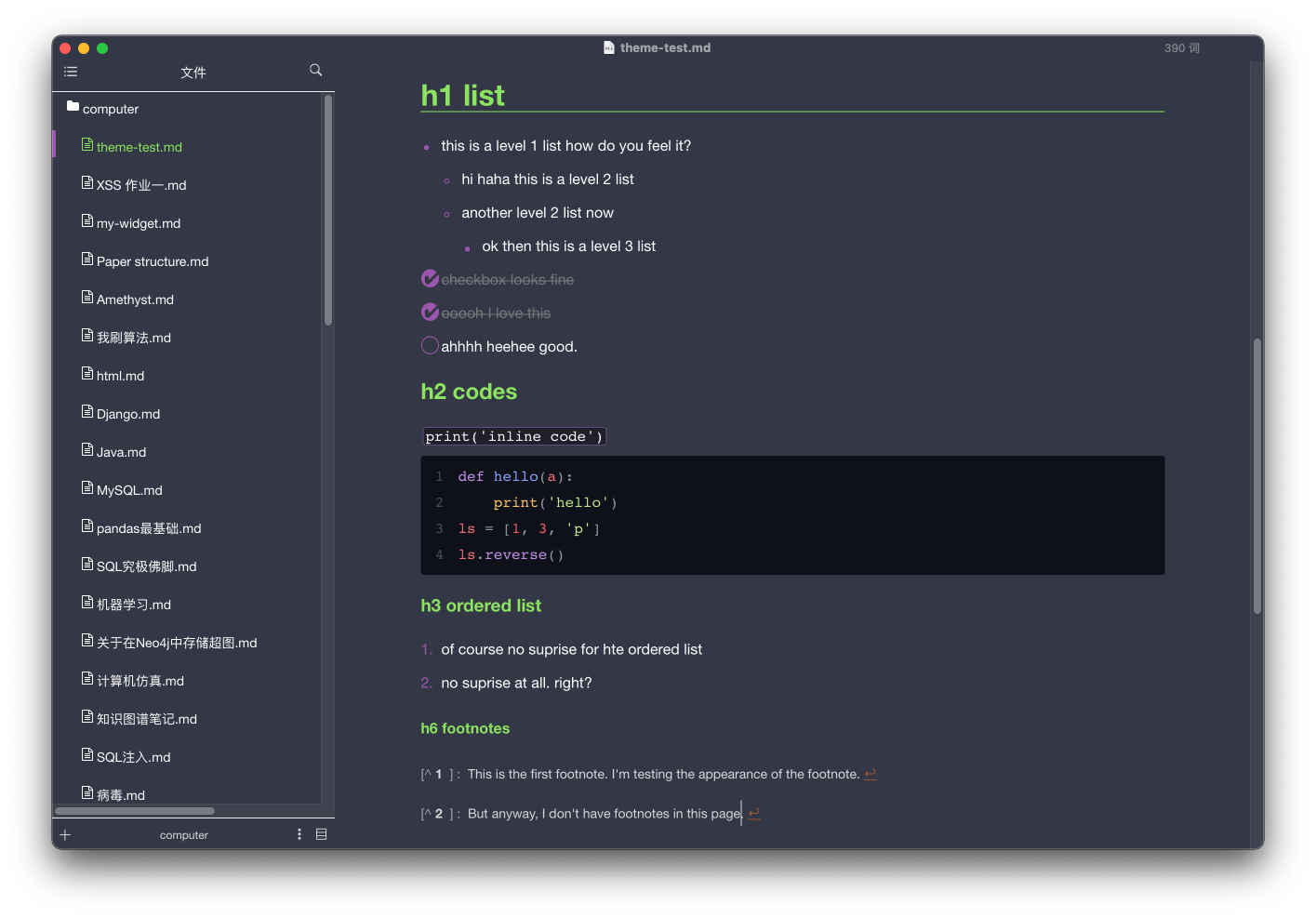
An eye-friendly dark theme for Typora Markdown Editor, based on the color scheme of Neon Genesis Evangelion(EVA新世纪福音战士啦).
Feature
- Supports English and 中文.
- Eye-friendly dark mode.
- Code color scheme imported from material-ocean.
- I love Evangelion Unit-01!
Screenshots
Install
- Download the
Eva.cssfile: see releases. - Copy and paste the file in to the Typora Theme Folder:
-
Preferences…>Appearence>Open Theme Folder.
-
- Restart Typora, then select
Theme>Evato apply.
安装:
- 下载
Eva.css文件: releases - 将该文件粘贴到Typora主题文件夹中:
-
偏好设置>外观>打开主题文件夹
-
- 重启Typora,然后选择
主题>Eva,主题即可生效。
Reference
I take the color palette of Neon Genesis Evangelion.
And this theme code is inspired by both bear-dracula and mint-dark. I love these 2 themes, too!
Designed and tested on macOS. Not fully tested, but should work for Windows/Linux.