Dracula
Dracula Theme
A Dracula Spec based theme for the Typora Markdown Editor.

Install
- Download or clone this repository.
- Open Typora Theme Folder from Preference Panel → Appearance section.
- Copy the contents of
/theme(dracula folder and dracula.css file) into the newly opened Typora theme folder. - Restart typora, then select
Draculafrom Themes menu.
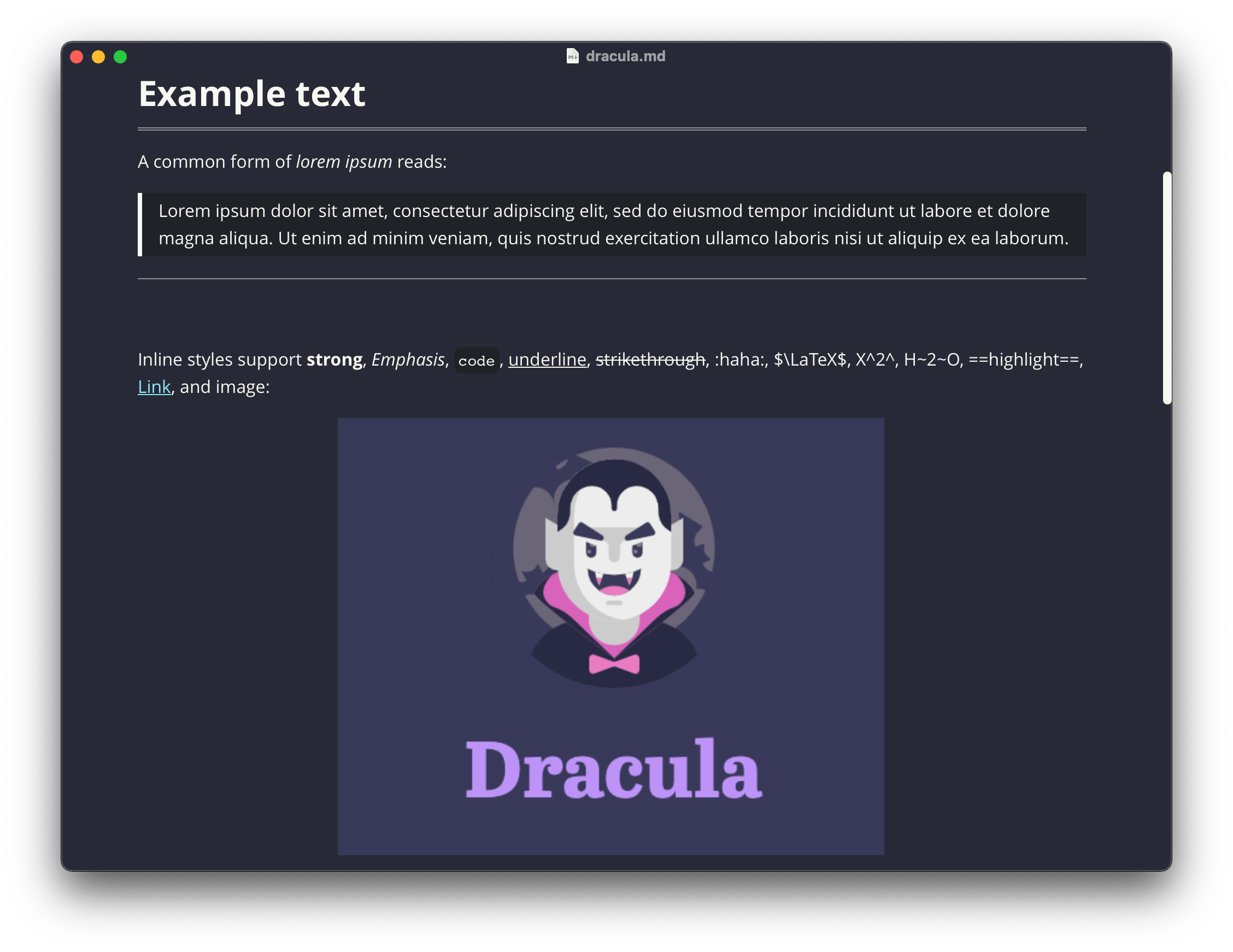
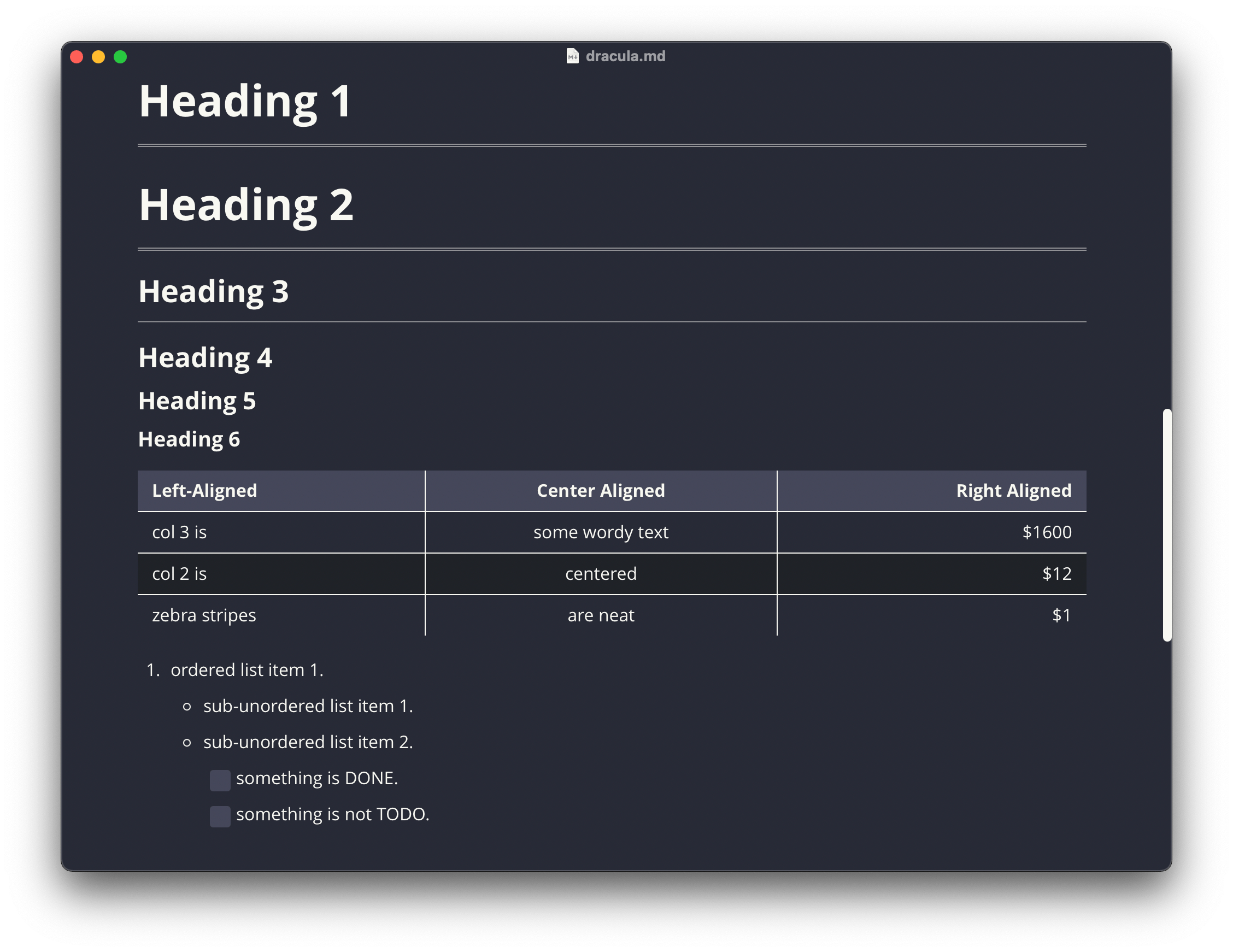
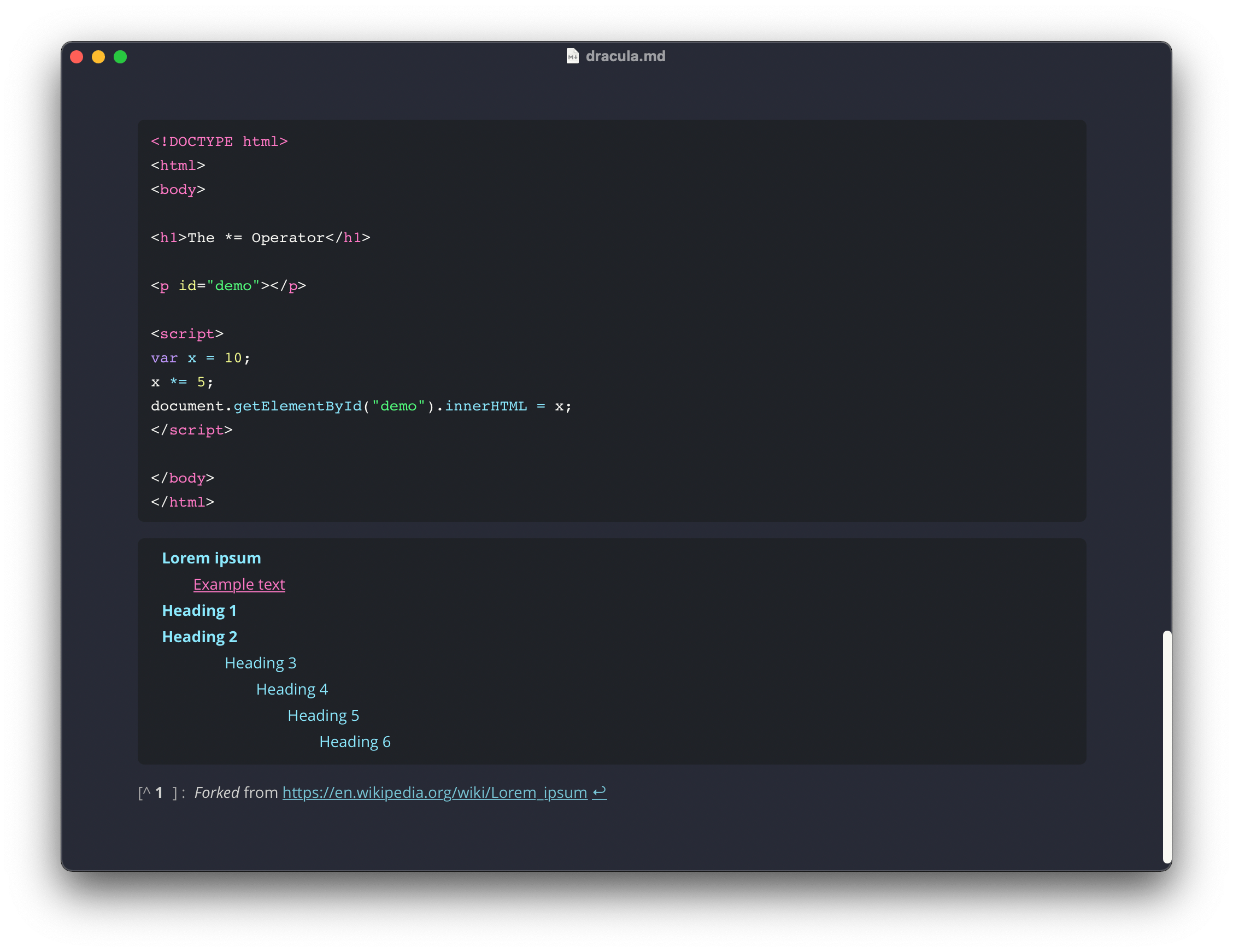
Screenshots
Notes
- Designed and tested on macOS. Not fully tested, but should work for Windows/Linux.
- Uses Google Open Sans font.
- Supports Windows “Unibody” style.
Contribution
If you have a suggestion or a bug fix, feel free to make a pull request and I will be glad to take a look at it 🙂