D42ker GitHub
Typora-D42ker-GitHub-theme
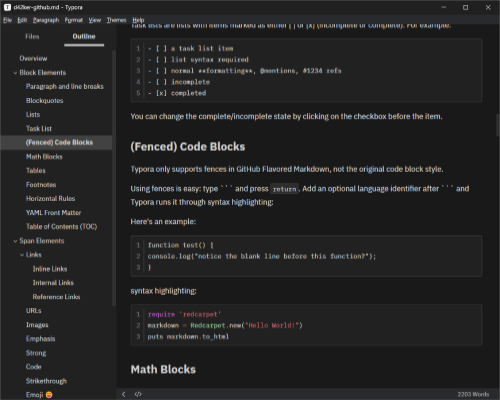
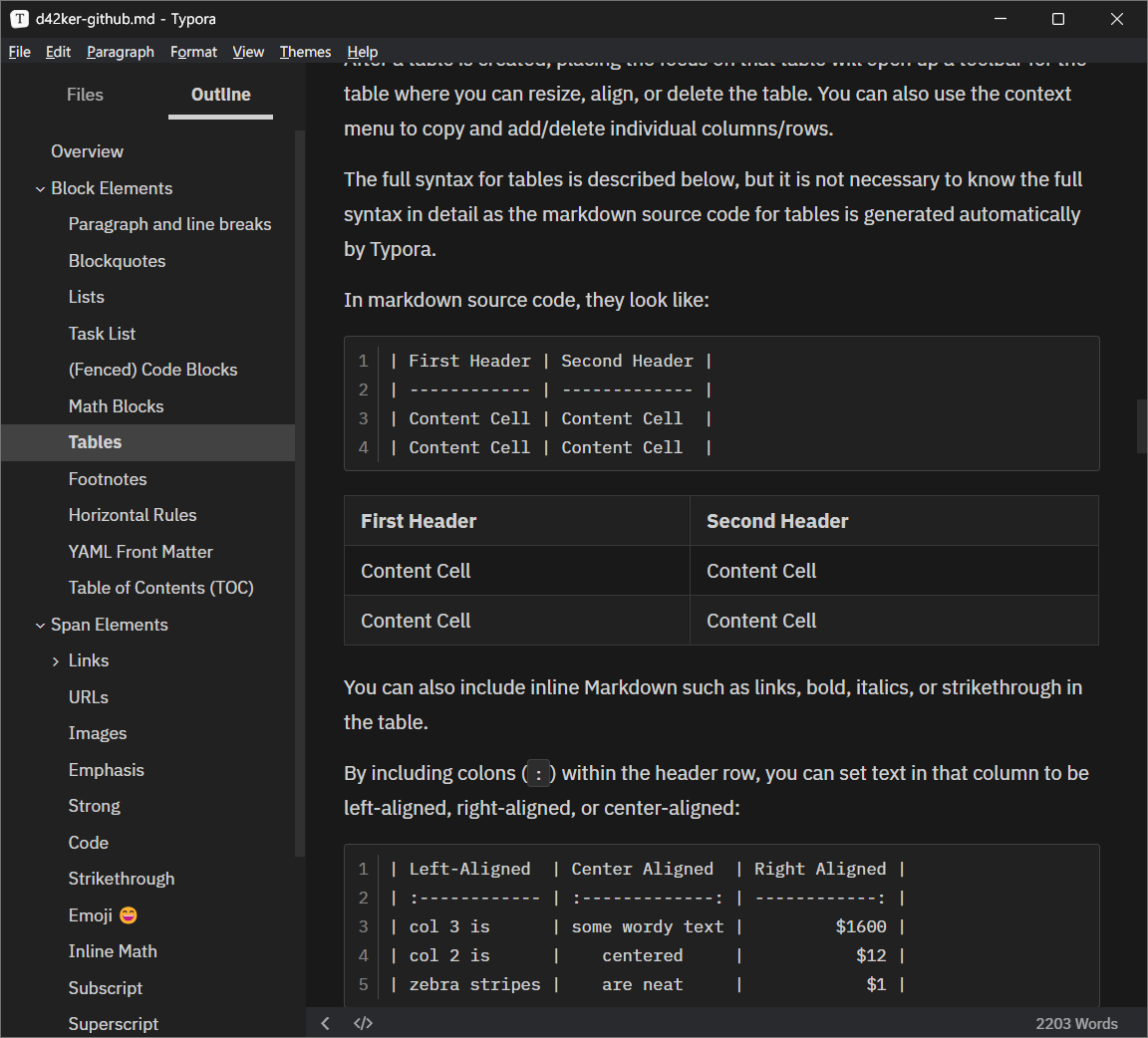
A darker Github Dark theme for Typora Markdown Editor.
Notes
-
Designed and tested on Windows (include styles for Windows
unibodystyle).- Not fully tested, but should work for Linux/macOS.
- Darker & 0 saturation background.
- Red accent color.
- Better CodeMirror style.
- Many detail polished.
- Install IBM Plex Sans & Mono (or Fira Code) to get the best look.
Screenshots


Install
- Download this repo;
- Open Typora Theme Folder;
-
File>Preferences…>Appearence(scroll down) >Open Theme Folder.
-
- Copy and paste the
.cssfile in to the Theme Folder just opened; - Select
D42ker Githubto apply.-
Themes>D42ker Github.
-