Bit Clean
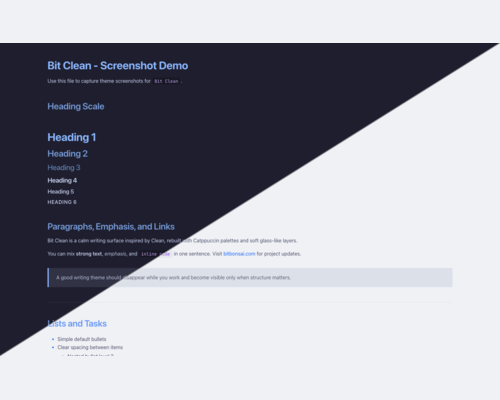
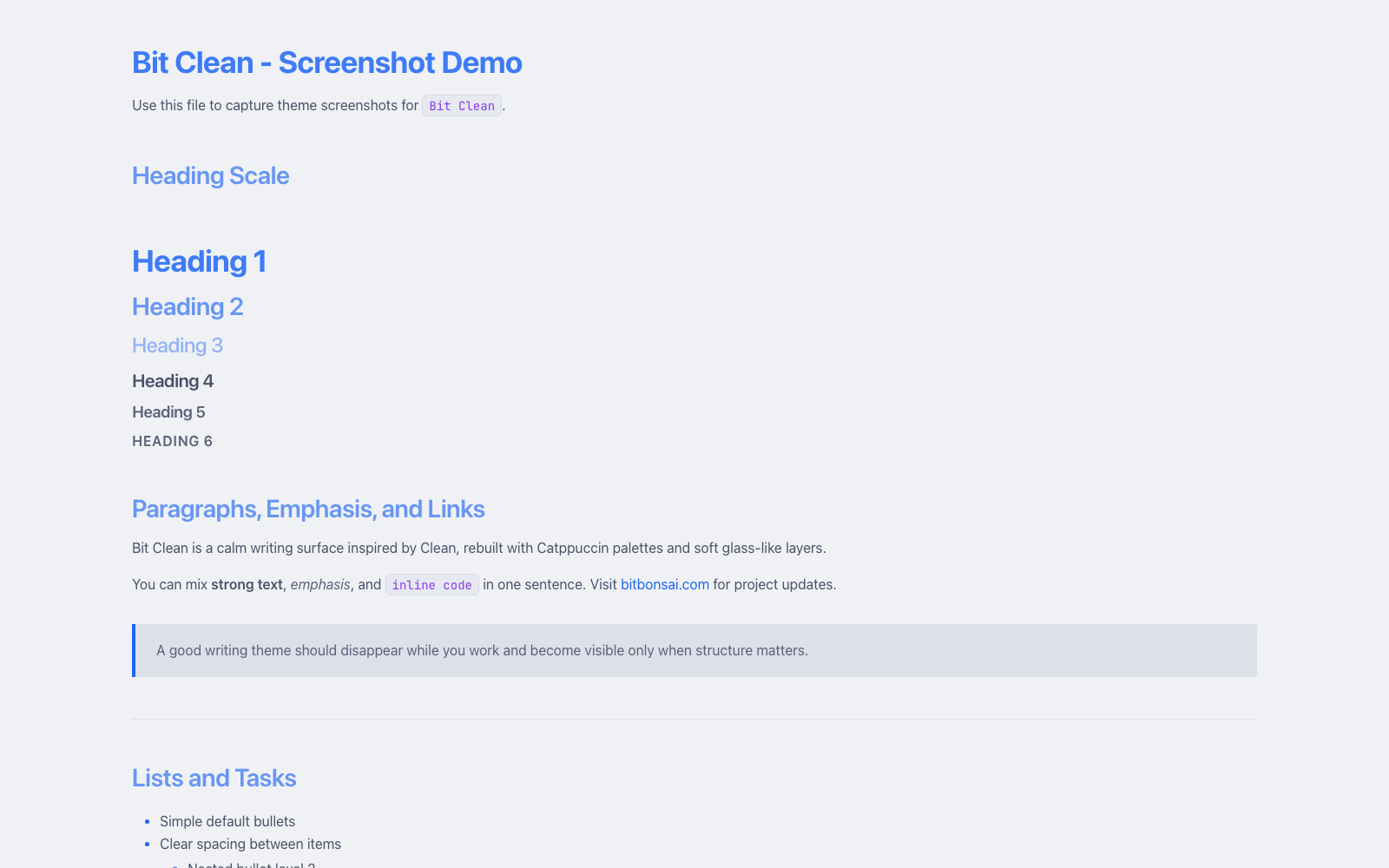
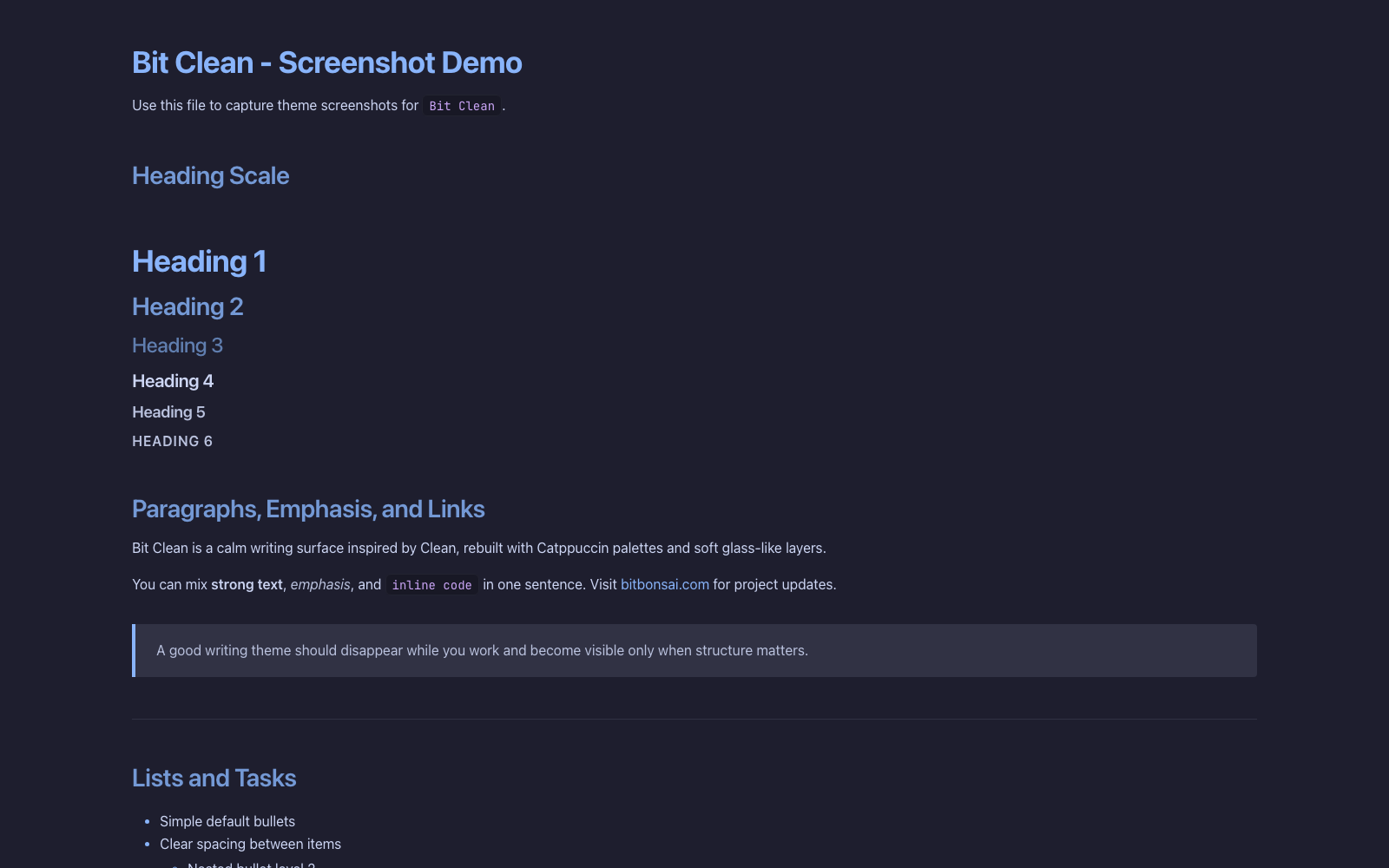
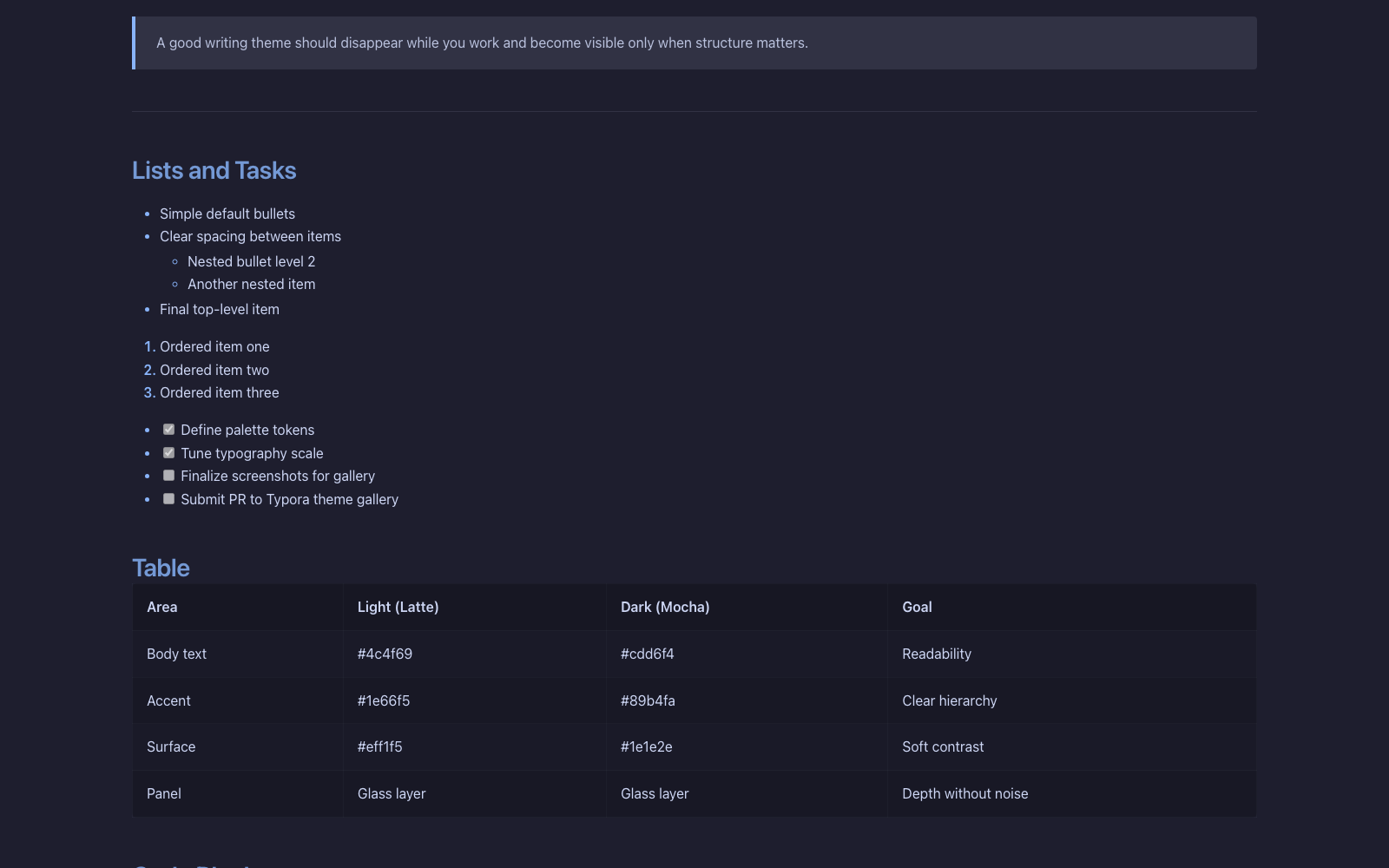
Bit Clean is a Clean-inspired Typora theme that blends Catppuccin Latte and Mocha palettes with subtle glass surfaces for a calm, modern writing experience.
Features
- Dual variants: Bit Clean Light (Latte) and Bit Clean Dark (Mocha).
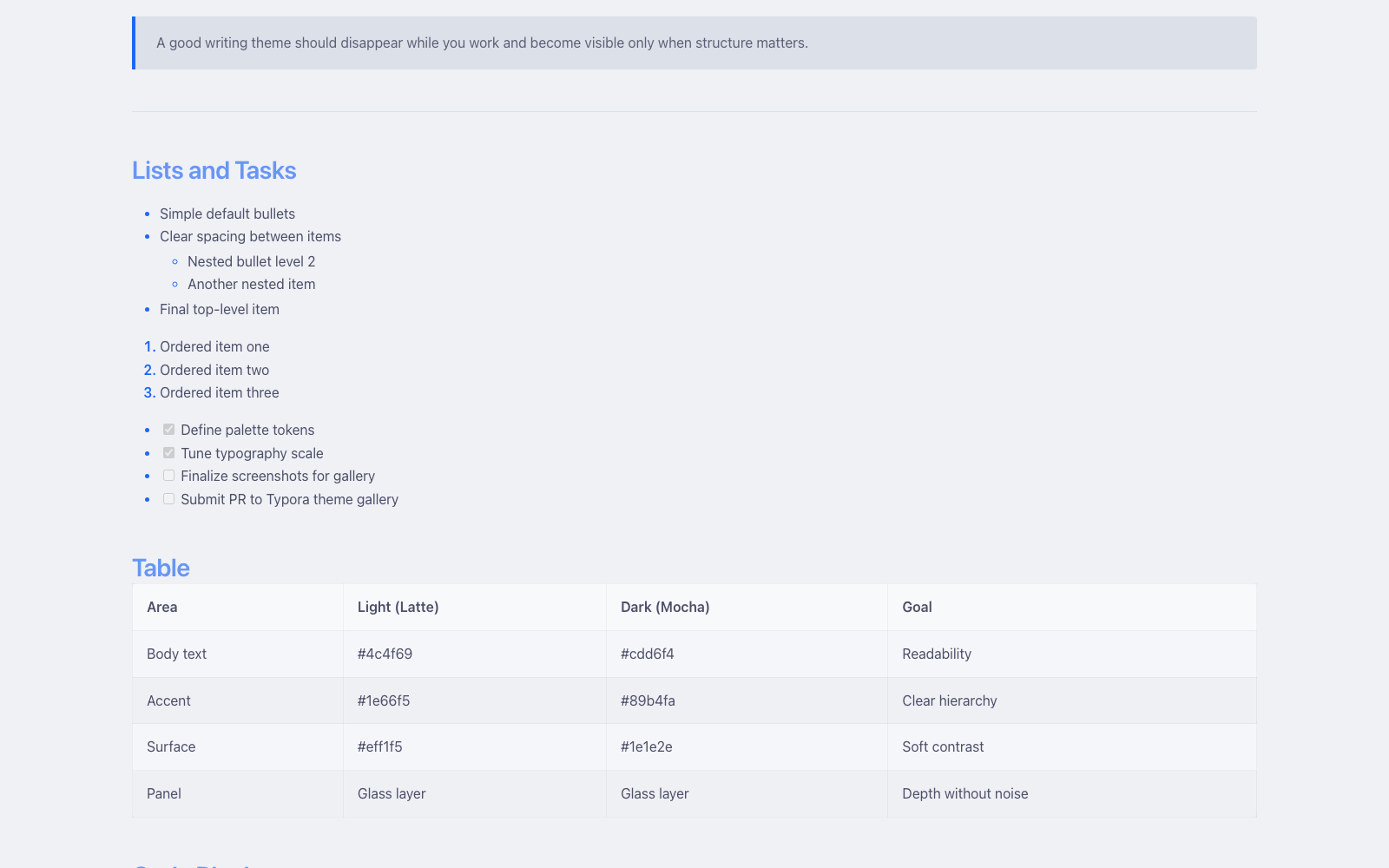
- Soft glass-style panels for code blocks, tables, and UI chrome.
- Balanced typography and spacing tuned for long-form readability.
- Catppuccin-aligned syntax accents and polished inline code styling.
- Refined Typora UI coverage: sidebar, search, dialogs, tooltips, and task lists.
Designed and tested on macOS. Not fully tested, but should work on Windows/Linux.
Screenshots
Installation
- Download the theme files
- https://github.com/bitbonsai/typora-bit-clean/tree/main/bit-clean/bit-clean-light.css
- https://github.com/bitbonsai/typora-bit-clean/tree/main/bit-clean/bit-clean-dark.css
- Locate Typora’s theme folder
- Open Typora -> Preferences -> Appearance -> Open Theme Folder.
- Copy theme files
- Place the css files into the theme folder.
- Apply the theme
- Restart Typora, then select Bit Clean Light or Bit Clean Dark from the Themes menu.
Author
Mauricio Wolff GitHub: bitbonsai Website: bitbonsai.com