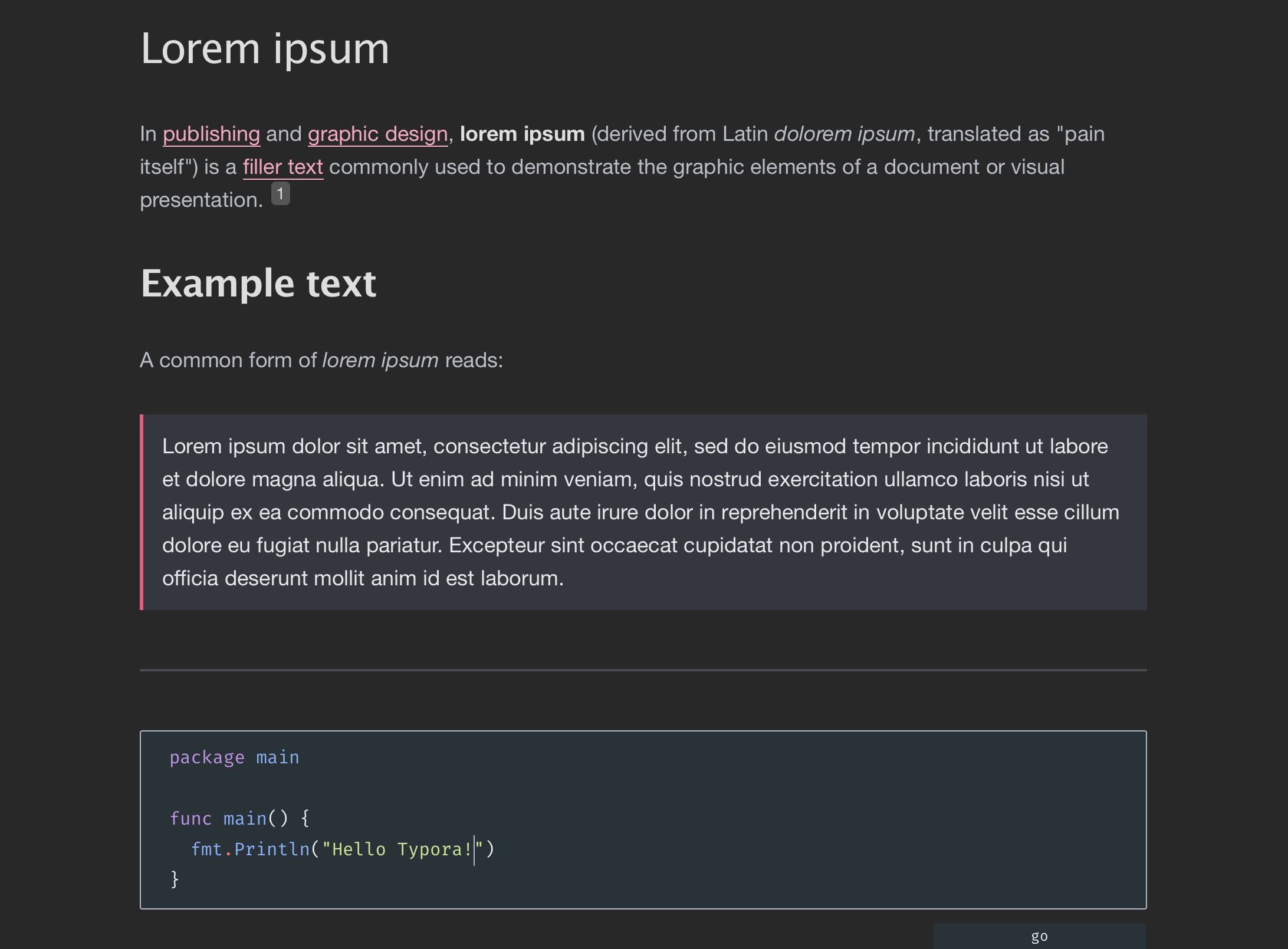
PJCHENder Dark
PJCHENder Dark Theme for Typora
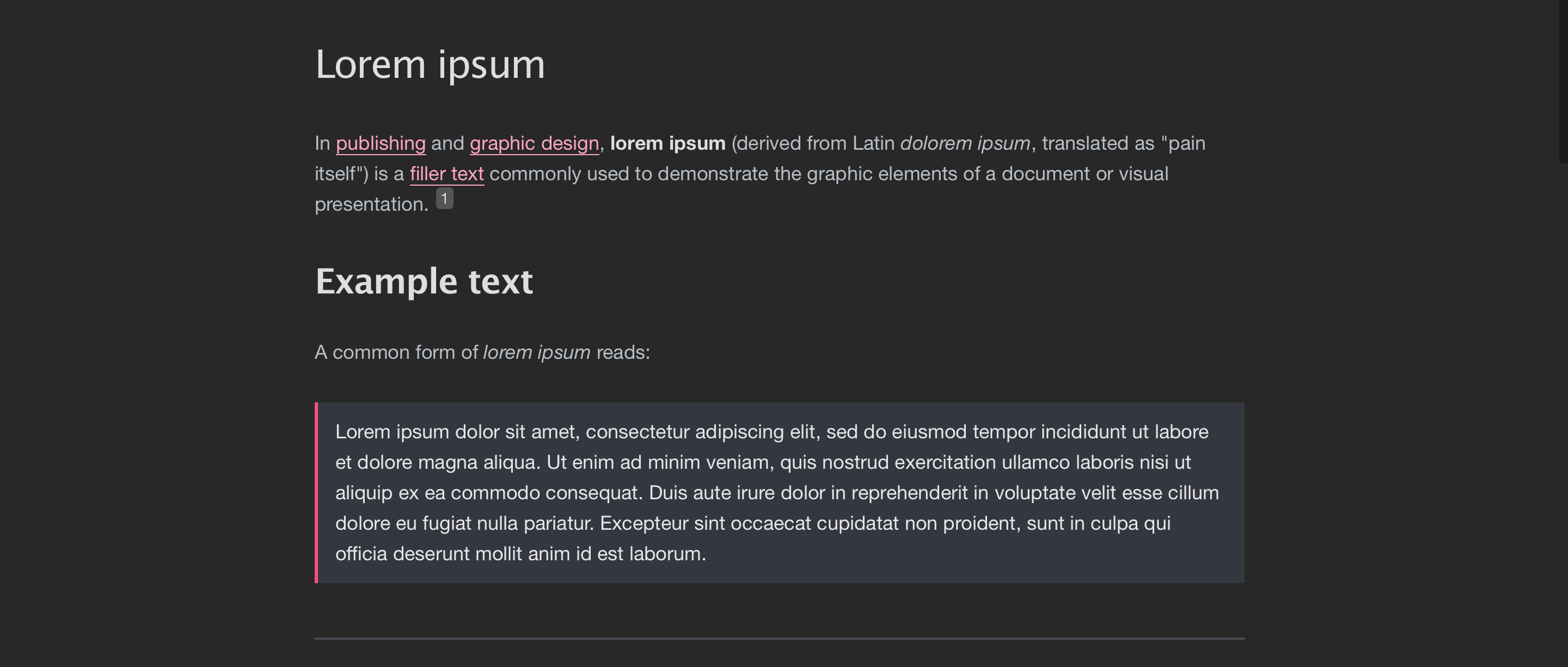
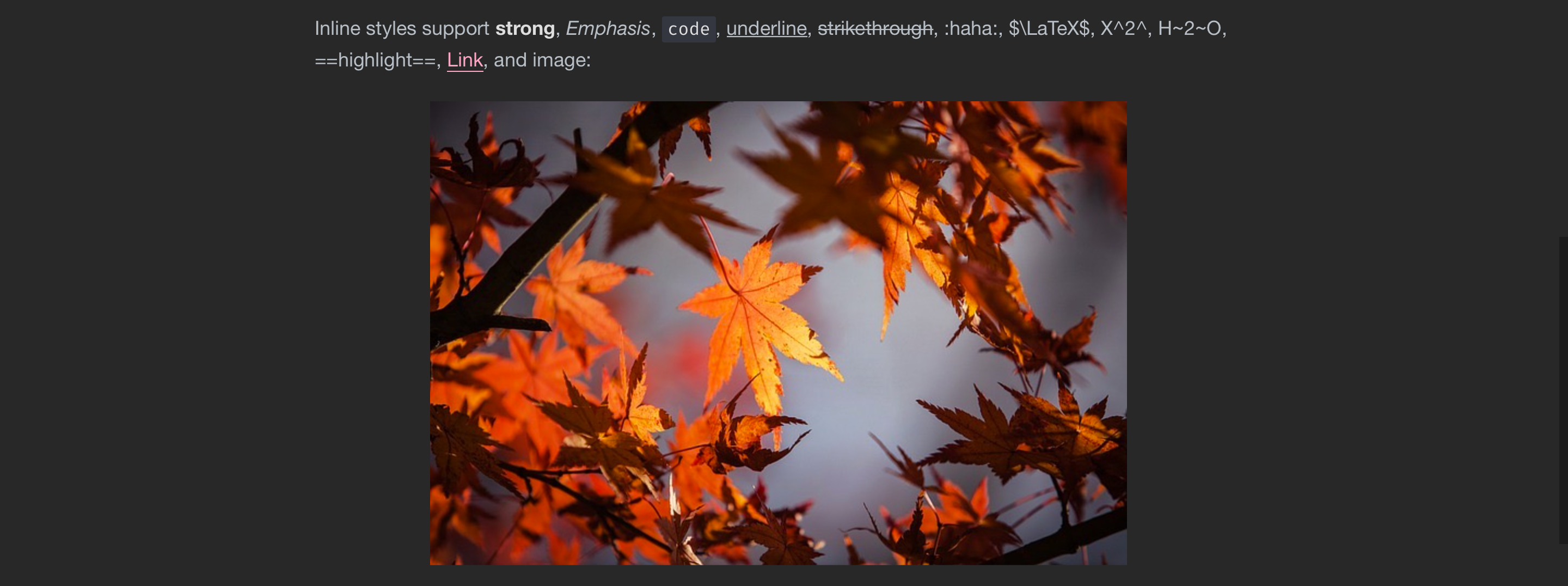
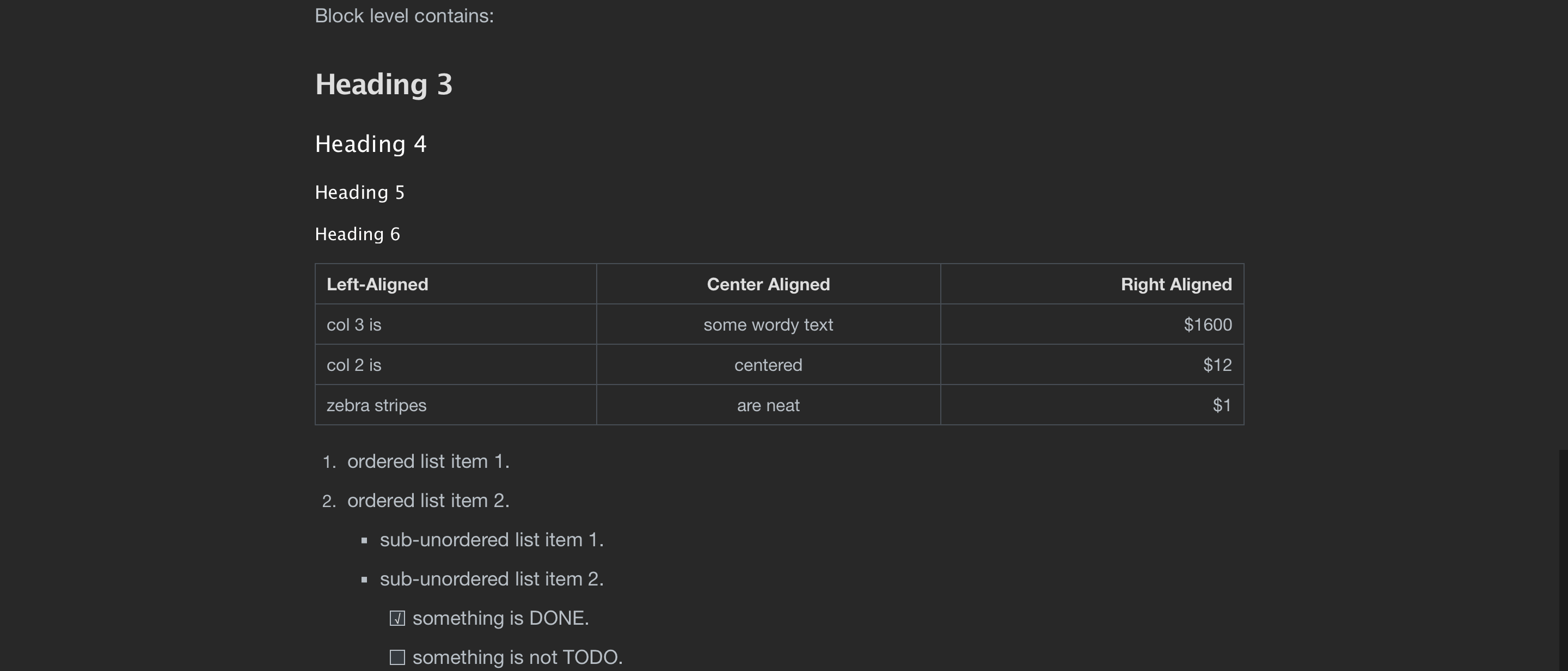
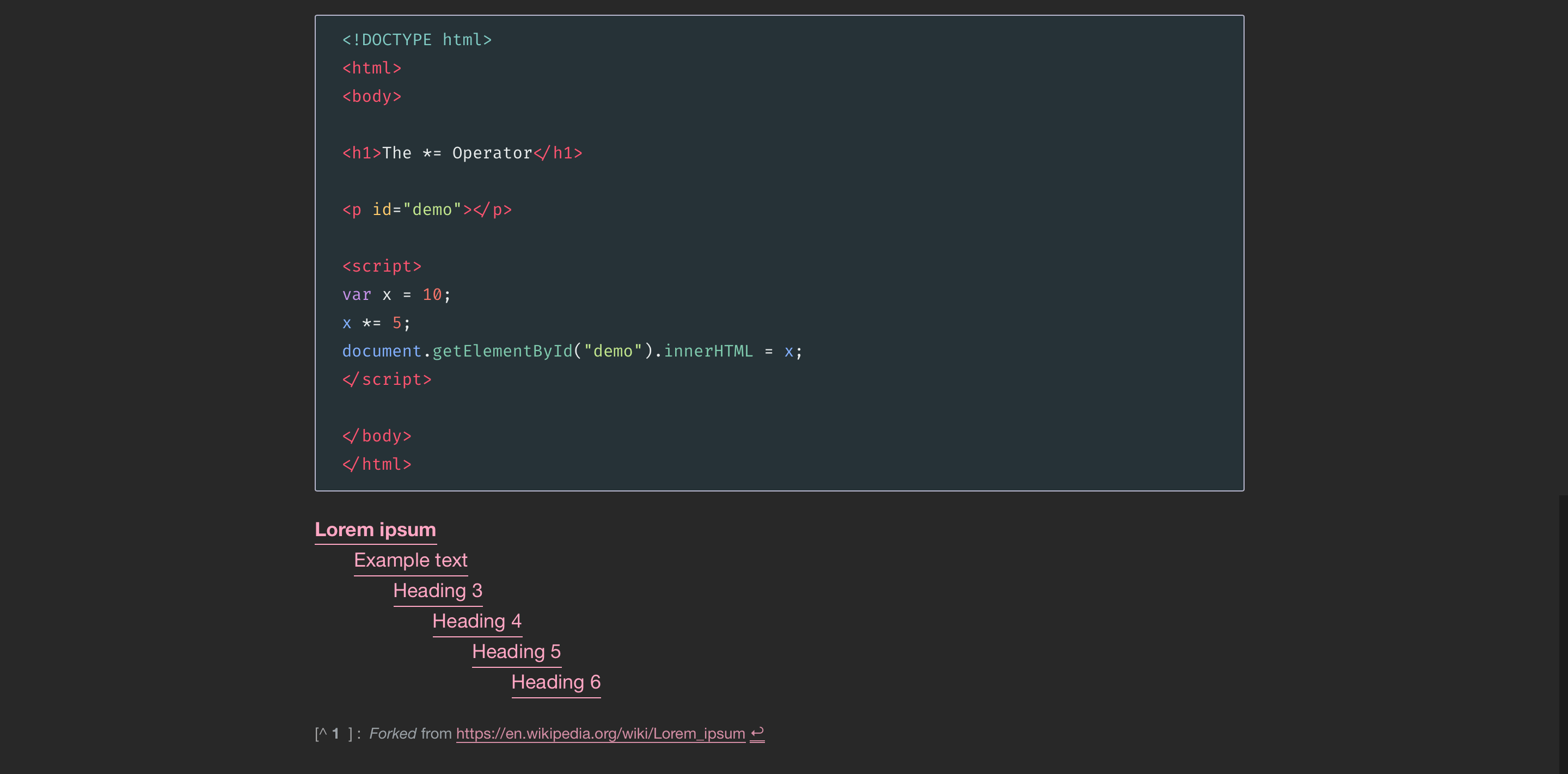
A dark theme for Typora base on official night theme and inspired by Dan Abramov’s site, Overreacted.io.
Install
- Download the theme package.
- Open Preference of Typora. In the Appearance panel, you can see the
Open Theme FolderButton. - Extract all the file under the
themefolder to Typora’s theme folder. - Select
pjchender-darktheme in Typora.
Full instructions are available at Typora’s website.
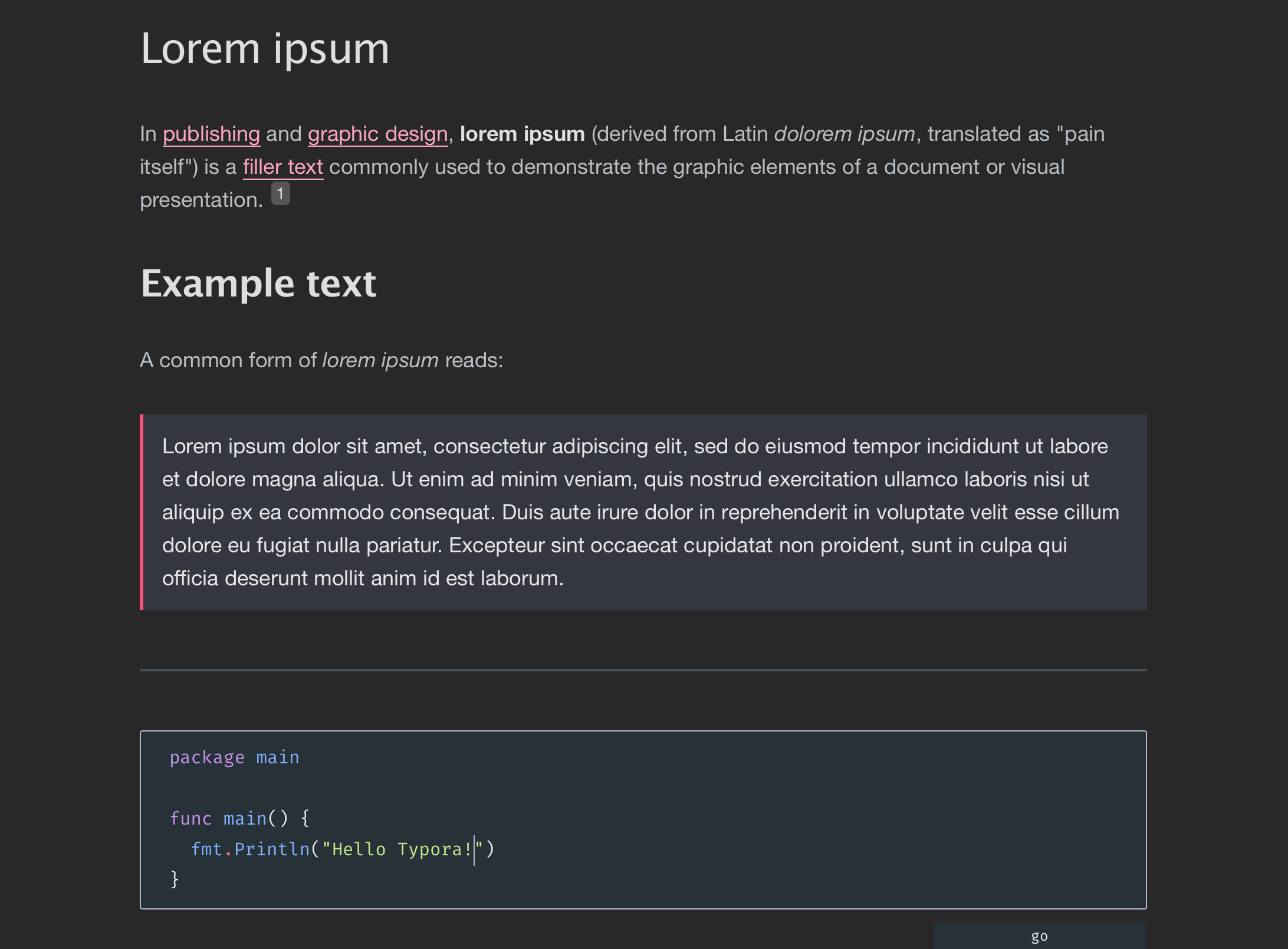
Screenshots